Cost-Effective VPN Setup
Introduction to VPNs
Your Private Tunnel Online
Think of the internet as a busy public highway. When you visit a website, your data travels on this highway in a car that everyone can see. Your Internet Service Provider (ISP), advertisers, and others can peek inside, see who you are (your IP address), and where you're going.
A Virtual Private Network, or VPN, builds a private, encrypted tunnel around your car. It hides your online activity and protects your personal information from onlookers.
A VPN (Virtual Private Network) is a security technology that encrypts your internet traffic and creates a secure tunnel between your device and the internet.
The main goal is to give you a layer of privacy and security as you navigate the web. Instead of your traffic going directly from your device to the internet, it takes a secure detour through a server run by the VPN provider.
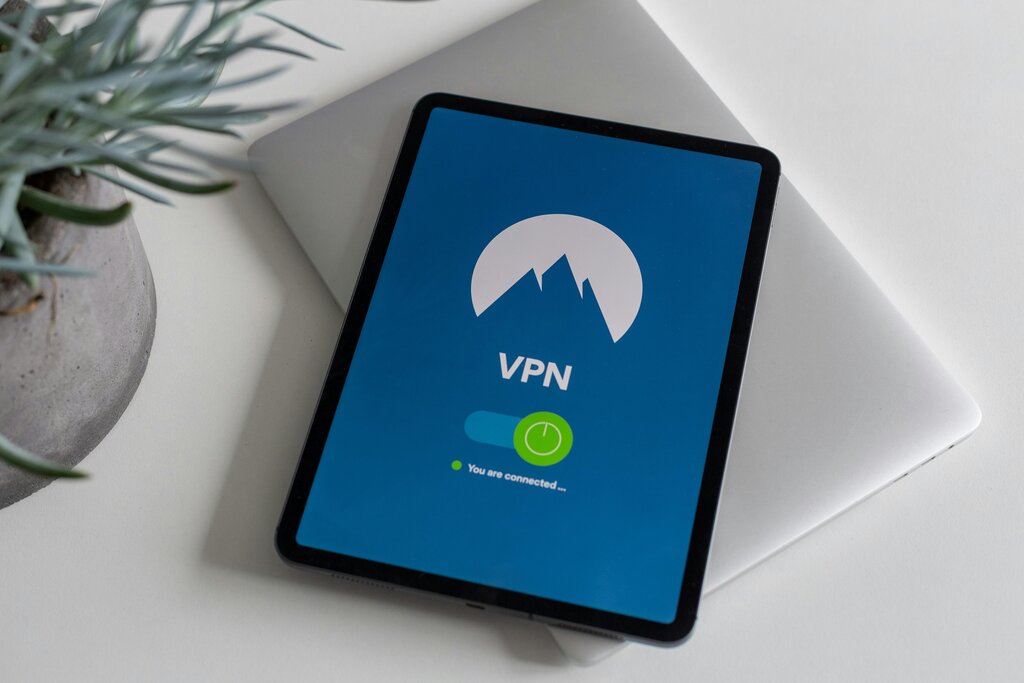
How It Works
A VPN works using a few core principles: tunneling, encryption, and IP masking.
Tunneling
noun
The process of creating a private, secure connection through a public network. A VPN encapsulates your data packets inside other packets before sending them, creating a private 'tunnel' that hides your data from the outside network.
Imagine your data is a letter. Tunneling puts that letter inside a sealed, unmarked envelope. No one on the public internet can see the contents or the final destination. The only addresses visible are between your device and the VPN server.
Encryption: Scrambling Your Data
Inside that tunnel, your data is also encrypted. This means it’s converted into a complex, unreadable code. If someone managed to intercept your data, they would just see gibberish. Only your device and the VPN server have the special key to unscramble it.
IP Masking: Hiding Your Address
Your IP address is like your home address for the internet. It reveals your general location and can be used to track your online activity. When you connect to a VPN, you borrow the IP address of the VPN server.
If you're in California and connect to a VPN server in Tokyo, websites will see a Tokyo IP address. This 'masks' your real IP address, making your online actions much more private.
Common Use Cases
So, when is a VPN actually useful? People use them for a few key reasons.
| Use Case | Why Use a VPN? |
|---|---|
| Public Wi-Fi Security | Protects your data from hackers on unsecured networks in cafes, airports, or hotels. |
| Online Privacy | Prevents your ISP, advertisers, and websites from tracking your browsing habits. |
| Remote Work | Allows employees to securely access a company's internal network from anywhere. |
| Accessing Content | Can help bypass geographic restrictions on streaming services or websites when you're traveling. |
By understanding these basics, you can see how a VPN acts as a critical tool for enhancing your digital privacy and security.
What is the primary function of a Virtual Private Network (VPN)?
A VPN hides your real IP address and shows the IP address of the ______ instead.
Now you have a solid grasp of what a VPN is and why it's a valuable tool for online privacy.