Containers for Absolute Beginners
Problem of Modern Deployment
The Classic Developer Excuse
Every software developer has said it. And every manager has heard it.
"But it works on my machine!"
A developer builds a new feature for an application. They test it on their laptop, and everything runs smoothly. The code is sent off to the next stage, maybe to a testing server or another developer's computer. Suddenly, it crashes. Nothing works.
What went wrong? The code is the same. The problem isn't the code itself, but the environment it's running in.
An application doesn't exist in a vacuum. It relies on a whole stack of other software to function. This includes the operating system (like Windows, macOS, or Linux), specific versions of programming languages, and various libraries and tools. These are called dependencies.
If the developer's laptop has version 2.1 of a certain library, but the server has version 2.2, the application might break. If one machine is missing a specific configuration file, it fails. This is called environment inconsistency, and it's a huge source of bugs, delays, and frustration.
A Lesson from Shipping
Before the 1950s, shipping cargo was a logistical nightmare. Goods were packed in sacks, barrels, crates, and boxes of all different shapes and sizes. Loading a ship was a slow, manual process. Unloading was just as tedious. There was no standard way to move things from a truck to a train to a ship.
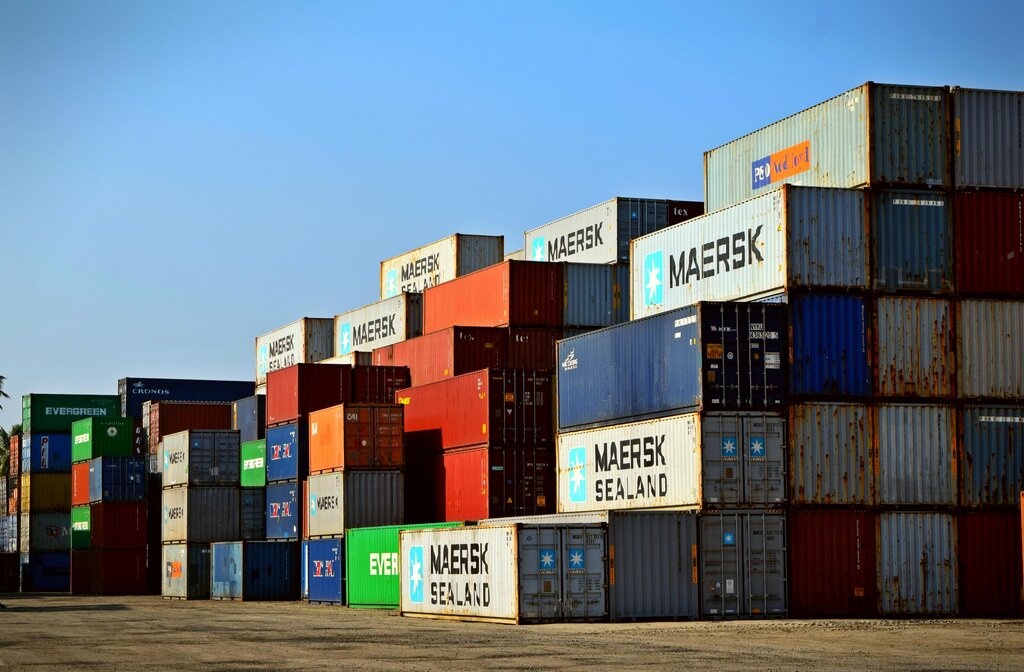
Then came the invention of the standardized shipping container. This simple steel box changed everything. Suddenly, it didn't matter if you were shipping bananas, car parts, or furniture. Everything went into the same type of box.
Any crane could lift it. Any ship could carry it. Any truck could haul it. The container created a consistent, predictable, and efficient system for transporting goods anywhere in the world.
Software in a Box
This is exactly what software containers do for applications. A container is a standard unit that packages up a piece of software along with all of its dependencies: the code, libraries, settings, and tools. Everything the application needs to run is bundled inside.
Think of a container as a standardized box that holds your application and everything it needs to run consistently, regardless of where the container is deployed.
Because the application and its environment are packaged together, the container runs the exact same way on a developer's laptop, a testing server, or in the cloud. The underlying machine doesn't matter, just as it doesn't matter which brand of crane is lifting a shipping container.
This standardization solves the "it works on my machine" problem for good. It makes building and deploying software more reliable, predictable, and efficient. This is the core problem that technologies like Docker were built to solve.