Computing System Fundamentals
Introduction to Computing Systems
The Two Sides of Computing
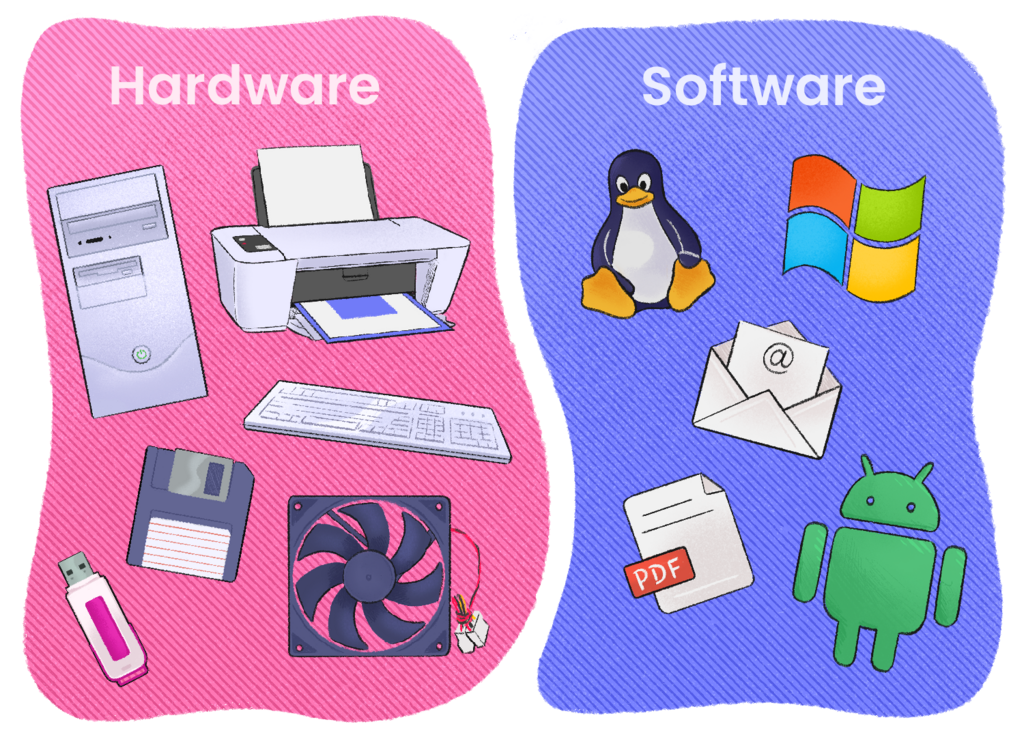
At its heart, a computing system is a team of two parts working together: hardware and software. Hardware is all the physical stuff you can touch—the screen, the keyboard, the chips inside. Software is the set of instructions that tells the hardware what to do. Think of hardware as a piano and software as the sheet music. One is useless without the other.
Meet the Hardware
The main hardware components are like a team in a workshop. You have the brain, the workbench, and the tools for getting information in and out. These are the Central Processing Unit (CPU), memory, and input/output devices.
CPU
noun
The Central Processing Unit, or CPU, is the primary component of a computer that executes instructions. It's often called the brain of the computer.
The CPU is the master worker. It reads instructions from the software and performs the calculations and actions requested, from opening a file to running a complex game. The faster the CPU, the more instructions it can handle per second.

Memory, often called RAM (Random Access Memory), is the computer's short-term workspace. When you open an application, it gets loaded into RAM for the CPU to access quickly. It's like a desk: you put the things you're currently working on there for easy reach. When the computer is turned off, everything on this desk is cleared away.
Input and Output (I/O) devices are how we communicate with the computer. Input devices send information to the computer. Your keyboard, mouse, and microphone are all input devices. Output devices get information from the computer. The monitor, speakers, and printer are common output devices.
Software Runs the Show
If hardware is the body, software is the mind. It provides the instructions and logic. The most important piece of software on any computer is its operating system.
Operating System
noun
The software that supports a computer's basic functions, such as scheduling tasks, executing applications, and controlling peripherals.
The operating system (OS) is the manager of the whole system. It does several crucial jobs:
- Manages Hardware: The OS makes sure all the hardware components work together smoothly. It tells the CPU what to process, allocates memory for different programs, and handles communication with your keyboard and monitor.
- Provides a User Interface: The OS gives you a way to interact with your computer, whether through a graphical desktop with icons and windows or a text-based command line.
- Runs Applications: It creates the environment for all your other software—like web browsers, word processors, and games—to run.

Essentially, the OS is the bridge between you and the hardware. You tell the OS what you want to do (by clicking an icon), and the OS translates that command into instructions the hardware can understand and execute.
Ready to check your understanding of these core components?
If a computer's hardware is analogous to the physical parts of a car (engine, wheels, chassis), what is the best analogy for its software?
Which of the following components serves as the computer's temporary, short-term workspace that is cleared when the power is turned off?