Computer Vision for Inventory Automation
Computer Vision Basics
How Computers See Images
At its core, a digital image is just a grid of numbers. Imagine a checkerboard. Each square on the board is a single dot of color, called a pixel. For a simple black and white image, each pixel has a single number representing its brightness. A value of 0 could be pure black, 255 could be pure white, and any number in between is a shade of gray.
Color images work on a similar principle, but they use multiple grids stacked on top of each other. The most common system is the RGB color model. Each pixel is described by three numbers: one for red, one for green, and one for blue. By mixing different amounts of these three primary colors, we can create millions of different shades.
Finding Meaning in Pixels
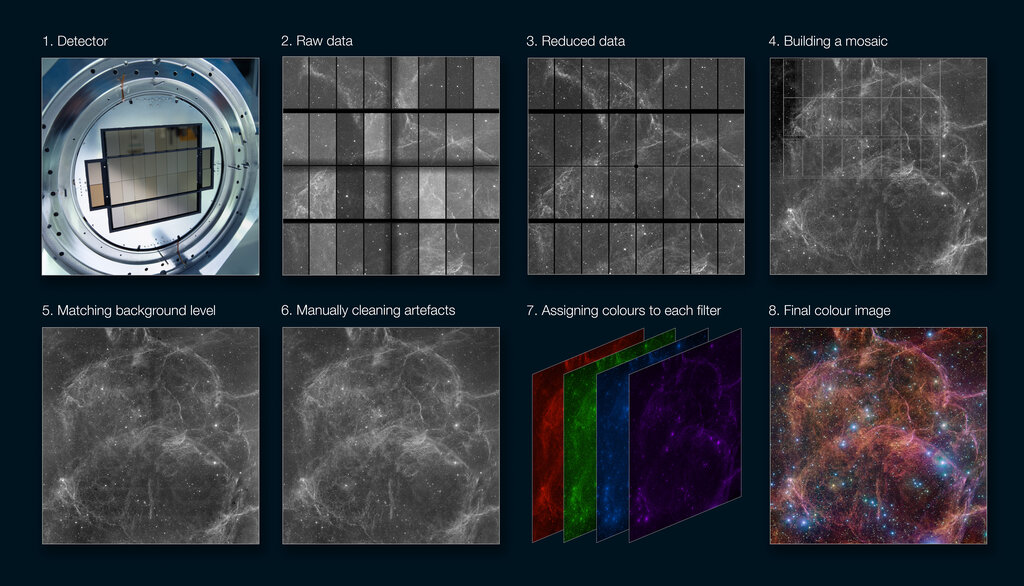
Once a computer understands an image as a set of numbers, it can start to process it. Often, a raw image has problems like poor lighting or blurriness. Basic image processing techniques can clean this up. For example, a computer can apply a mathematical filter to blur an image slightly, which helps reduce random noise. Another filter might sharpen the image to make edges more distinct.
These simple adjustments are a crucial first step. They prepare the image for the more complex task of identifying what's actually in it.
After cleaning up the image, the next step is feature extraction. A feature is simply an interesting or significant piece of information in the image. For a computer, this isn't a high-level concept like "a person's eye." Instead, features are things like:
- Edges: Lines where the brightness changes sharply.
- Corners: Points where two edges meet.
- Blobs: Regions of a similar color or texture.
Algorithms scan the image's grid of numbers, looking for these mathematical patterns. A sharp change in pixel values from one row to the next signals an edge. Finding these simple features is the first step toward understanding the larger shapes in the picture.
Recognizing the Pattern
With a list of extracted features like edges and corners, the system can move on to pattern recognition. This is where the computer starts to piece together the simple features to identify more complex objects.
Think of it like building with LEGOs. The individual features are the bricks. Pattern recognition is the process of looking at the arrangement of those bricks to figure out if you've built a car, a house, or a spaceship.
A computer might be trained to know that an inventory item, like a specific brand of soda, is typically a red cylinder. It would look for features that form a cylindrical shape and check if the pixels in that area have the right red values. It compares the pattern of features from the new image to patterns it has learned before.
Pattern recognition is the final step in this basic process: it matches the extracted features from an image to known patterns to make an identification.
This combination of representing images as numbers, processing them for clarity, extracting key features, and recognizing patterns forms the foundation of computer vision. It's how a machine goes from a grid of pixels to identifying a product on a shelf.
Let's check your understanding of these fundamental concepts.
How is a standard color image represented for a computer to process?
What is the primary goal of applying a mathematical filter to an image, such as blurring or sharpening, in the early stages of computer vision?
By mastering these basics, we can begin to build systems that automate complex tasks like inventory management.