Computer Vision for Inventory Automation
Computer Vision Basics
How Computers See the World
Humans see a warehouse shelf and instantly recognize boxes, bottles, and bags. A computer sees a grid of numbers. Every digital image is a mosaic of tiny squares called pixels, and each pixel has a numeric value representing its color and brightness.
For a computer to understand an image of a product on a shelf, it must first translate that visual information into a language it understands: data. A color image is typically a three-layered grid, with each layer representing the intensity of red, green, and blue light for every pixel. A black and white, or grayscale, image is simpler—just one layer of numbers representing brightness from pure black (0) to pure white (255).
This grid of numbers is the raw material for computer vision. By itself, it's just a collection of data points. To make sense of it, the computer needs to process these numbers to find patterns.
Cleaning Up the Picture
Real-world images are messy. A warehouse might have inconsistent lighting, shadows, or reflections that can confuse a computer. Image processing is like tidying up the data before analysis, making important information easier to spot. It’s the first step in turning a cluttered visual scene into something a machine can reliably interpret.
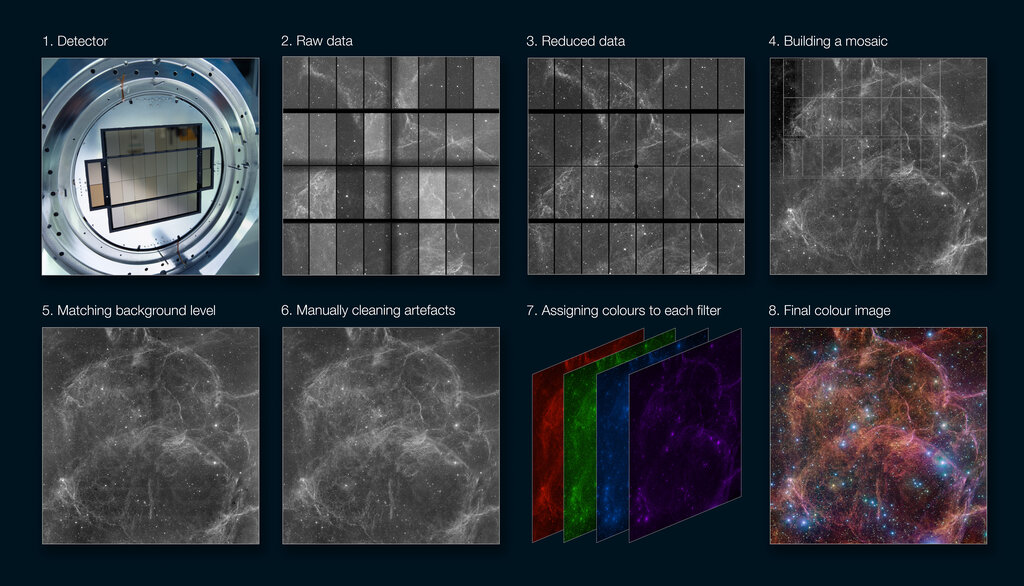
Common techniques include:
-
Grayscale Conversion: Converting a color image to grayscale simplifies the problem. Instead of analyzing three layers of numbers (red, green, blue) for each pixel, the computer only has to deal with one layer representing brightness. This makes the analysis much faster and often just as effective for tasks like identifying shapes.
-
Thresholding: This technique simplifies an image even further by converting it to just black and white. You set a brightness threshold—any pixel brighter than the threshold becomes white, and any pixel darker becomes black. This is extremely useful for separating an object from its background.
-
Blurring: It might sound counterintuitive, but sometimes blurring an image is helpful. A slight blur can smooth out minor imperfections or
noise
noun
Random variations in brightness or color in an image, often appearing as graininess.
This helps the computer focus on the larger shapes, like the overall outline of a box, rather than getting distracted by the texture of the cardboard.
Finding What Matters
Once an image is cleaned up, the next step is to identify its most important parts. This is called feature extraction. Think about how you recognize a face. You don't analyze every pore; you look for features like eyes, a nose, and a mouth. A computer does the same, but with much simpler features.
Feature extraction is the process of identifying simple, meaningful patterns in the image data.
These basic features are the building blocks of object recognition. For inventory, the most useful features are often:
-
Edges: An edge is a line where there's a sharp change in brightness. It's how a computer finds the outline of a product, distinguishing it from the shelf it's sitting on.
-
Corners: A corner is where two edges meet. Corners are very stable features that are easy to track, even if an object is viewed from a slightly different angle.
-
Blobs (Binary Large Objects): A blob is a region of connected pixels with a similar property, like a patch of the same color or brightness. A red logo on a white box could be identified as a blob.
By detecting combinations of these simple features, a computer can start to piece together a more complex understanding of the objects in an image. It can identify the rectangular shape of a box by finding its four corners and the edges connecting them. It can count bottles by identifying circular blobs at their tops. This process turns a sea of pixels into a structured set of shapes and patterns, laying the groundwork for automated inventory tracking.
How does a computer typically represent a digital color image?
The process of converting a grayscale image into a pure black and white image by setting a brightness cutoff is called __________.