Computer Vision for Inventory Automation
Introduction to Computer Vision
What Computers See
At its heart, computer vision is the science of teaching machines to see and understand the world like humans do. It's not just about capturing an image; it's about interpreting it. A camera can take a picture of a warehouse shelf, but computer vision gives a system the ability to look at that picture and say, "There are 12 boxes of cereal on that shelf, and two are out of place."
Computer vision is a branch of artificial intelligence (AI) that enables machines to interpret and analyze visual data from the world around them.
To a computer, a digital image isn't a scene. It’s a grid of pixels, with each pixel represented by a number (or a set of numbers for color). The fundamental challenge of computer vision is to translate this massive grid of numbers into useful, high-level information, like identifying objects, tracking their movement, or assessing a situation.
From Pixels to Patterns
Before a computer can recognize an object, it needs to process the raw pixel data to make important patterns easier to find. This first step is called image processing.
Think of it like adjusting a photo before you post it online. A common technique is to convert a color image to grayscale. This simplifies the data significantly. Instead of tracking three values (Red, Green, and Blue) for each pixel, the computer only needs to worry about one value representing its brightness. Other adjustments, like changing the contrast or reducing visual “noise” (random pixel variations), help clarify the image for analysis.
Once the image is prepped, the next step is feature extraction. The goal is to identify the most informative parts of the image, the building blocks that define the objects within it. These features aren't the objects themselves, but their core characteristics.
feature
noun
A measurable piece of data in an image that is unique or informative, such as a corner, edge, color, or texture.
For example, to recognize a cardboard box, a computer vision system might look for features like straight lines (edges) and right angles (corners). To identify a piece of fruit, it might look for features like color, curvature, and texture. The system isolates these simple patterns to build a more complex understanding of the scene.
Teaching Machines to Recognize
After extracting features, how does a computer learn that a specific set of lines and corners means
After extracting features, how does a computer learn that a specific set of lines and corners means "box"? This is where machine learning comes in. By showing a machine learning model thousands of labeled images, we can train it to associate certain combinations of features with a specific label.
For an inventory system, you might feed the model:
- 10,000 images labeled "Box A"
- 10,000 images labeled "Box B"
- 10,000 images of shelves without those boxes
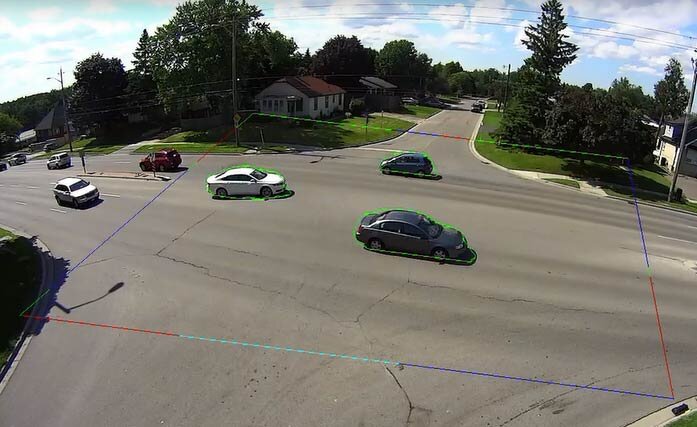
Over time, the model learns the unique visual signatures of each box. It builds an internal representation that allows it to identify those boxes in new, unseen images. This training enables two crucial tasks: classification (what is this object?) and object detection (where is the object in the image?).
Computer Vision in the Warehouse
The applications of these concepts in inventory management are powerful. Instead of relying on manual counts or barcode scans, businesses can use cameras to automate the process entirely.
By automating the process of stock tracking and replenishment, computer vision offers a more accurate, efficient, and scalable solution.
Here are a few common applications:
-
Automated Stock Counting: Cameras mounted on ceilings or autonomous robots can continuously scan shelves. The system detects each product, counts the units, and updates the inventory database in real time.
-
Out-of-Stock Alerts: The system can be programmed to recognize when a shelf is empty or when stock levels for a certain product fall below a set threshold. When this happens, it automatically sends an alert to staff to restock the item.
-
Misplaced Item Detection: A computer vision system knows what a shelf is supposed to look like. If a box of crackers ends up in the cereal aisle, the system can flag the misplaced item for an employee to correct.
-
Quality Control: In addition to counting items, computer vision can also inspect them. It can check for damaged packaging on a conveyor belt or verify that the correct labels are on products before they are shipped.
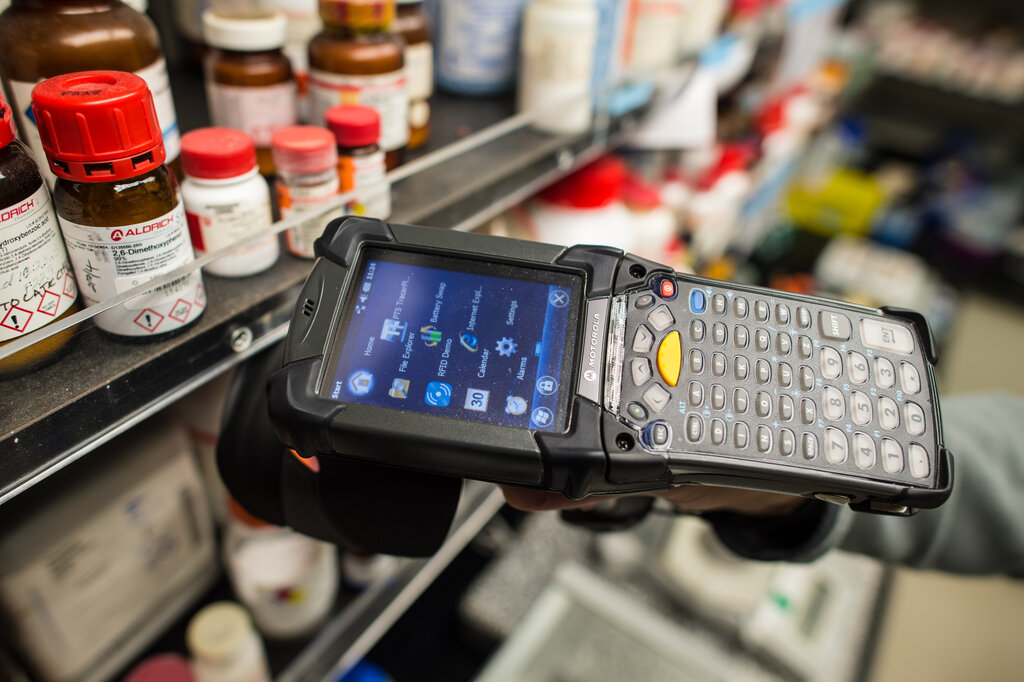
By turning visual data into actionable information, computer vision helps businesses reduce human error, improve efficiency, and maintain a much more accurate picture of their inventory at all times. This shift from manual tracking to automated visual analysis is transforming how warehouses and retail stores operate.
Now, let's test your understanding of these core concepts.
What is the fundamental goal of computer vision?
In image processing, why is converting a color image to grayscale often a useful step?