Computer Systems for Creative Media
Computer Hardware Basics
The Core Components
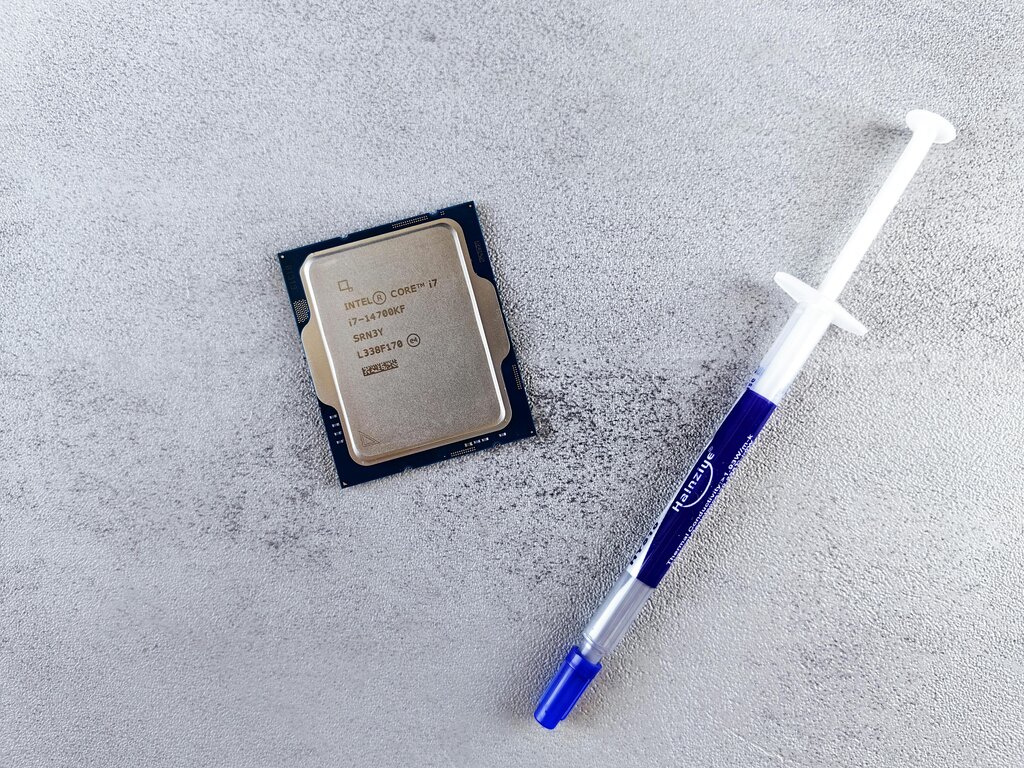
At the heart of any computer is the Central Processing Unit, or CPU. Think of it as the computer's brain. It executes commands and runs the calculations that make everything else happen, from opening a program to exporting a video file. For creative work, the CPU's performance is critical.
Two key specifications for a CPU are its clock speed (measured in gigahertz, or GHz) and the number of cores it has. A higher clock speed means the CPU can perform calculations faster. More cores allow it to handle multiple tasks simultaneously, which is a huge advantage when rendering complex visual effects or working with many audio tracks.
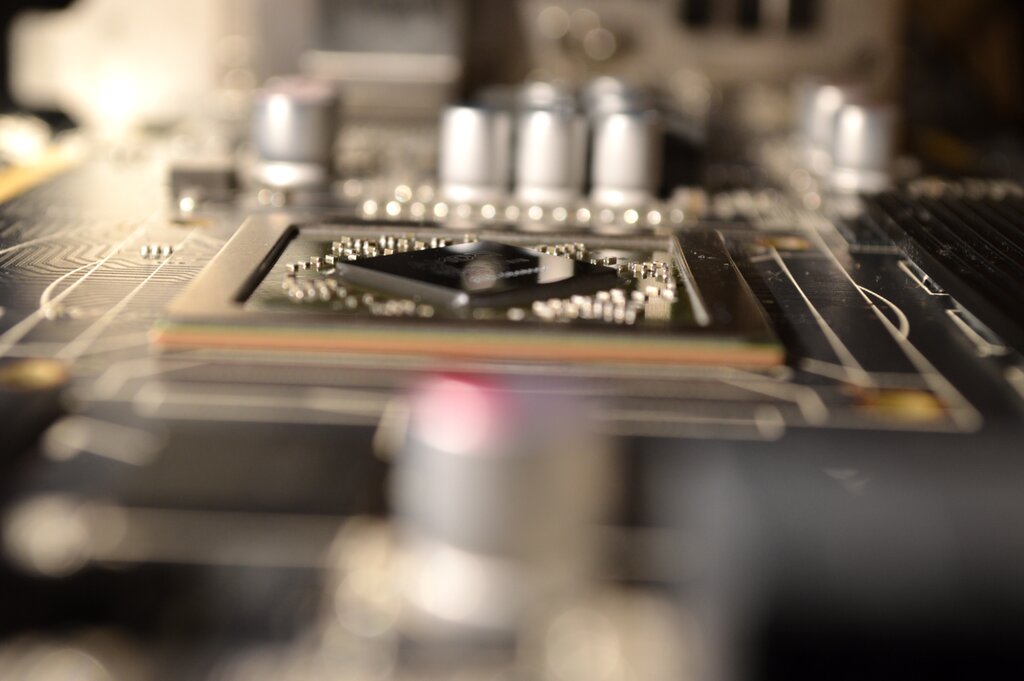
While the CPU is a general-purpose processor, the Graphics Processing Unit (GPU) is a specialist. Its job is to handle visual information. Originally designed for rendering 3D graphics in video games, GPUs are now essential for professional video editing, animation, and any task that involves processing a large amount of visual data. They take the heavy lifting of rendering images and effects off the CPU, freeing it up for other tasks.
A GPU, meaning graphics processing unit, accelerates rendering images and videos on a device by design.
Memory and Storage
Memory, or RAM (Random Access Memory), is your computer's short-term workspace. Imagine it as the top of your desk. The more desk space you have, the more projects and tools you can have out and ready to use at the same time. Similarly, the more RAM your computer has, the more applications and large files it can handle simultaneously without slowing down.
When you're editing high-resolution video or working with multi-layered audio files, these assets are loaded into RAM for quick access. If you don't have enough RAM, the computer has to constantly swap data back and forth with your main storage, which is much slower. For creative professionals, having plenty of RAM is non-negotiable for a smooth workflow.

Storage is where your files live permanently. It's the filing cabinet to RAM's desktop. There are two main types: Hard Disk Drives (HDDs) and Solid-State Drives (SSDs). HDDs are older, mechanical drives with spinning platters. They offer large amounts of storage for a low cost but are relatively slow. SSDs use flash memory, like a giant USB stick, and have no moving parts. They are significantly faster, but also more expensive per gigabyte.
A common strategy for media production is to use a fast SSD for your operating system, applications, and current project files. Then, use a larger, less expensive HDD for long-term storage and archiving completed projects.
| Feature | Hard Disk Drive (HDD) | Solid-State Drive (SSD) |
|---|---|---|
| Speed | Slower | Much faster |
| Cost | Less expensive | More expensive |
| Mechanism | Spinning platters | Flash memory |
| Best For | Archiving, backups | OS, apps, active projects |
Getting Information In and Out
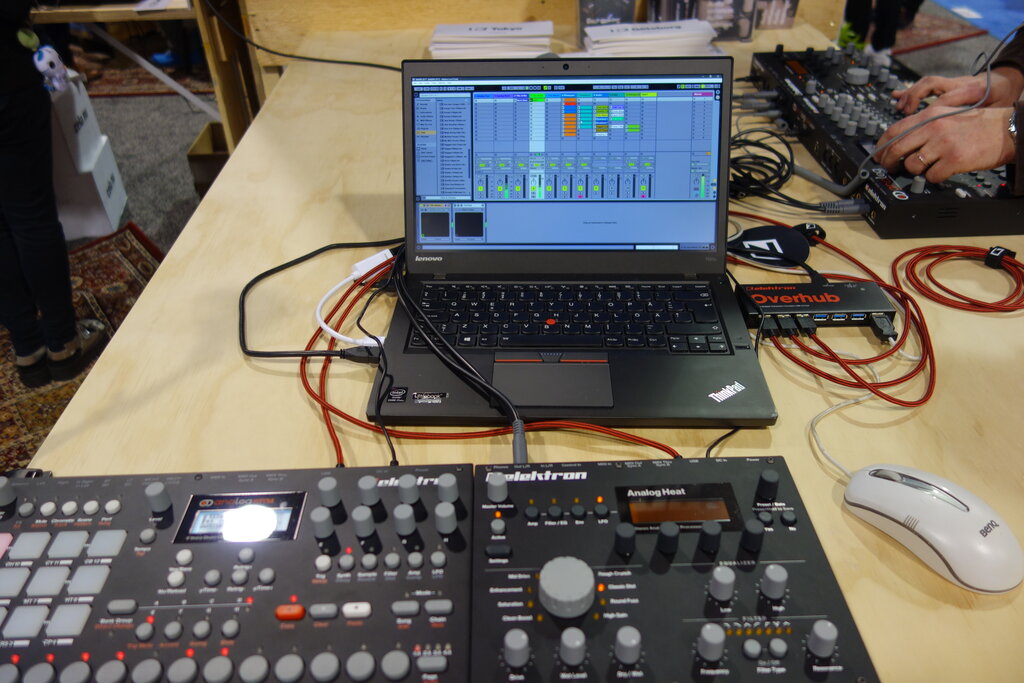
Finally, you need a way to interact with your computer. Input and output (I/O) devices are the tools that let you control your work and see or hear the results. For creative tasks, these go beyond the standard keyboard and mouse.
Input devices might include a graphics tablet for digital drawing, a high-quality microphone for recording audio, or a MIDI controller for creating music.
Output devices are just as important. A color-calibrated monitor is essential for accurate video and photo editing, ensuring that what you see is what everyone else will see. High-fidelity speakers or headphones are crucial for professional audio mixing and mastering.
Understanding how these components work together is the first step in building or choosing a system that won't hold your creativity back. A powerful CPU, a capable GPU, sufficient RAM, and fast storage form the foundation of any great media production workstation.
Let's check your understanding of these core components.