Computer Systems for Creative Media
Computer Hardware Basics
The Physical Parts
Every computer, whether it's a laptop, a desktop, or even your phone, is built from physical components. This collection of parts is called hardware. It's everything you can physically touch, from the screen you're looking at to the tiny chips working inside. Think of hardware as the body of the computer, providing the structure and machinery needed for everything else to run.
Hardware: This refers to the physical components of a computer system, including processors, memory, storage devices, and input/output devices.
The Brain
At the heart of every computer is the Central Processing Unit, or CPU. It's often called the computer's "brain," and for good reason. The CPU is where the thinking happens. It reads instructions from programs, performs calculations, and manages the flow of information through the system. A faster CPU can process information more quickly, making your computer feel more responsive.
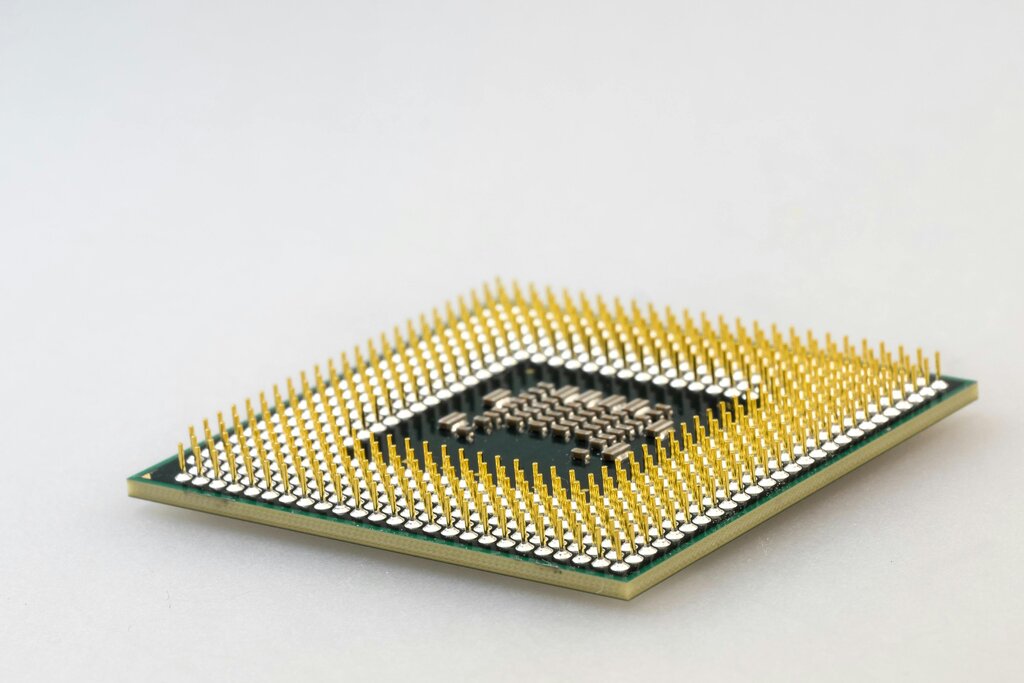
Whether you're editing a video or just browsing the web, the CPU is constantly at work, executing billions of instructions every second to make it happen. It's the engine that drives the entire machine.
Computer Memory
Just like a brain, a computer needs memory to function. Computer memory comes in two main types: short-term and long-term.
RAM (Random Access Memory) is the computer's short-term memory. Think of it as your desk space. When you're working on something, you pull out the files and tools you need and spread them out on the desk where they're easy to access. RAM works the same way. It holds the data for the applications that are currently running. It's very fast, but it's also volatile, meaning it forgets everything as soon as the computer is turned off.
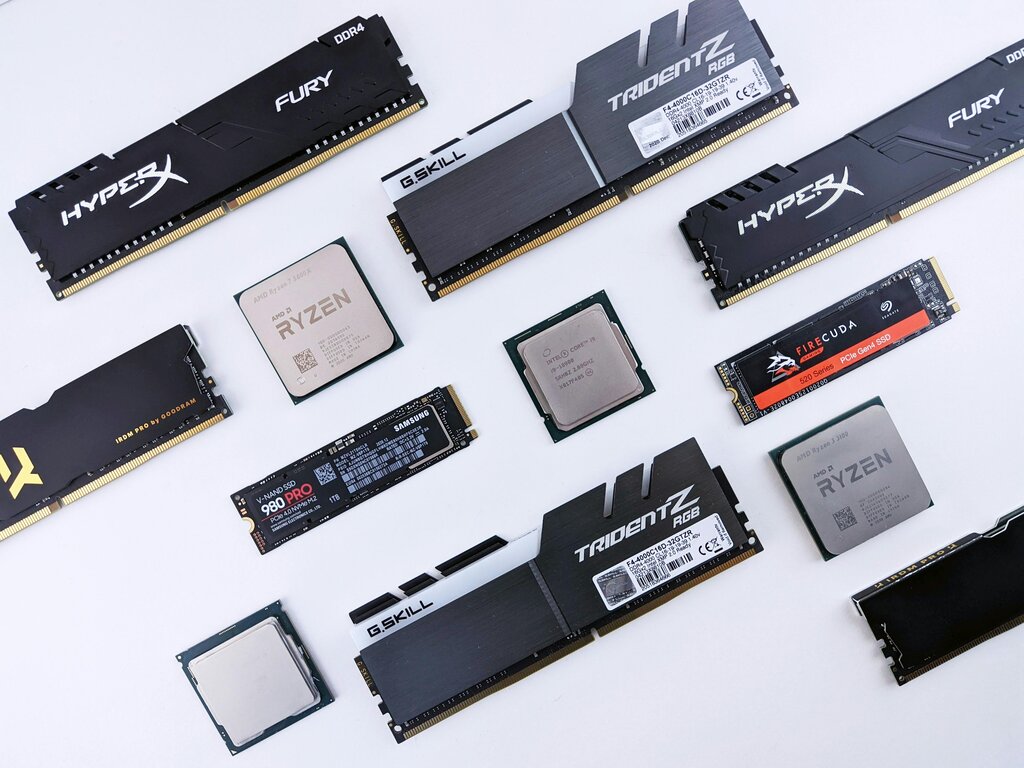
Storage, on the other hand, is the computer's long-term memory. This is your filing cabinet. It's where you keep all your files, applications, and the operating system itself, even when the power is off. Storage is slower than RAM but can hold much more information permanently. Common examples include hard disk drives (HDDs) and the faster solid-state drives (SSDs).
| Feature | RAM (Short-Term Memory) | Storage (Long-Term Memory) |
|---|---|---|
| Purpose | Holds data for active programs | Stores files and software permanently |
| Speed | Very Fast | Slower than RAM |
| Volatility | Clears when power is off | Retains data without power |
| Analogy | A desk or workbench | A filing cabinet or library |
Getting Information In and Out
A computer wouldn't be very useful if we couldn't communicate with it. That's where input and output devices come in.
Input devices are how we give the computer information. The most common examples are your keyboard and mouse. When you type or click, you're sending instructions and data into the system for the CPU to process.
Keyboards, mice, microphones, and webcams are all input devices. They translate our actions into data the computer can understand.
Output devices are how the computer gives information back to us. The monitor displays images and text, while speakers provide sound. A printer creates a physical copy of a digital document. These devices turn the computer's processed data into something we can see, hear, or hold.

Beyond these basics, many other components can connect to a computer. These are often called peripheral devices. They add extra capabilities, like a webcam for video calls, an external hard drive for more storage, or a graphics tablet for digital drawing. They all connect to the main computer system and expand what it can do.
Which component is often called the 'brain' of the computer because it performs calculations and manages the flow of information?
If you are working on a document and your computer suddenly loses power, the information you haven't saved is lost. This is because the unsaved data was being held in which type of volatile memory?
Understanding these basic hardware components is the first step in seeing how a computer really works. Each part has a distinct role, but they all work together to turn simple instructions into powerful results.