Computer Systems Explained
Computer Hardware
The Computer's Brain
At the heart of every computer is a small, powerful chip that does most of the thinking. This is the Central Processing Unit, or CPU. It's responsible for executing the commands and running the programs that make a computer useful. Think of it as the brain of the entire operation.
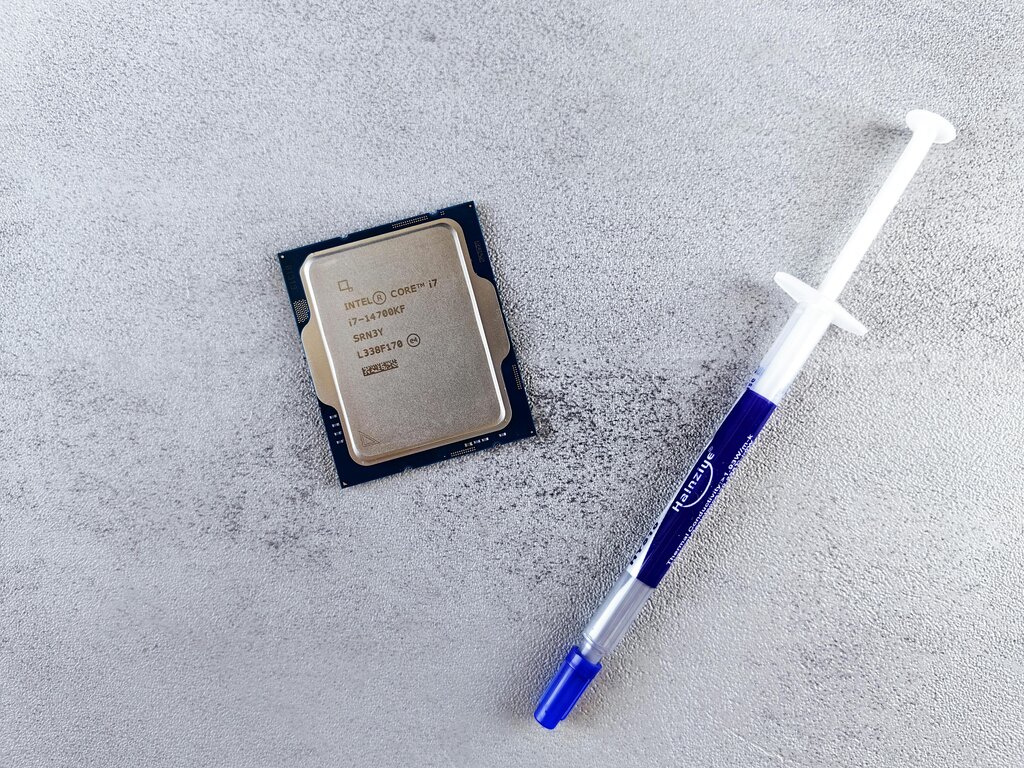
CPU
noun
The Central Processing Unit. It's the primary component of a computer that performs most of the processing for the machine.
Whenever you click your mouse, type on your keyboard, or open a file, the CPU is what interprets those actions and tells the other parts of the computer what to do. Its speed, measured in gigahertz (GHz), determines how many instructions it can handle per second. A faster CPU means a snappier, more responsive computer.
Computer Memory
A computer has two main types of memory: one for short-term tasks and another for long-term storage. A good way to think about this is to imagine a desk and a filing cabinet.
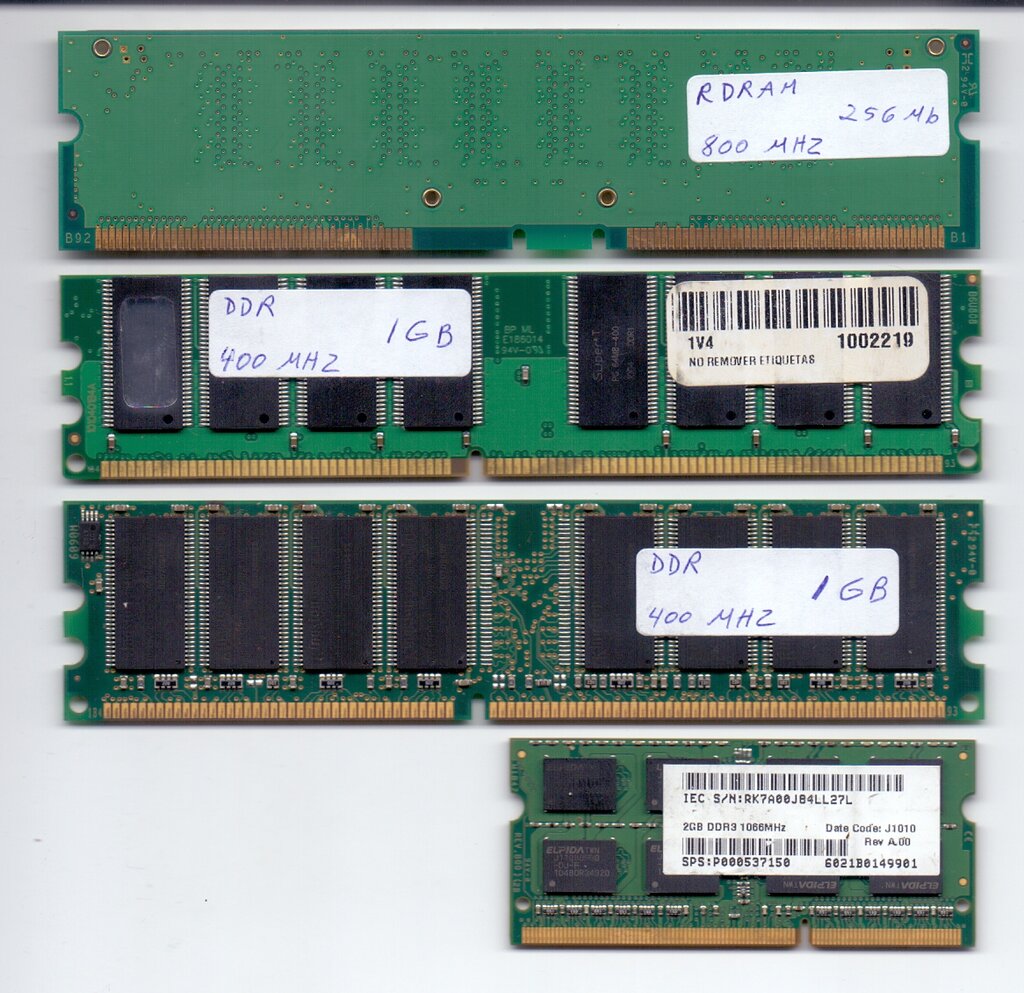
Random Access Memory (RAM) is like your desk. It's a temporary workspace where the computer holds the data it's actively using. When you open a program or a document, it gets loaded into RAM for quick access by the CPU. The more RAM you have, the more things you can do at once without the computer slowing down. But just like a desk, everything in RAM is cleared away when the computer shuts down.
Storage devices are the filing cabinet. This is where you permanently save your files, photos, and programs. Unlike RAM, storage holds onto your data even when the power is off. The two most common types are Hard Disk Drives (HDDs), which use spinning platters, and Solid-State Drives (SSDs), which are faster because they use flash memory with no moving parts.
Getting Information In and Out
For a computer to be useful, you need a way to give it instructions and a way for it to show you the results. This is the job of input and output devices.
Input devices send information to the computer. The most common examples are the keyboard, which sends text, and the mouse, which sends clicks and movement commands. Microphones, webcams, and scanners are also input devices.
Output devices receive information from the computer. A monitor displays visuals, speakers play audio, and a printer creates physical copies of documents. They take the results of the CPU's work and present them in a form humans can understand.
The basic flow is simple: You provide an input, the CPU processes it, and the computer provides an output.
The Grand Central Station
So how do all these separate parts talk to each other? They all connect to one central hub: the motherboard. It's a large circuit board that acts like the computer's central nervous system or a city's road network. The CPU, RAM, storage drives, and ports for input/output devices all plug into the motherboard.
It provides the electrical pathways that allow data to flow between every component. Without the motherboard, the CPU wouldn't be able to get data from RAM, and you wouldn't be able to see anything on your monitor. It's the essential component that ties everything together into a single, functioning system.
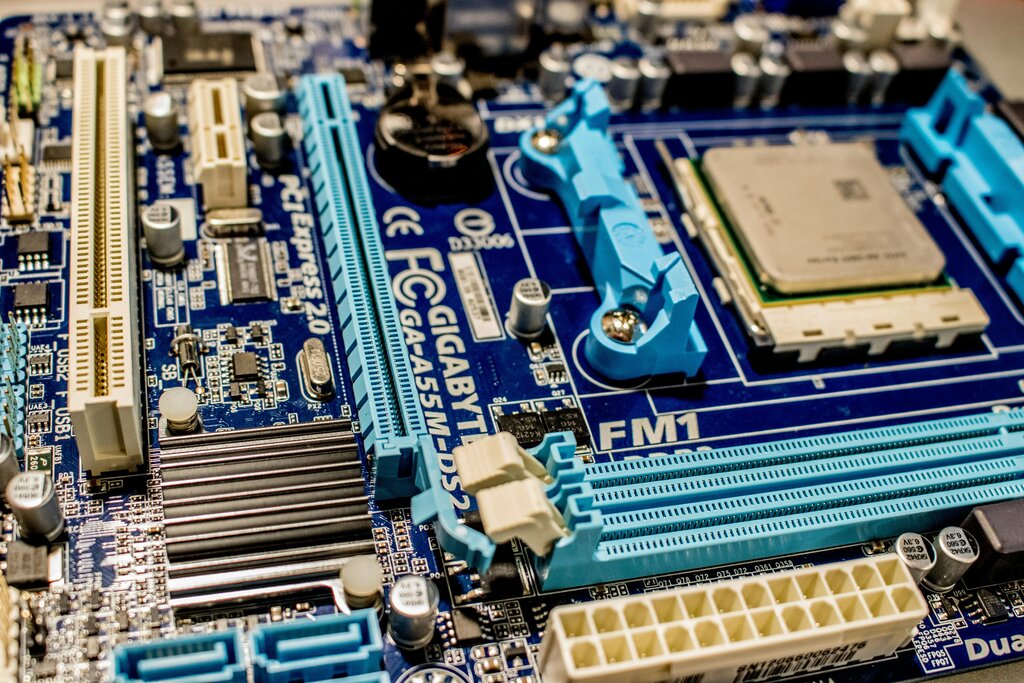
Together, these physical components form the hardware of a computer. Each part has a specific job, but they all rely on the motherboard to work in concert to run the tasks you command.