Computer Systems Explained
Computer Hardware
Inside the Machine
A computer might seem like a single, magical box, but it's really a team of specialized parts working together. Each piece has a distinct job, and they all communicate through a central hub. Let's open the case and see what's inside.
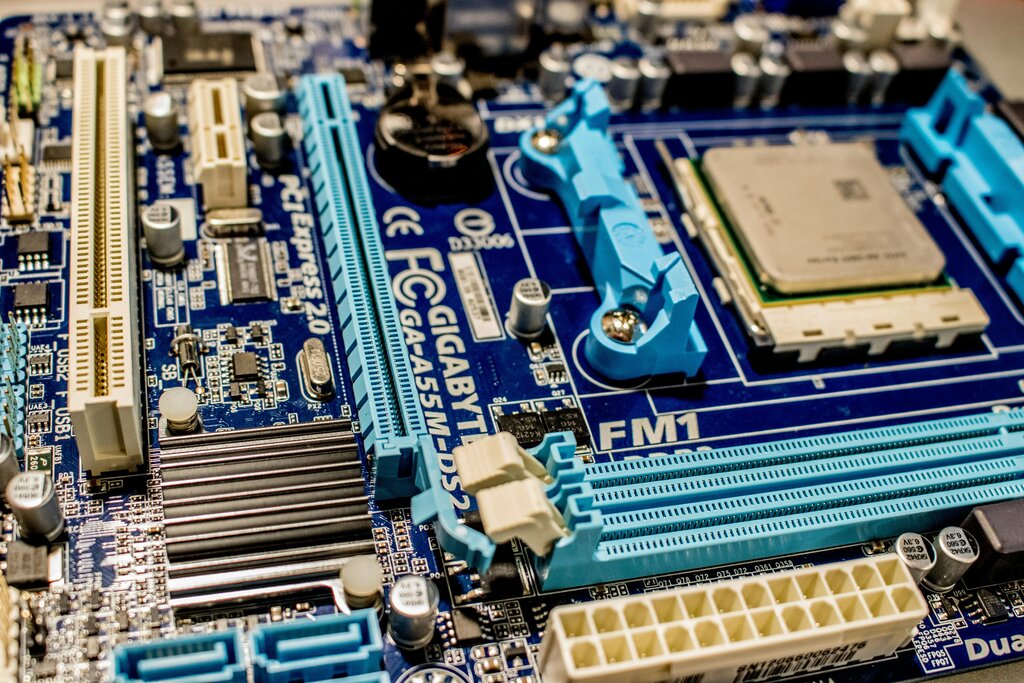
The foundation of any computer is the motherboard. It's a large circuit board that acts like the central nervous system, allowing every other component to connect and communicate. All the parts we'll discuss plug directly into it, sending information back and forth through its intricate pathways.
The Brain and Its Memory
At the heart of the motherboard sits the computer's brain.
CPU
noun
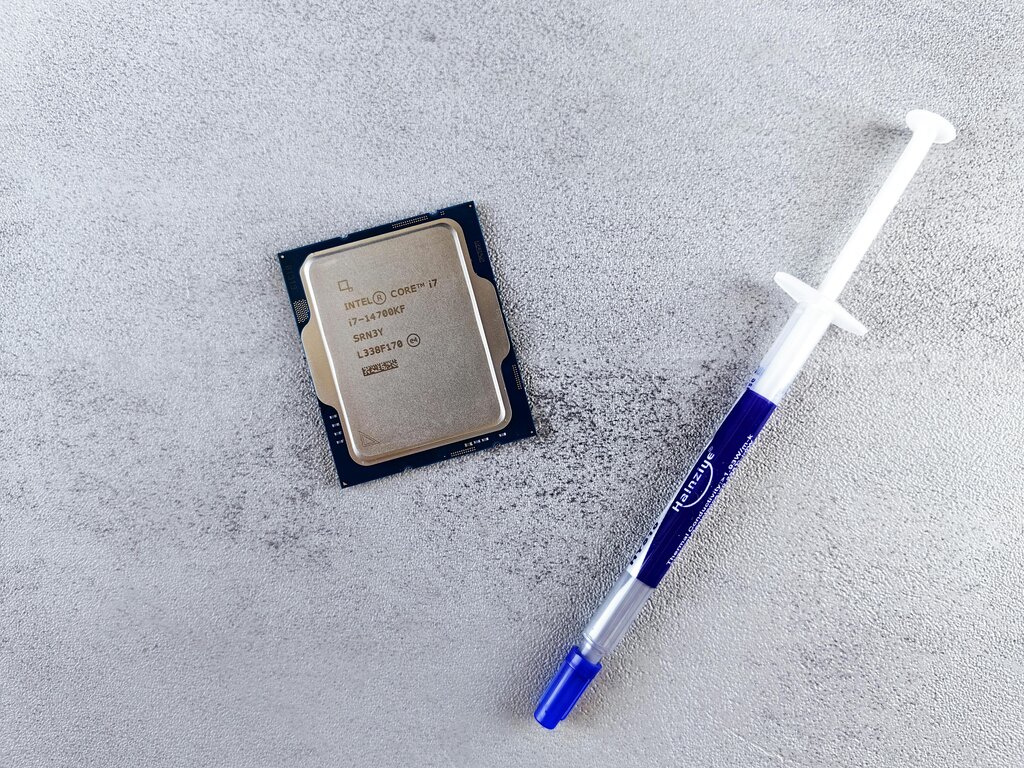
The Central Processing Unit is the primary component of a computer that executes instructions. It performs most of the processing inside the computer.
The CPU is a small chip that carries out the commands you give it, from opening a program to playing a video. It's constantly fetching instructions from memory and executing them. Think of it as the engine that drives everything. It has two main parts: the Arithmetic Logic Unit (ALU), which handles math and logical comparisons, and the Control Unit (CU), which directs the flow of operations.
But a brain is useless without memory. Computers have two main types. The first is Random Access Memory, or RAM. This is the computer's short-term, working memory. It's like a desk where you lay out all the tools and papers you need for a current project. RAM is extremely fast, which allows the CPU to access data quickly. When you open an application, it gets loaded into RAM. The downside is that RAM is volatile, meaning it forgets everything as soon as the computer loses power.
RAM is for what's happening right now. Storage is for what you want to keep for later.
For long-term safekeeping, computers use storage devices. These are like a filing cabinet where you store documents and programs for future use. Unlike RAM, storage is non-volatile; it holds onto your data even when the power is off.
There are two common types:
- Hard Disk Drives (HDD): These are older, mechanical drives that use spinning platters and a read/write head to store data magnetically. They offer large amounts of storage for a lower cost.
- Solid-State Drives (SSD): These are modern drives with no moving parts. They use flash memory, similar to a USB drive, making them much faster, quieter, and more durable than HDDs.
Interacting with the Computer
All those internal components wouldn't be very useful if we couldn't communicate with them. That's where input and output devices come in.
Input devices send data into the computer. Output devices get data out of the computer.
Input devices are how you give the computer instructions and information. The most common examples are the keyboard, for typing text and commands, and the mouse, for pointing, clicking, and navigating the screen. Others include microphones, webcams, and scanners.
Output devices are how the computer presents information back to you. The monitor displays visual information, like text, images, and videos. A printer creates physical copies of digital documents. Other output devices include speakers, which produce sound, and headphones.
Each part, from the smallest transistor on the CPU to the large screen of your monitor, plays a vital role. Together, they form a powerful tool for work, creativity, and communication.
Which component acts as the "central nervous system" of a computer, connecting all other parts so they can communicate?
The CPU, or the computer's "brain," is composed of two main units. What are they?
Understanding these physical components is the first step to understanding how computers work.