Computer System Unit Essentials
Introduction to Computer Hardware
The Core Components
When you look at a desktop computer, you typically see a box, a screen, a keyboard, and a mouse. That box is often called the tower or the system unit. It's the central hub that houses the most critical parts of the computer, the components that do the actual thinking and processing.
Let's open up that box and look at the three most essential players inside: the motherboard, the CPU, and RAM. Understanding what these parts do is the first step to understanding how a computer works.
The Motherboard
The motherboard is the foundation. It's a large circuit board that connects all the other components. Think of it as a city's road system. It doesn't do the thinking itself, but it provides the pathways for every other part to communicate. Without the motherboard, the CPU couldn't talk to the RAM, and neither could connect to your hard drive or graphics card.
Everything plugs into the motherboard. It's the communication backbone of the entire computer.
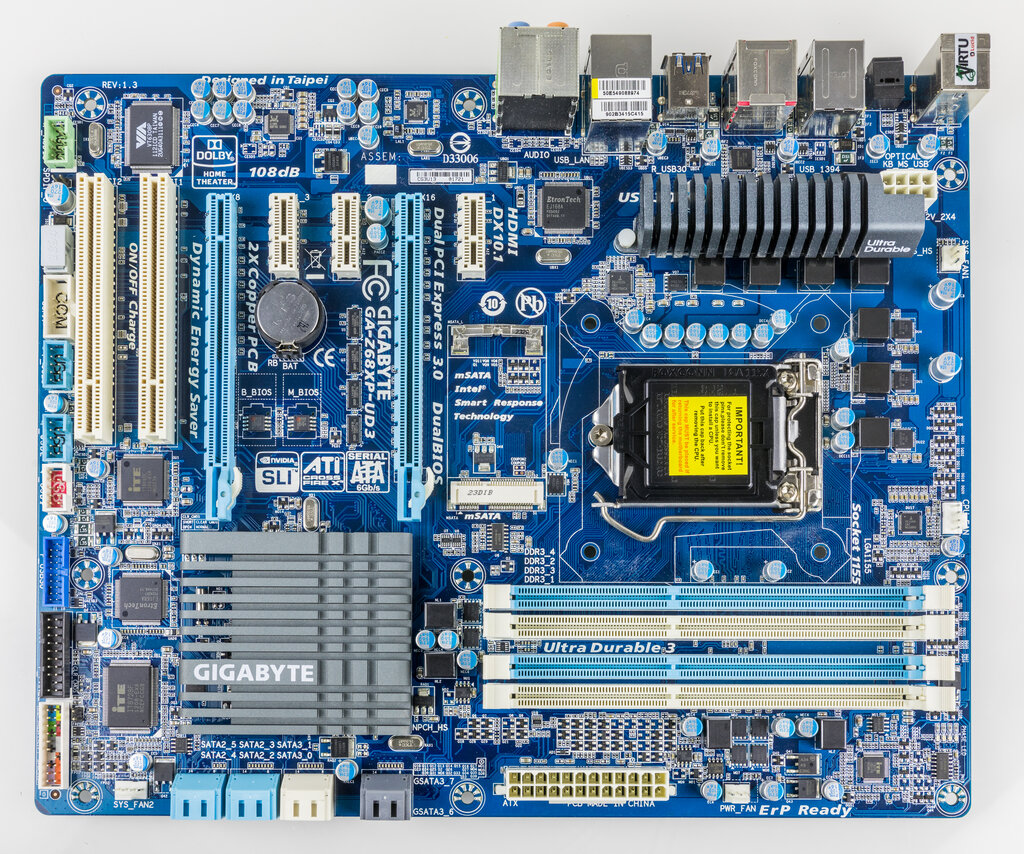
You'll see slots for the CPU and RAM, connectors for storage drives, and ports for peripherals like your keyboard and mouse. It’s the physical platform that holds everything together and allows data to flow between parts.
The Brain
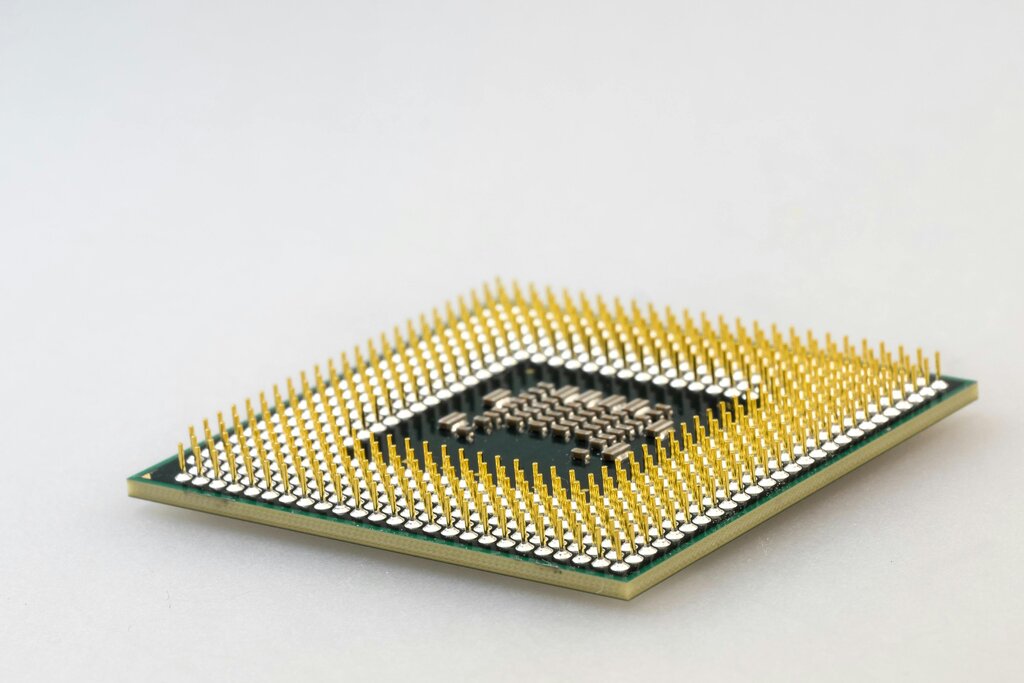
The Central Processing Unit, or CPU, is the brain of the computer. Its job is to execute instructions. When you open a program, click your mouse, or type a sentence, the CPU is what carries out those commands. It fetches instructions from memory, performs calculations, and makes decisions. The speed of the CPU is a major factor in how fast your computer feels.
CPU
noun
Stands for Central Processing Unit. The component that performs most of the processing inside a computer, carrying out the instructions of a computer program.
The Workspace
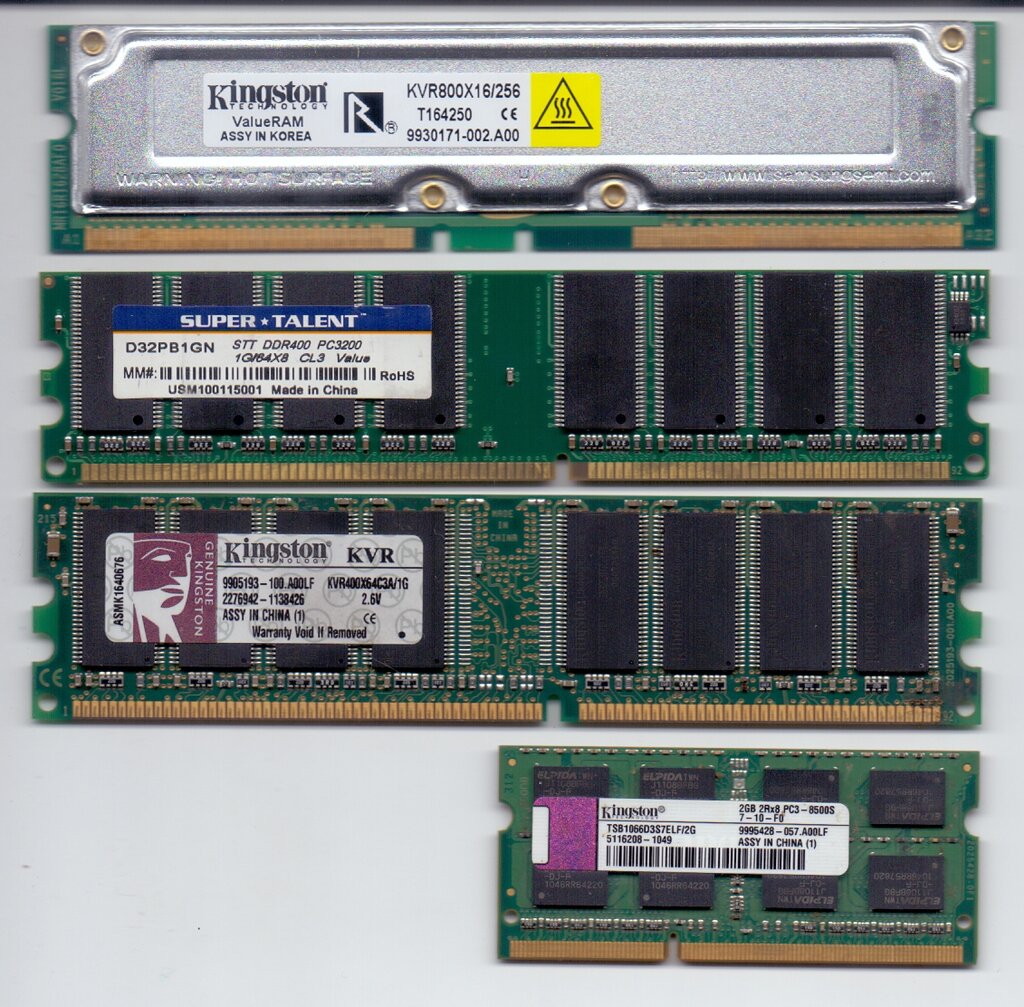
Random Access Memory, or RAM, is the computer's short-term memory. Think of it as your desk space. When you're working on something, you pull out the relevant papers and tools and put them on your desk. The computer does the same thing. It loads the applications and files you're actively using from the long-term storage (like a hard drive) into RAM.
This allows the CPU to access the data it needs very quickly. The more RAM you have, the more things you can work on at once without the computer slowing down. But just like a desk, RAM is temporary. When the power is turned off, everything in RAM is cleared.
RAM
noun
Stands for Random Access Memory. A form of computer memory that can be read and changed in any order, typically used to store working data and machine code.
Working Together
These three components are in constant communication. The motherboard provides the connections. When you want to run a program, the CPU requests it. The program's data is loaded from your storage drive into RAM. The CPU then pulls instructions from RAM, executes them, and writes results back to RAM.
This cycle happens billions of times per second. Each component has a distinct role, but they must work together seamlessly for the computer to function.
Now that you know the key players, let's test your knowledge.
What is the primary role of the motherboard in a computer?
Which component is often called the 'brain' of the computer because it carries out commands and makes decisions?
These three parts are the heart of any modern computer. While there are many other components, the motherboard, CPU, and RAM form the fundamental team that brings your computer to life.