Computer System Unit Essentials
Introduction to Computer Components
The Core Team
Every computer, from a giant server to the phone in your pocket, relies on a small team of core components to function. These parts work together constantly, handling every click, keystroke, and command. Think of them as the manager, the star employee, and their workspace. Let's meet the three most important members of this team: the motherboard, the CPU, and RAM.
The Motherboard
The motherboard is the foundation of the computer. It's a large circuit board that every other component plugs into. If a computer were a city, the motherboard would be the entire grid of streets and highways. It doesn't do the thinking or the work itself, but it provides the essential connections that allow everyone and everything to communicate.
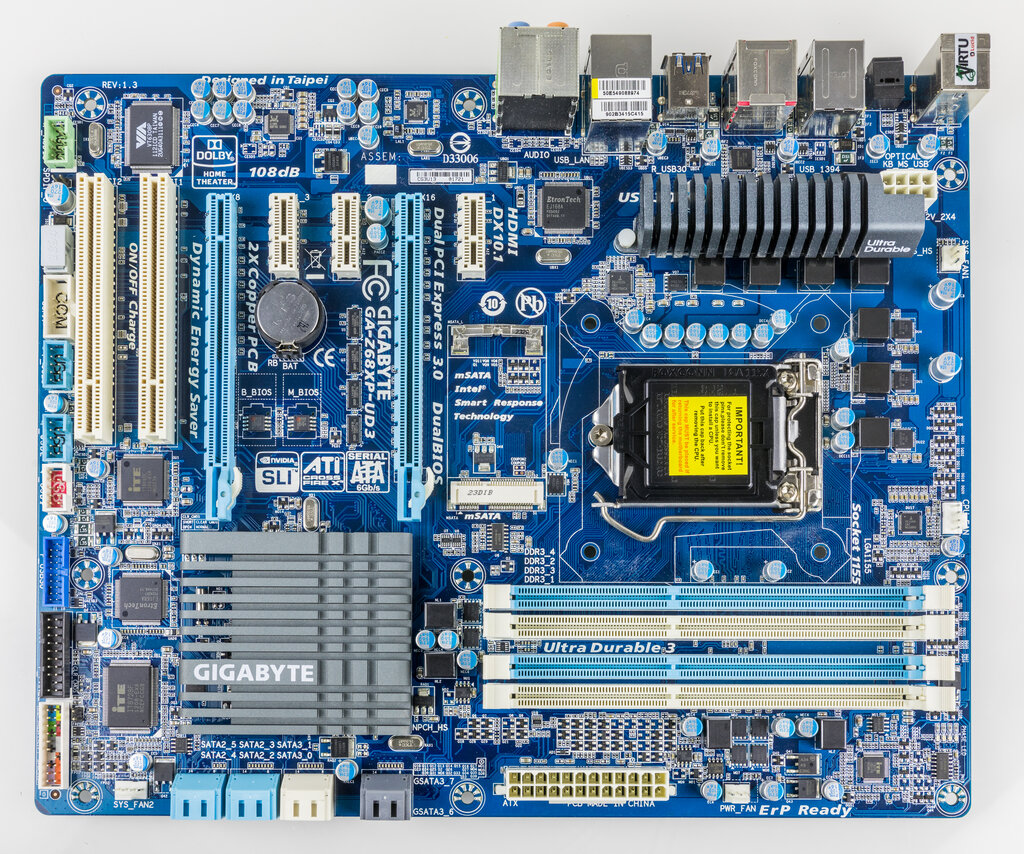
Every piece of hardware, from the processor to the graphics card, needs a physical connection to the motherboard. It's the central hub that ensures data can flow from one part of the system to another. Without it, you'd just have a pile of disconnected parts.
The motherboard connects all the components so they can talk to each other. It's the communications backbone.
The CPU
CPU
noun
Stands for Central Processing Unit. It's the primary component of a computer that executes instructions.
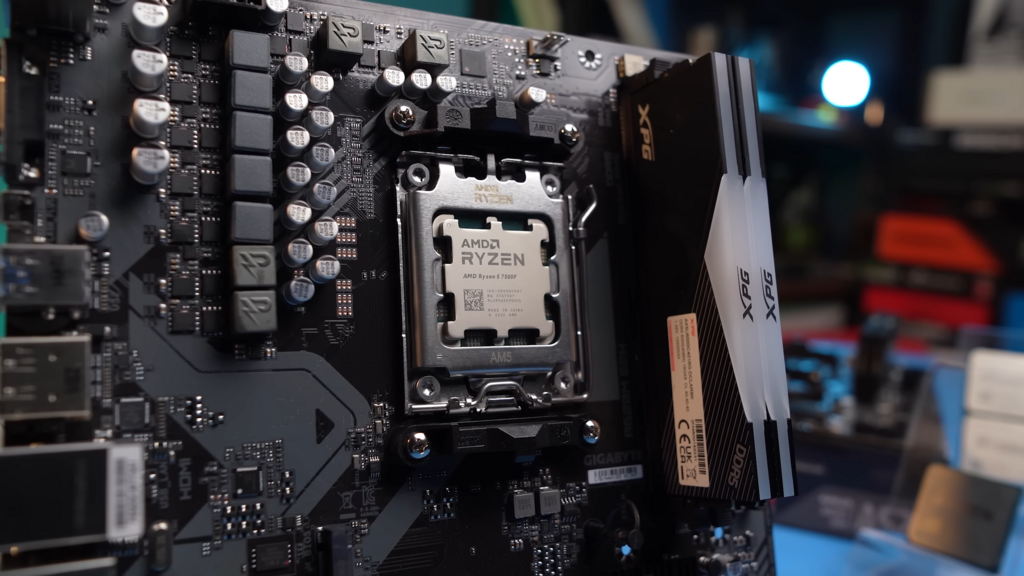
The Central Processing Unit, or CPU, is often called the "brain" of the computer. This is where the actual thinking and processing happens. When you open a program, type a sentence, or play a game, it's the CPU that carries out the instructions and performs the calculations.
It fetches instructions from memory, figures out what they mean, and then executes them. A faster CPU can perform more calculations per second, which makes the entire computer feel quicker and more responsive.
RAM
If the CPU is the brain, then Random Access Memory, or RAM, is its short-term memory. Think of it as a workbench. When you want to work on a project, you take your tools and materials out of storage and put them on the bench where they're easy to reach. RAM works the same way for your computer.
When you launch an application, its data is loaded from your long-term storage (like a hard drive) into RAM. The CPU can then access this data from RAM almost instantly. This is much faster than going back to the hard drive every time. The more RAM you have, the more applications you can run smoothly at the same time.
RAM is volatile, which means its contents are erased when the computer is turned off. It's a temporary workspace, not permanent storage.

Working Together
So how do these three parts interact? It's a constant, high-speed conversation.
- The CPU needs to work on a task, like opening a web browser.
- It sends a request through the motherboard to retrieve the necessary program files from storage.
- Those files are loaded into RAM.
- The CPU then pulls data from RAM as needed, processes it, and sends the results back to RAM.
This entire process happens through the connections on the motherboard, which acts as the super-fast messenger service between the brain (CPU) and its workspace (RAM).
These three components form the fundamental core of any computer. Understanding their distinct roles and how they collaborate is the first step to understanding how computers work.
Ready to test your knowledge?
Which component is often called the 'brain' of the computer, responsible for executing instructions and performing calculations?
If a computer were a city, the motherboard would be the grid of streets and highways.