Computer System Components and Interaction
Computer Components
The Core Components
A computer isn't a single object but a team of specialized parts working together. Each component has a specific job, and they all connect to turn electricity into the documents, games, and websites we use every day. Let's look at the main players inside a typical computer.
The Brain and Nervous System
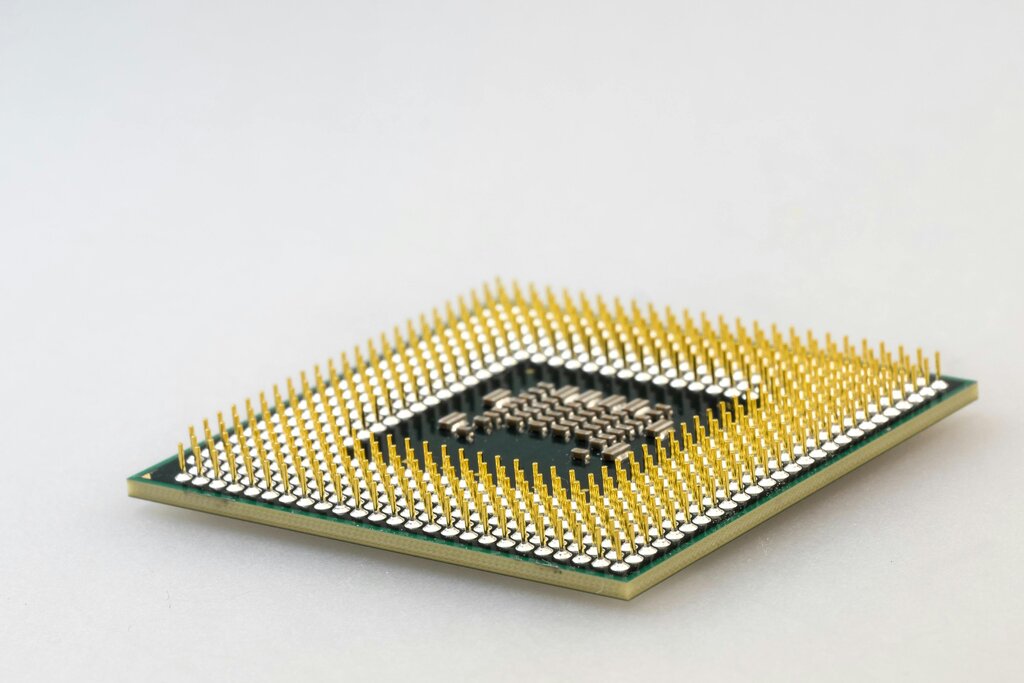
The central processing unit, or CPU, is often called the computer's brain. It's a small chip that does the vast majority of the thinking and calculating. Every time you click, type, or run a program, the CPU is executing a long list of instructions to make it happen. Think of it like a lightning-fast chef following a recipe step-by-step.
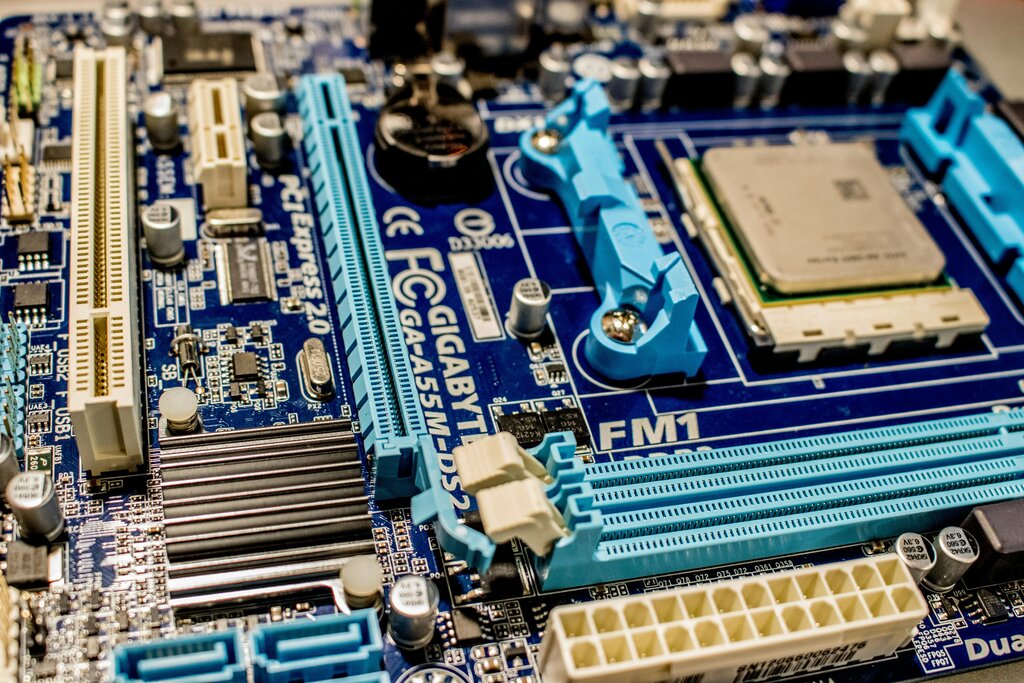
All of these components need a way to communicate. That's the job of the motherboard. It's a large circuit board that acts like the computer's central nervous system and skeleton, all in one. The CPU, memory, and other parts plug directly into it, allowing them to send data back and forth. It provides the physical structure and the communication pathways for the entire system.
Memory and Storage
Computers have two main types of memory: short-term and long-term.
Random Access Memory, or RAM, is the computer's short-term memory. You can think of it as a workbench. When you're actively working on something, like writing a document or editing a photo, the necessary data is placed on this workbench for quick access by the CPU. RAM is very fast, but it's also volatile, meaning it forgets everything as soon as the computer is turned off.

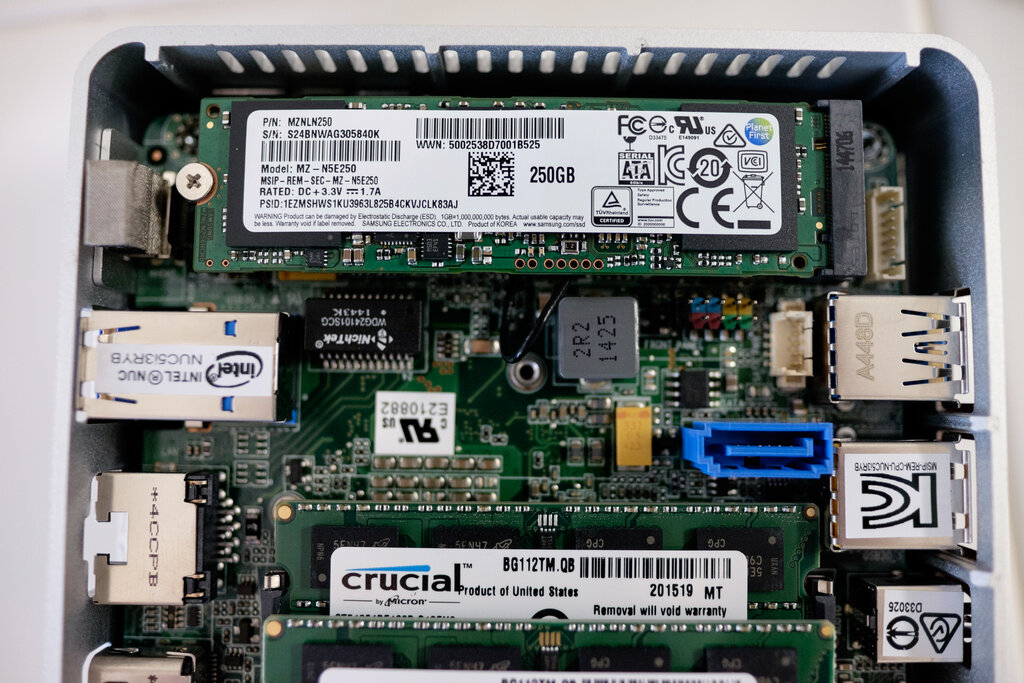
For long-term storage, computers use devices like hard disk drives (HDDs) or solid-state drives (SSDs). This is like a filing cabinet where you keep all your files, applications, and the operating system itself. Unlike RAM, this storage is non-volatile; it holds onto your data even when the power is off.
- Hard Disk Drives (HDDs) use spinning magnetic platters to store data, like a tiny record player. They offer large amounts of storage for a low cost.
- Solid-State Drives (SSDs) use flash memory chips, similar to a USB drive. They have no moving parts, which makes them much faster and more durable than HDDs.
Power and Interaction
None of these components can work without electricity. The Power Supply Unit (PSU) is a box that takes the high-voltage alternating current (AC) from your wall outlet and converts it into the low-voltage direct current (DC) that computer components need to operate safely. It's the heart that pumps life into the system.
Finally, we need a way to interact with the computer. Input and output (I/O) devices are the bridge between you and the machine.
- Input Devices send data into the computer. Keyboards, mice, webcams, and microphones are common examples.
- Output Devices receive data from the computer. Monitors display information, speakers produce sound, and printers create physical copies.

These core parts form the foundation of almost every computer, from a massive server to the smartphone in your pocket. Understanding their roles is the first step to understanding how computers work.
What is the primary function of the Central Processing Unit (CPU)?
Which of the following is a key difference between RAM and an SSD?