Computer Storage Units Demystified
Bits and Bytes
The Smallest Piece of Information
Everything a computer does, from displaying text to playing a video, is built on a simple idea: on or off. Think of a light switch. It has only two states. It's either on, or it's off. There's no in-between.
Computers work the same way, but instead of light switches, they use billions of tiny electronic switches. Each of these switches represents the smallest possible piece of data. This single piece of information is called a bit.
bit
noun
The smallest unit of data in a computer, represented as either a 0 (off) or a 1 (on). It is short for 'binary digit'.
By itself, a single bit can't tell you much. It can answer a simple yes-or-no question, like "Is the light on?" (1 for yes, 0 for no). To represent more complex information, like numbers or letters, we need to group bits together.
Grouping Bits into Bytes
When we string eight bits together, we get a byte. This is the most common grouping of bits in modern computing and serves as a fundamental building block for representing data.
byte
noun
A unit of digital information that most commonly consists of eight bits.
Imagine you have eight light switches in a row. By turning them on and off in different combinations, you can create many unique patterns. The same is true for a byte. Each bit in the byte can be a 0 or a 1, giving us a sequence of eight digits.
Counting with Bytes
Because each of the eight bits in a byte can be in one of two states (0 or 1), we can calculate the total number of different patterns a single byte can make. This system of counting with only two digits is called the binary system.
A single byte can represent 256 different values, such as the numbers 0 through 255. This is enough to assign a unique value to every uppercase letter, lowercase letter, number, and common symbol on your keyboard.
Here’s how the first few numbers look in binary using a full byte:
| Decimal | Binary (8-bit Byte) |
|---|---|
| 0 | 00000000 |
| 1 | 00000001 |
| 2 | 00000010 |
| 3 | 00000011 |
| 4 | 00000100 |
| 5 | 00000101 |
This system, where numbers correspond to characters, is how computers store and process text. The most common standard for this is called ASCII (American Standard Code for Information Interchange). For example, the byte 01000001 represents the uppercase letter 'A'.
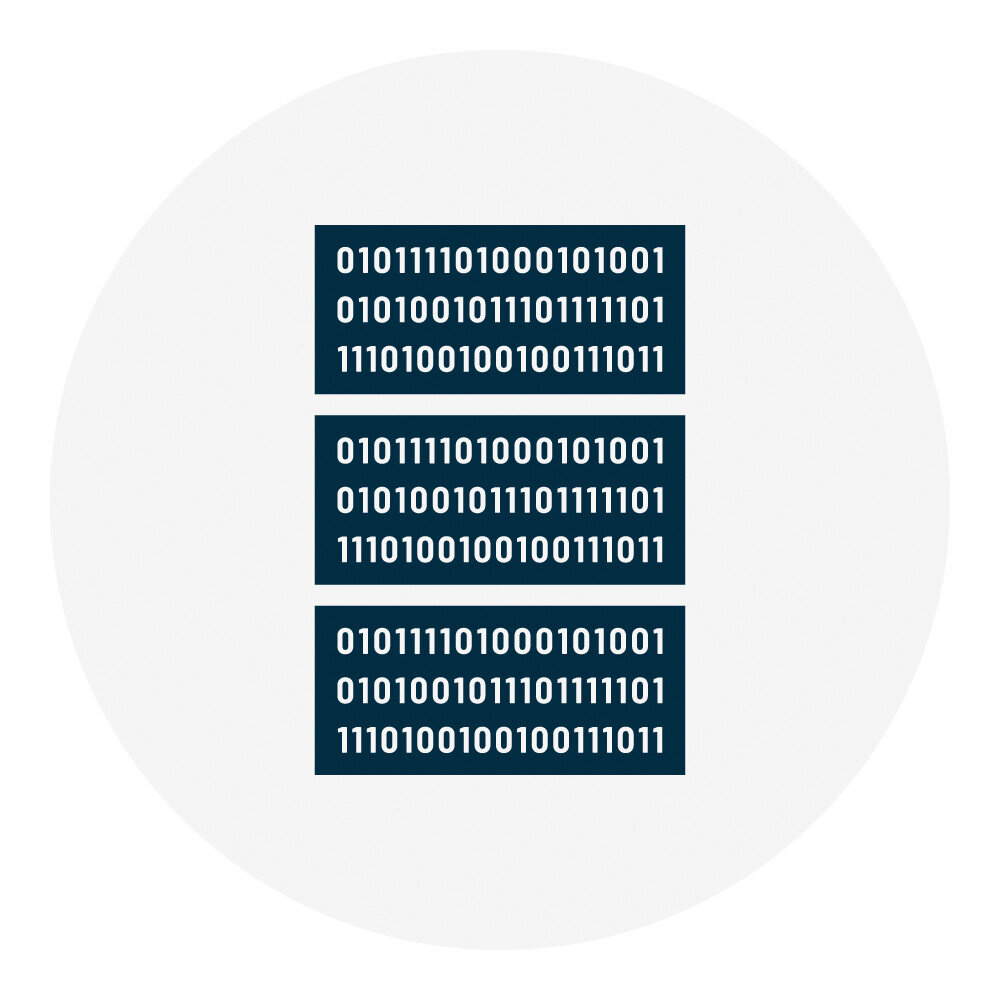
Every piece of digital information, from a simple text message to a complex video game, is fundamentally just a very long sequence of 0s and 1s, organized into bytes.
Let's check your understanding of these building blocks.
What is the smallest possible piece of data a computer can work with?
A group of eight bits is known as a byte.
Understanding bits and bytes is the first step to understanding how computers handle data. All larger units of data you'll encounter are simply collections of these fundamental bytes.