Computer Networking Fundamentals
Introduction to Computer Networks
What is a Computer Network?
At its core, a computer network is simply a group of two or more computers linked together. This connection allows them to communicate and share resources. Think of it like a conversation between friends. For them to talk, they need to be close enough to hear each other or have a phone to connect them. Computers are similar. They need a connection, whether through a physical cable or a wireless signal like Wi-Fi, to exchange information.
The main purpose of a network is to make sharing easy. Instead of copying a file onto a flash drive and walking it over to another computer, you can send it directly through the network. Need to print a document? You don't need a printer for every computer. A single printer can be shared by everyone on the network. This also applies to sharing an internet connection, which is how most homes and offices get online.

The Power of Connection
Connecting computers creates powerful advantages. The most obvious is resource sharing. As we mentioned, devices like printers, scanners, and large storage drives can be shared among many users. This cuts down on costs and makes workflows more efficient. Imagine an office where every employee needed their own personal printer—it would be expensive and wasteful.
Networks also revolutionize communication. Email, instant messaging, and video conferencing all depend on networks to connect people across the hall or across the globe. They also enable collaboration, allowing teams to work on the same documents or projects simultaneously from different locations.
By linking devices, networks turn isolated tools into a collaborative system, saving money, boosting communication, and centralizing information.
Networks Big and Small
Networks come in different sizes, depending on the area they cover. The three main types are LAN, MAN, and WAN.
A Local Area Network (LAN) is a network confined to a small area, such as a single building, office, or home. This is the type of network you likely have at home, connecting your computer, phone, and smart TV to your Wi-Fi router.
A Metropolitan Area Network (MAN) covers a larger geographic area than a LAN, like a city or a large university campus. It's often used to connect several LANs together. For example, a university might use a MAN to connect the networks of its various campus buildings.
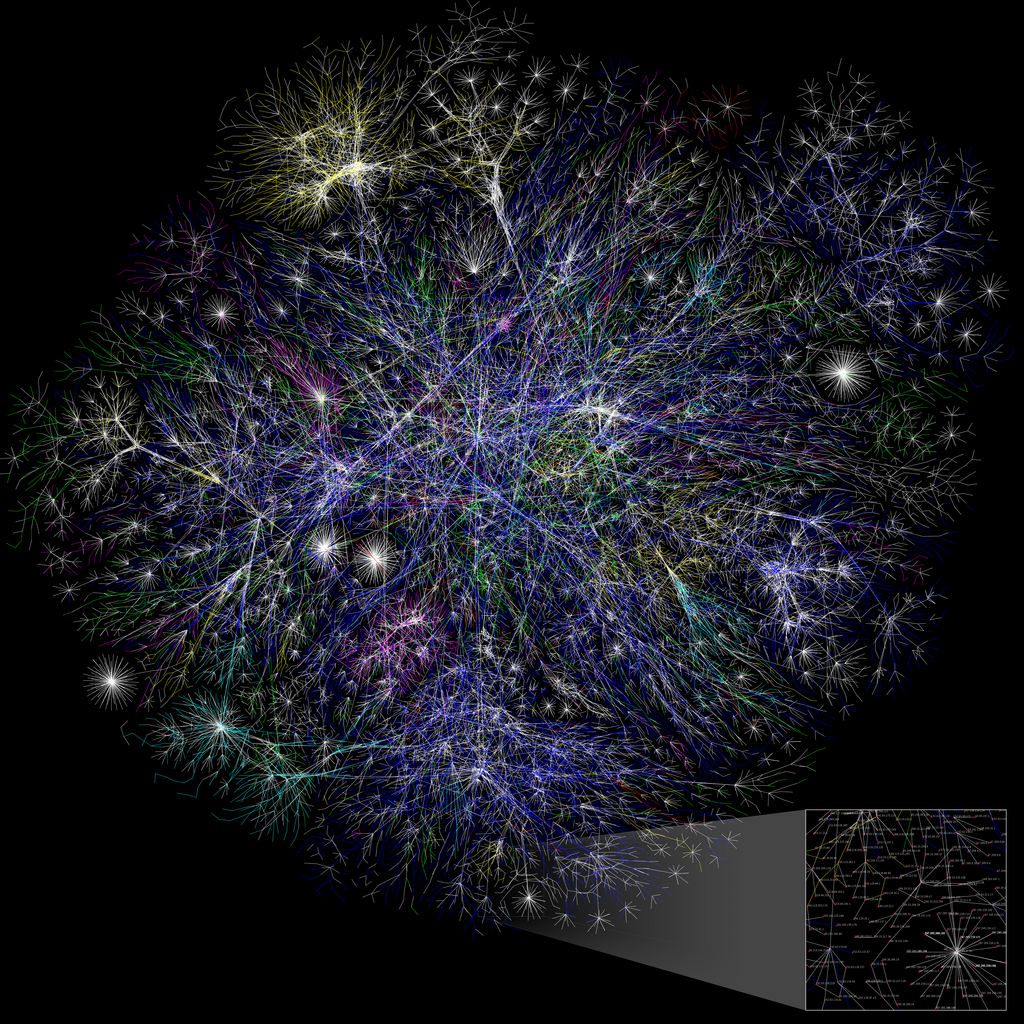
A Wide Area Network (WAN) spans a very large geographical area, often a country or even the entire globe. A WAN connects multiple LANs and MANs. The most famous example of a WAN is the internet itself, which is a global network of computers.
| Network Type | Geographic Scope | Example |
|---|---|---|
| LAN | Room, building | Home Wi-Fi network |
| MAN | City, campus | A city's public Wi-Fi |
| WAN | Country, global | The Internet |
The Rules of the Road
For devices on a network to communicate successfully, they need to follow a common set of rules. These rules are called protocols. A protocol is like a shared language. If one computer sends information in a format that another can't understand, communication fails.
protocol
noun
A set of rules or procedures for transmitting data between electronic devices.
This is where standardization becomes critical. Network standards are created by organizations to ensure that hardware and software from different manufacturers can work together seamlessly. Without standards, a Dell laptop might not be able to connect to a network using a Linksys router, or an iPhone might not be able to load a website from a server running different software. Standardization allows you to buy any device, connect it to any network, and have it just work.
These shared rules and standards are the invisible backbone of all networking, making our connected world possible.