Computer Hardware Fundamentals
Introduction to Computer Hardware
What is Hardware?
Computer hardware is all the physical parts of a computer system. If you can touch it, it's hardware. This includes everything from the screen you're looking at to the tiny circuits humming away inside the case. Think of it like a body. The hardware is the bones, muscles, and organs.
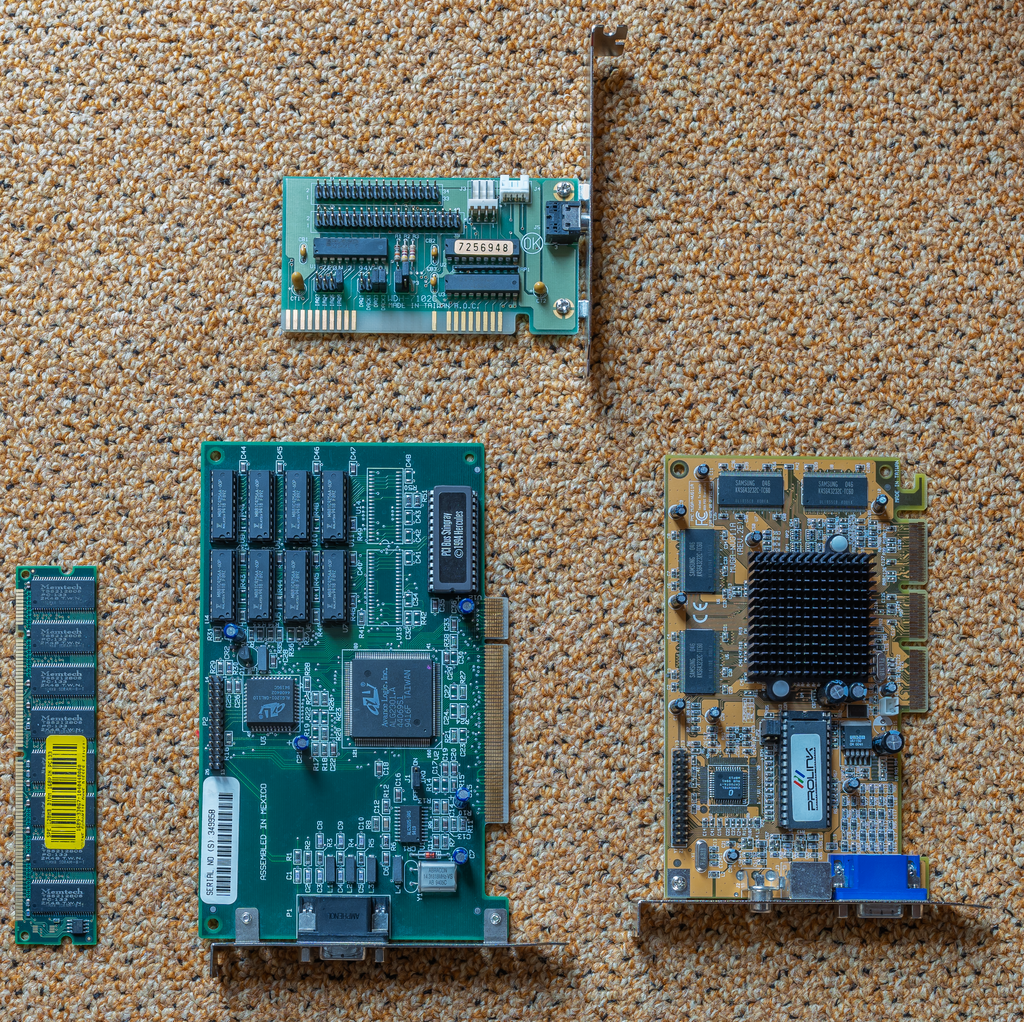
Software, on the other hand, is the set of instructions that tells the hardware what to do. It’s the consciousness, the thoughts, and the personality that makes the body work. Without software, hardware is just an expensive paperweight. Together, they create a functioning computer.
Input and Output
How do we tell a computer what to do? We use input devices. These are the tools we use to send information into the computer. A keyboard lets you type words, a mouse lets you point and click, and a microphone lets you record your voice.
Once the computer has our information and processes it, it needs a way to show us the result. That's where output devices come in. They take information out of the computer and present it to us. A monitor displays images and text, speakers play sounds, and a printer creates physical copies of documents.
| Device Type | Purpose | Examples |
|---|---|---|
| Input | Sends data to the computer | Keyboard, mouse, microphone, webcam |
| Output | Receives data from the computer | Monitor, printer, speakers, headphones |
Many modern devices are both. A touchscreen on a phone, for instance, is an input device when you tap on it and an output device when it shows you an app.
The Brains of the Operation
At the heart of every computer are two critical components that do most of the 'thinking': the processor and the memory.
The Central Processing Unit, or CPU, is the primary brain of the computer. Its job is to read and execute instructions from software. It performs all the calculations and logical operations that make a computer run.
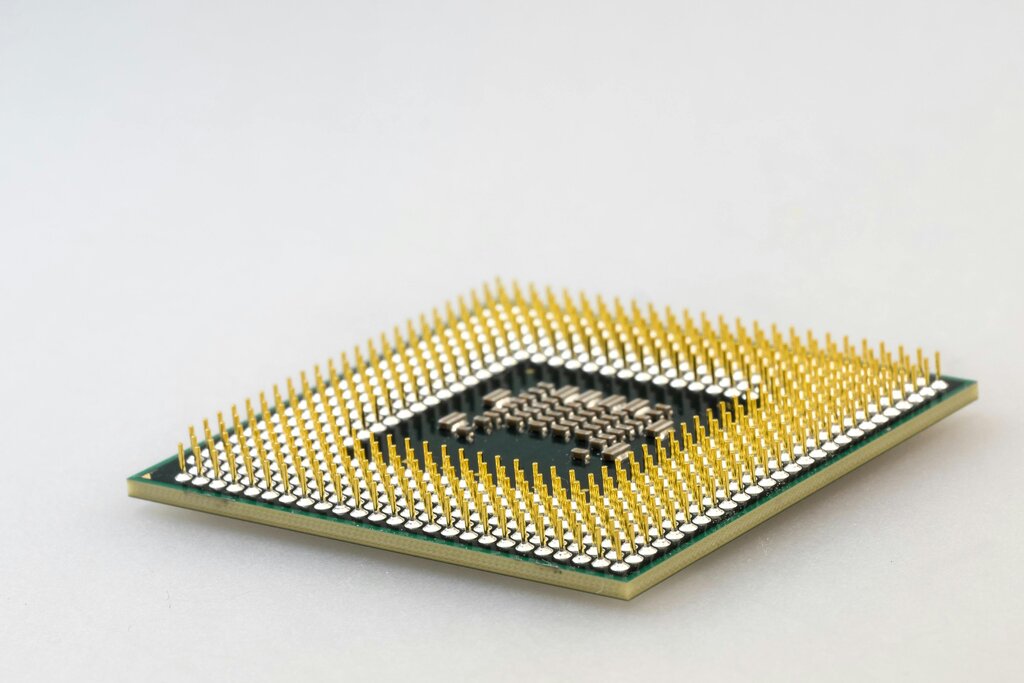
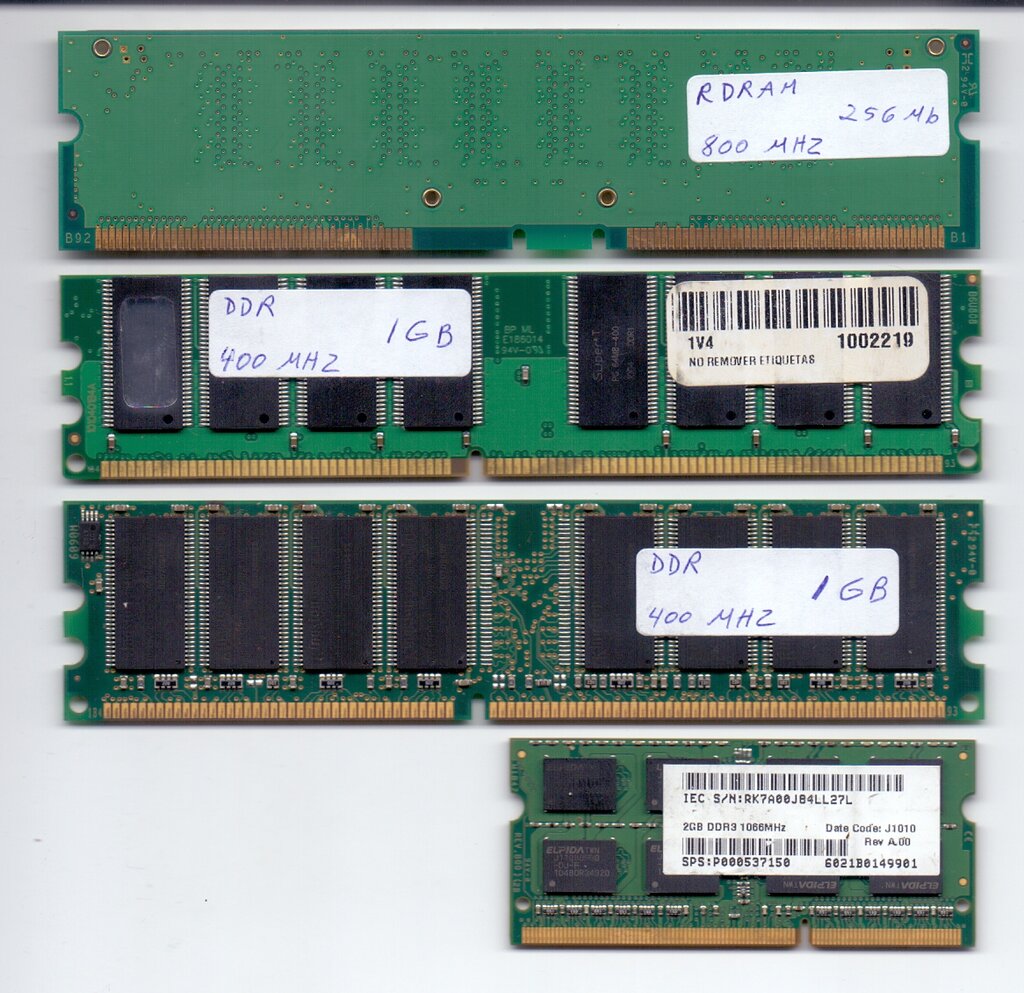
But the CPU can't hold all the information it needs at once. For that, it relies on memory. Random Access Memory, or RAM, is the computer's short-term workspace. It temporarily stores the data and programs that the CPU is actively using.
Think of RAM as a workbench. When you're building something, you place the tools and materials you need right now on the bench for easy access. The bigger your workbench, the more things you can work on at once. When you turn the computer off, everything on this workbench is cleared.
Putting It All Together
These components don't work in isolation. They form a continuous loop of information processing.
An input device, like your keyboard, sends data to the computer. The CPU processes this data, using RAM as its temporary workspace to hold the information it needs. Once the CPU is done, it sends the result to an output device, like your monitor, so you can see it. This all happens in a fraction of a second.
From a simple mouse click to watching a high-definition video, this fundamental process is happening constantly, forming the basis of everything you do on your computer.
Which of the following is the best definition of computer hardware?
A keyboard is used to type information into the computer. What type of device is it?
Understanding these basic building blocks is the first step to knowing how computers work. Each part has a distinct role, but they all function together to bring your digital world to life.