Computer Hardware Essentials
Computer System Overview
The Anatomy of a Computer
At its heart, a computer system is a team of specialized components working together. Think of it like a workshop. You have the master craftsperson, the workbench, the tool chest, and the doors to bring materials in and send finished products out. Each part has a distinct role, but none can do the job alone. Let's look at the key players that make a computer tick.

The Brain and Its Workspace
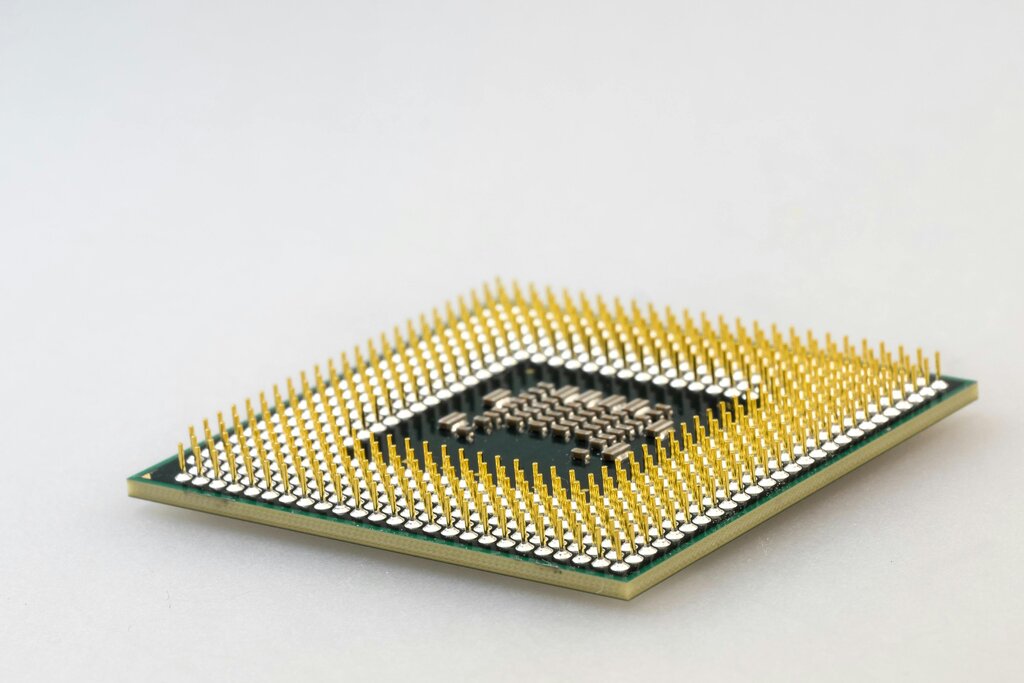
The most important component is the Central Processing Unit, or CPU. It's the brain of the operation. The CPU executes instructions from computer programs, performing calculations and telling other components what to do. It's the part that does the actual "computing."
The CPU is the engine that drives everything, from opening a file to running a complex video game.
But a brain needs a place to work. That's where memory, also known as RAM (Random Access Memory), comes in. RAM is the computer's short-term workspace. It’s incredibly fast, allowing the CPU to quickly access the data and programs it's actively using. However, RAM is volatile, meaning its contents are erased when the computer shuts down. It's like a desk: you put out the papers you're working on, and clear them away when you're done.
For long-term keeping, there's storage. This is your computer's filing cabinet—think of a hard drive or solid-state drive (SSD). It's where your files, applications, and operating system are kept permanently, even when the power is off. Storage is slower than RAM, which is why your computer moves active programs into RAM for faster performance.
Communicating with the World
A computer wouldn't be very useful if you couldn't interact with it. That’s the job of input and output (I/O) devices.
- Input devices bring data into the computer. Your keyboard, mouse, and microphone are all input devices.
- Output devices send data out of the computer. Your monitor, speakers, and printer are common output devices.
How do these devices connect? Through ports. Ports are the physical connection points on your computer that let you plug in I/O devices. Common examples include USB, HDMI, and audio jacks. They are the gateways for information flowing in and out of the system.
Together, these components form a complete system. When you type on your keyboard, that input goes to the CPU. The CPU, using RAM as its workspace, processes the command, perhaps retrieving a file from storage. Finally, it sends the result to an output device, like displaying the file's contents on your monitor. Every action you take on a computer involves this fundamental dance between components.
Which component is considered the 'brain' of the computer, responsible for executing instructions and performing calculations?
What is the key characteristic of RAM that distinguishes it from a hard drive or SSD for data retention?
Understanding this basic structure is the first step to seeing how a computer really works. Each part has a simple job, but together they accomplish complex tasks.