Computer Hardware and Software Essentials
Introduction to Computer Systems
Physical Parts and Digital Instructions
Every computer you've ever used, from a smartphone to a laptop, is a blend of two different worlds. There are the parts you can physically touch and hold, and then there are the invisible instructions that bring those parts to life. Let's look at these two fundamental components: hardware and software.
Hardware
noun
The physical components of a computer system that you can see and touch.
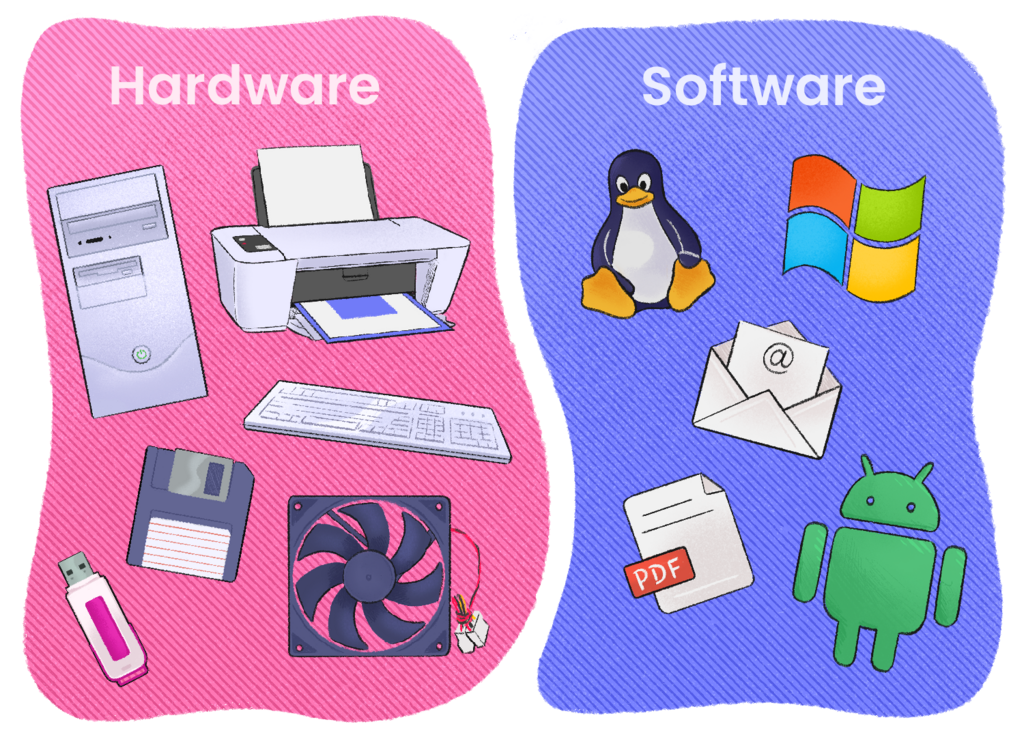
Hardware is anything solid. It's the screen you're looking at, the keyboard you might type on, and the mouse you click. It also includes all the complex circuitry inside the computer's case, like the main processor and memory chips. If you can pick it up, it's hardware.
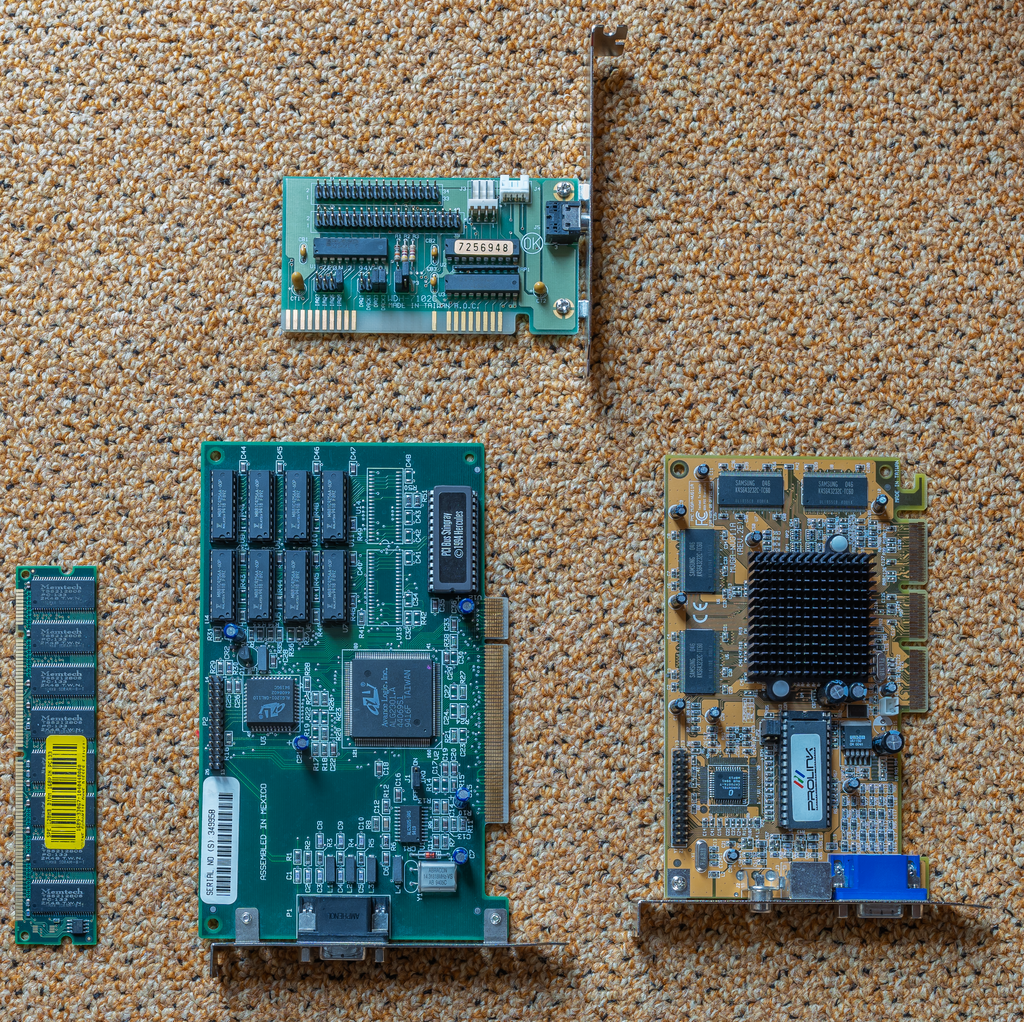
But a pile of hardware by itself can't do anything. It's like a piano sitting in a room – it has the potential to make music, but it won't do so on its own. It needs a musician with a song to play. In a computer, that song is the software.
Software
noun
The set of instructions, data, or programs used to operate computers and execute specific tasks.
Software is the collection of code and instructions that tells the hardware what to do. You can't touch software, but you see its effects everywhere. The web browser you're using to read this, the operating system that runs your device, and every app and game are all examples of software.
A Necessary Partnership
Hardware and software are completely dependent on each other. You can't have one without the other. Without software, the hardware would be an inert box of metal and plastic. Without hardware, software would have nowhere to run; it would just be a concept.
The software acts as a bridge, allowing you to interact with the powerful hardware. When you press a key on your keyboard (hardware), software is what registers that keypress and makes a character appear on the screen (hardware).
Think of it like this: Hardware is the body, and software is the brain that tells the body what to do.
This constant communication between the physical and the digital is what makes a computer work. The software tells the hardware how to perform calculations, display images, and play sounds, and the hardware carries out these commands.

To put it simply, everything a computer does involves a seamless partnership between its physical components and the programs running on them.
| Feature | Hardware | Software |
|---|---|---|
| Tangibility | Physical, can be touched | Virtual, cannot be touched |
| Function | Performs tasks | Tells hardware what tasks to perform |
| Examples | CPU, keyboard, monitor | Web browser, operating system, games |
Time to review these core concepts.
Let's check your understanding.
Which of the following best describes computer hardware?
A web browser, a video game, and an operating system are all examples of what?
Understanding the distinction between hardware and software is the first step in learning how computers work. One provides the physical foundation, and the other brings that foundation to life.