Computer Hardware and Software Basics
Computer Hardware Basics
The Brain of the Operation
At the heart of every computer is the Central Processing Unit, or CPU. Think of it as the computer's brain. It's responsible for executing instructions from programs, performing calculations, and managing the flow of information throughout the system. When you click an icon or type a sentence, it's the CPU that processes that command and makes things happen.
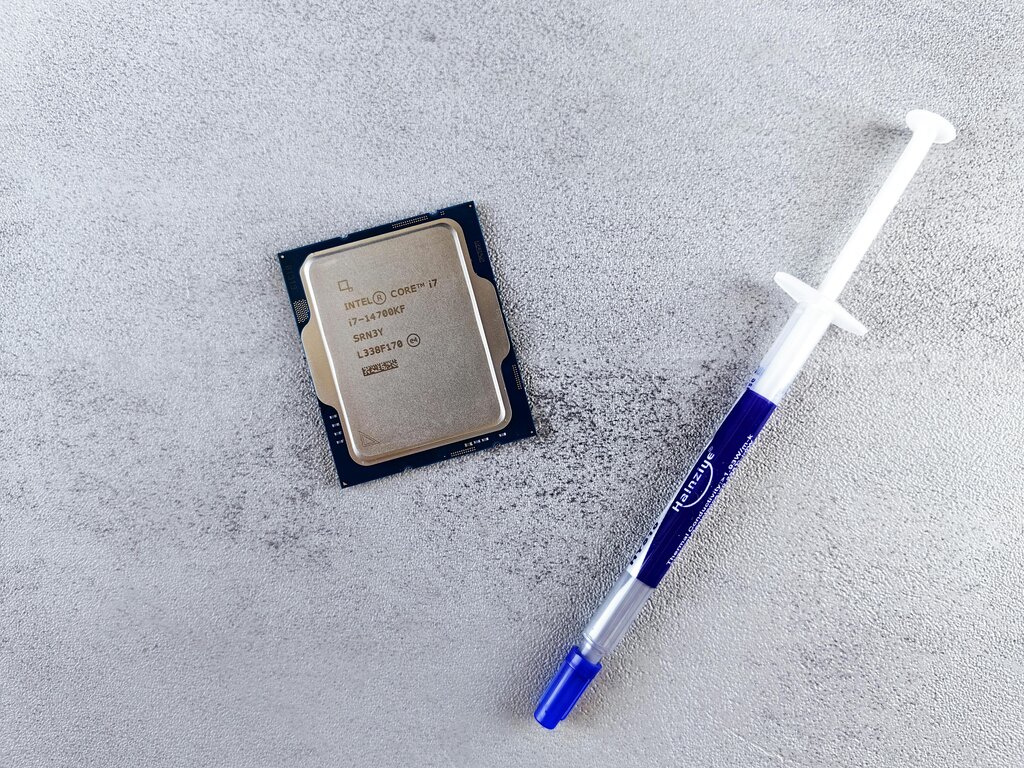
The CPU follows a basic cycle to get its work done: fetch, decode, and execute. It fetches an instruction from memory, decodes what the instruction means, and then executes it. This happens billions of times per second in modern processors, which is what makes computers so fast and powerful.
A faster CPU can perform more calculations per second, which means your computer can run complex programs and handle multiple tasks more smoothly.
CPU
noun
The primary component of a computer that performs most of the processing for hardware and software.
Short-Term Memory
If the CPU is the brain, then Random Access Memory, or RAM, is its short-term memory. It's like a workbench where the CPU keeps the data and instructions it's currently working on. When you open a file or launch an application, it gets loaded from your storage drive into RAM so the CPU can access it quickly.
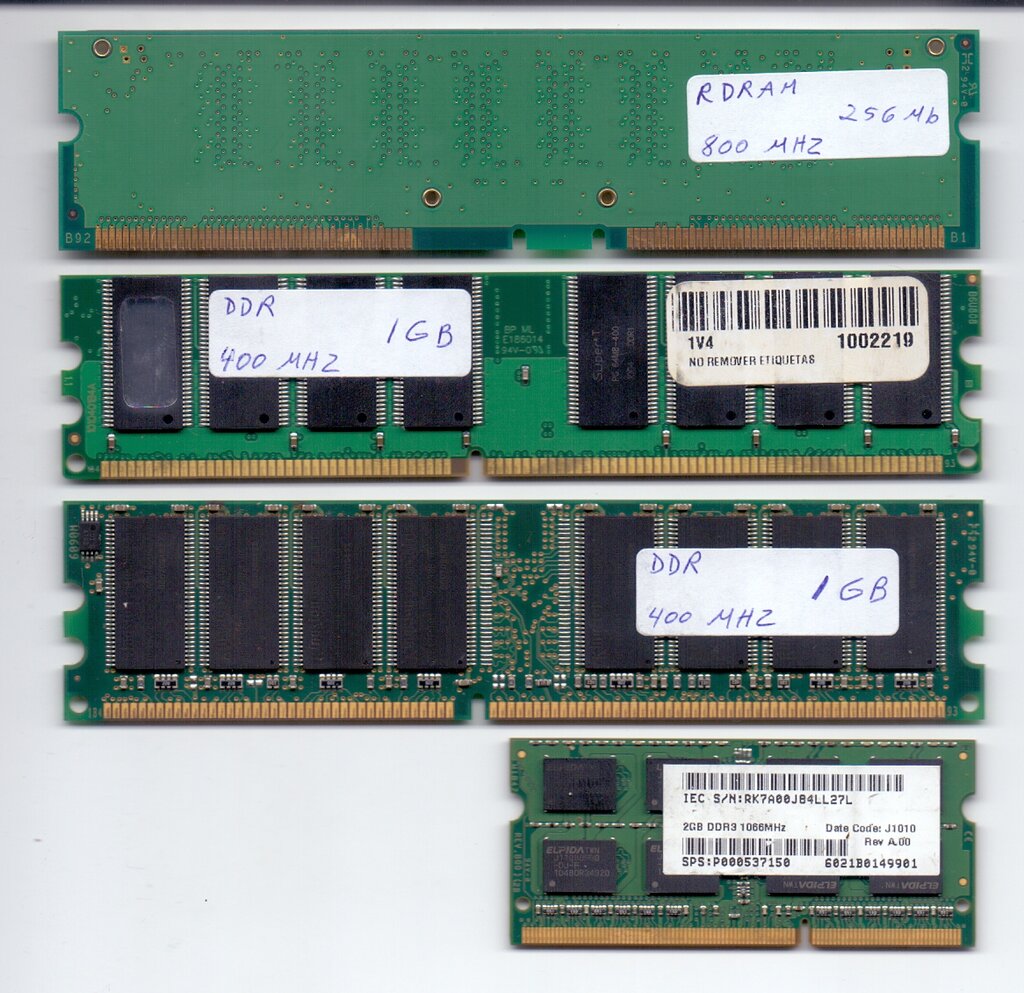
RAM is volatile, which means it needs power to hold onto information. As soon as you turn off your computer, everything in RAM is cleared. This is why you need to save your work to a storage device before shutting down. The more RAM a computer has, the more tasks it can juggle at once without slowing down. It's like having a bigger workbench; you can spread out more projects and switch between them easily.
Long-Term Storage
For information that needs to be kept long-term, even when the power is off, computers use storage devices. This is where your files, applications, and operating system are permanently saved. It's the filing cabinet to RAM's workbench.
There are two main types of storage devices:
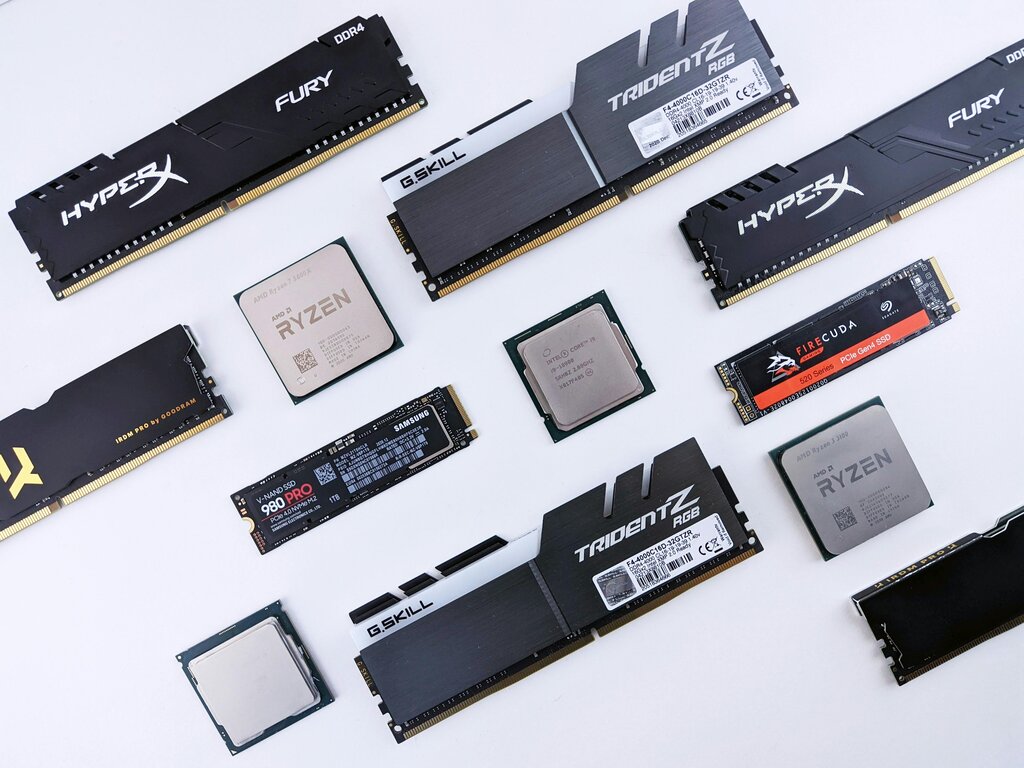
- Hard Disk Drives (HDDs): These are traditional drives that use spinning magnetic platters to store data, much like a tiny record player. They offer large amounts of storage for a lower cost.
- Solid-State Drives (SSDs): These are a newer, faster type of storage that uses flash memory chips, similar to a USB drive. SSDs have no moving parts, making them more durable and significantly quicker at reading and writing data than HDDs.
Getting Information In and Out
A computer wouldn't be very useful if you couldn't interact with it. That's where input and output devices come in.
Input devices are how you provide information to the computer. The most common examples are your keyboard and mouse. A microphone, webcam, and scanner are also input devices.
Output devices are how the computer presents information back to you. Your monitor is the primary output device, showing you text, images, and videos. Printers and speakers are other common examples.
Staying Connected
Networking devices allow computers to communicate with each other and connect to the internet. The two most common devices in a home or office are routers and switches.
A router connects your entire local network to the internet. It acts like a traffic director, making sure data from the internet gets to the correct device in your home and that data from your devices gets out to the internet.
A switch is used to connect multiple devices together on the same local network. Think of it as a hub that allows your computer, printer, and smart TV to all talk to each other directly over a wired connection.
What is the primary function of a computer's Central Processing Unit (CPU)?
If a computer's RAM is like its workbench, what is the best analogy for a storage device like an SSD or HDD?
That covers the core physical components that make up a computer system. Each part has a distinct role, but they all work together to turn your commands into action.