Computer Fundamentals Unveiled
Computer Hardware
The Physical Parts
Computer hardware refers to all the physical parts you can see and touch. Think of it as the body of the machine. These components work together to process information, from the simplest click of a mouse to running complex applications. Let's look at the core pieces that make a computer tick.
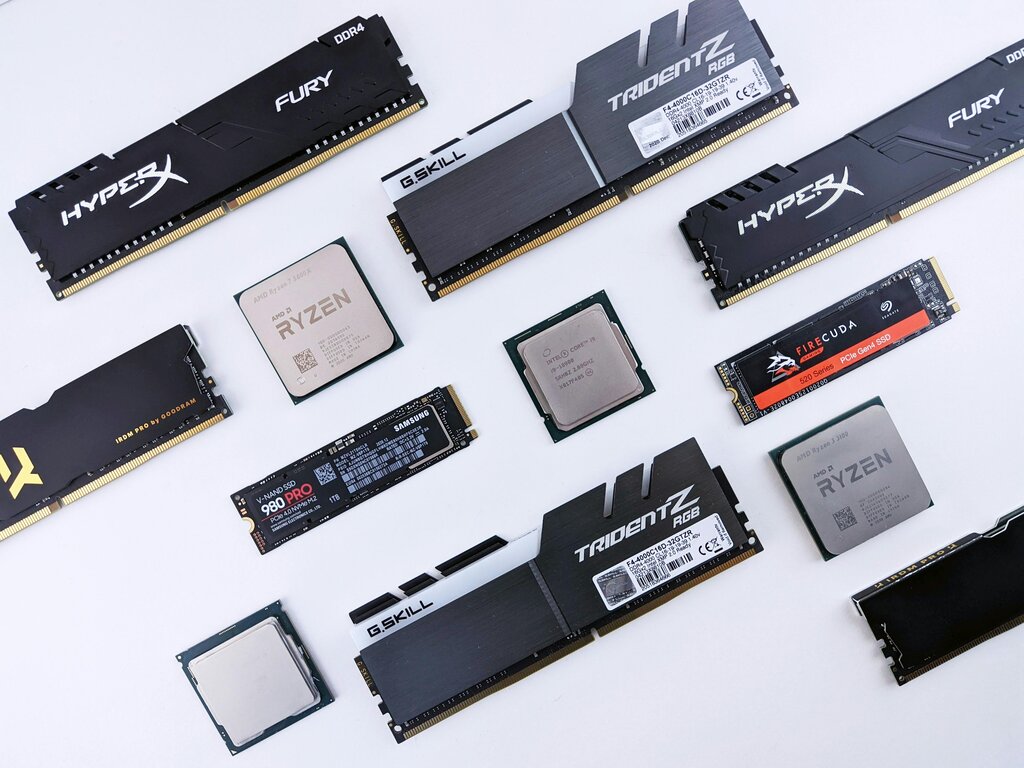
The Brain
Every computer has a central processing unit, or CPU. It's often called the computer's "brain" because it executes instructions and performs the calculations needed for the computer to function. Everything you do, from typing a sentence to watching a video, is processed by the CPU.
The faster the CPU, the more instructions it can handle per second, making your computer feel snappier and more responsive.
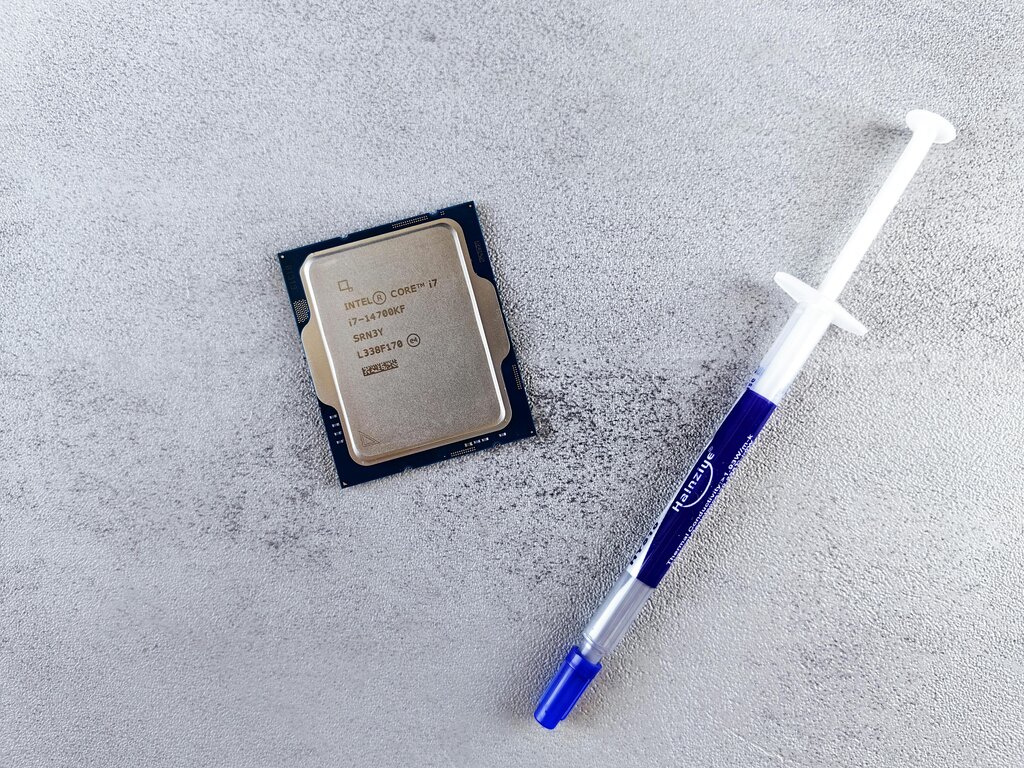
Memory and Storage
People often use the terms memory and storage interchangeably, but they serve very different purposes. Memory is a computer's short-term workspace, while storage is its long-term archive. An easy way to think about it is to compare memory to your desk and storage to a filing cabinet. You keep the things you're currently working on close by on your desk (memory), and you put everything else away in the filing cabinet for safekeeping (storage).
The computer's main memory is called Random Access Memory, or RAM. It's a volatile, high-speed workspace where the CPU holds the data and applications you are actively using. When you open a program, it's loaded from storage into RAM so the CPU can access it quickly. Because RAM is volatile, it forgets everything when the computer is turned off.
RAM
noun
Random Access Memory. A type of volatile computer memory that can be read and changed in any order, typically used to store working data and machine code.
There's another kind of memory called Read-Only Memory, or ROM. Unlike RAM, ROM is non-volatile, meaning it holds its information even when the power is off. It contains the essential instructions a computer needs to start up, often called the BIOS (Basic Input/Output System).
You can't easily change the data on a ROM chip. It's designed to be permanent, ensuring the computer always knows how to wake up.
For long-term safekeeping, computers use storage devices. These hold your files, applications, and operating system permanently. The two most common types are Hard Disk Drives (HDDs) and Solid-State Drives (SSDs).
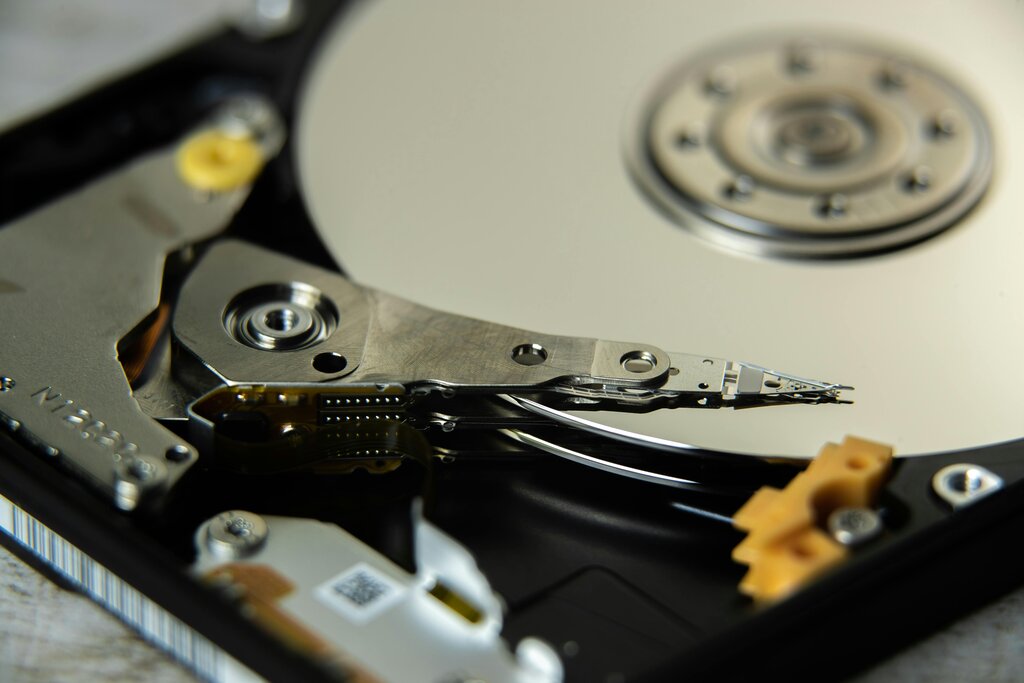
An HDD is a mechanical drive with spinning platters and a moving read/write head that accesses data, much like a record player. They offer large amounts of storage for a lower cost.
An SSD has no moving parts. It uses flash memory, similar to a USB drive, making it much faster, more durable, and quieter than an HDD. Because they can find and deliver files almost instantly, SSDs significantly speed up how fast a computer starts and loads programs.
| Feature | Hard Disk Drive (HDD) | Solid-State Drive (SSD) |
|---|---|---|
| Technology | Spinning magnetic platters | Flash memory chips |
| Speed | Slower | Much faster |
| Cost | Less expensive per gigabyte | More expensive per gigabyte |
| Durability | More fragile due to moving parts | More durable, no moving parts |
Getting Information In and Out
To interact with a computer, you need input and output devices. Input devices allow you to send information to the computer. The most common examples are the keyboard, for typing text and commands, and the mouse, for navigating and clicking on items on the screen.

Output devices, on the other hand, allow the computer to send information back to you. The monitor displays visual information, letting you see what you're working on. A printer produces a physical copy, or hard copy, of digital documents and images. Together, these devices create the loop that allows us to communicate with our machines.
Time to check your understanding.
Which component is often referred to as the "brain" of the computer, responsible for executing instructions and performing calculations?
Using the analogy of an office, if a filing cabinet represents long-term storage, what represents the computer's short-term memory (RAM)?
Understanding these core components is the first step in knowing how computers work. Each part has a specific job, but they all collaborate to turn simple instructions into powerful results.