Computer Fundamentals Explained
Computer Basics
What Is a Computer?
At its heart, a computer is a machine that processes information. You give it some data, it performs a task with that data, and then it gives you back a result. Think of it as a very powerful and fast assistant that follows instructions perfectly.
Whether you're writing an email, playing a game, or watching a video, a computer is taking your commands and turning them into something useful or entertaining. Its main purpose is to handle tasks, from simple calculations to complex simulations, much faster and more accurately than a human ever could.
Hardware vs. Software
Every computer is made of two fundamental parts: hardware and software. They are completely different, but they can't work without each other.
Hardware is any physical part of the computer you can touch. Software is the set of instructions that tells the hardware what to do.
The screen you're looking at, the mouse you click, and the keyboard you type on are all hardware. So are the chips, wires, and circuits inside the computer's case. They are the tangible, physical components of the system.
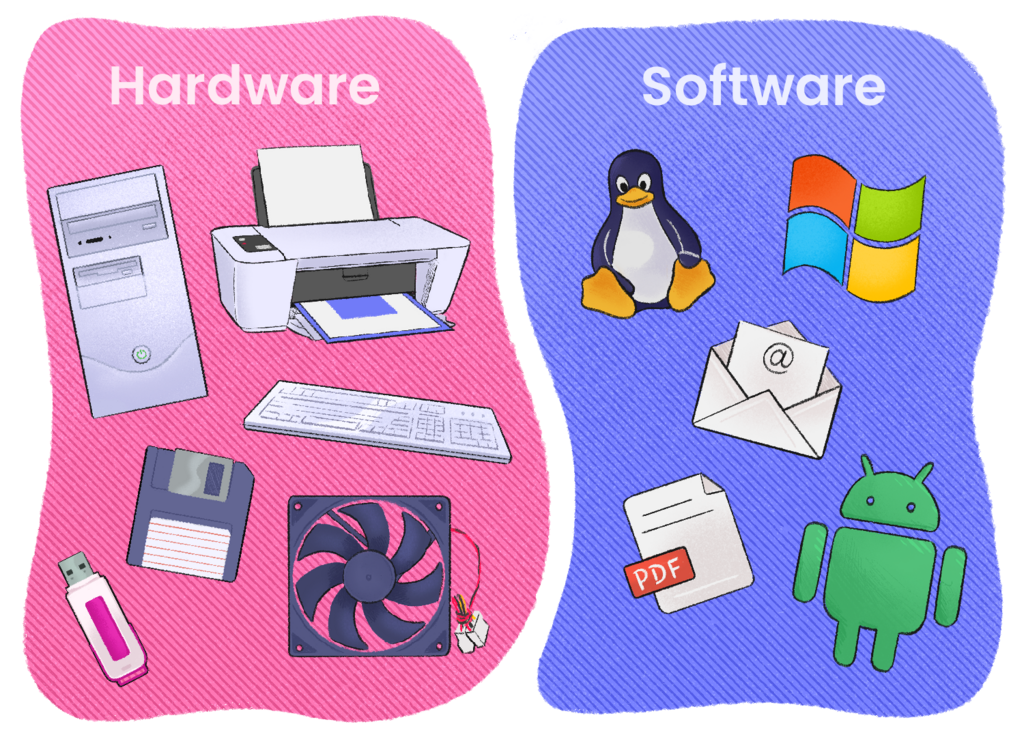
Software, on the other hand, is intangible. It’s the collection of programs, applications, and operating systems that bring the hardware to life. Your web browser, your favorite game, and the system that manages all your files are all examples of software. A good analogy is to think of hardware as a piano and software as the sheet music. The piano can't make music on its own, and the sheet music is useless without the piano to play it.
The Four Core Functions
No matter how complex, every computer performs four basic functions. Understanding this cycle is key to understanding what a computer does from moment to moment.
At the core, every computer is simply an electronic machine that takes in input data (keyboard presses, mouse clicks, voice commands, etc.), stores it (short-term or long-term in registers, hard drives, RAM, etc.), processes it (using the CPU), and outputs results in some form (displaying text and images on the monitor, sound via speakers, network packets, etc.).
1. Input Input is how a computer receives data from the outside world. When you type on a keyboard, click your mouse, or scan a barcode, you are providing input. This data is the raw material the computer will work with.
2. Processing The computer's brain, the Central Processing Unit (CPU), takes the input data and follows instructions from software to manipulate it. This is where the "thinking" happens. For example, when you press the keys '2', '+', '2', and 'Enter' in a calculator app, the CPU processes this input to calculate the result.
3. Storage A computer needs to keep track of data. Storage comes in two main forms. Short-term memory (like RAM) holds data that the CPU is actively using. It's very fast but is cleared when the computer shuts down. Long-term storage (like a hard drive or SSD) saves your files, applications, and the operating system, keeping them safe even when the power is off.
4. Output After processing the data, the computer shows you the result. This is called output. It can be visual, like text and images on your monitor, or auditory, like music from your speakers. Printing a document is also a form of output. Input, processing, storage, and output work together in a continuous cycle to make your computer a useful tool.
Time to check your understanding of these core concepts.
At its most basic level, what is the primary function of a computer?
The operating system, your web browser, and your favorite game are all examples of what?
These building blocks are the foundation for everything else a computer does. By understanding them, you're on your way to knowing how these powerful machines really work.