Computer Architecture Fundamentals
Computer Architecture Basics
The Basic Blueprint
At its heart, nearly every computer you've ever used, from a smartphone to a supercomputer, follows a design called the von Neumann architecture. The big idea is surprisingly simple: the computer's instructions (the program) and the data it works on are stored together in the same memory.
In a von Neumann architecture, there's no distinction between a program and the data it uses when they are in memory. They are both just stored information.
This setup has four main parts: a central processing unit (CPU), memory, input devices, and output devices. They all work together in a continuous cycle to run your software.

The Core Components
CPU
noun
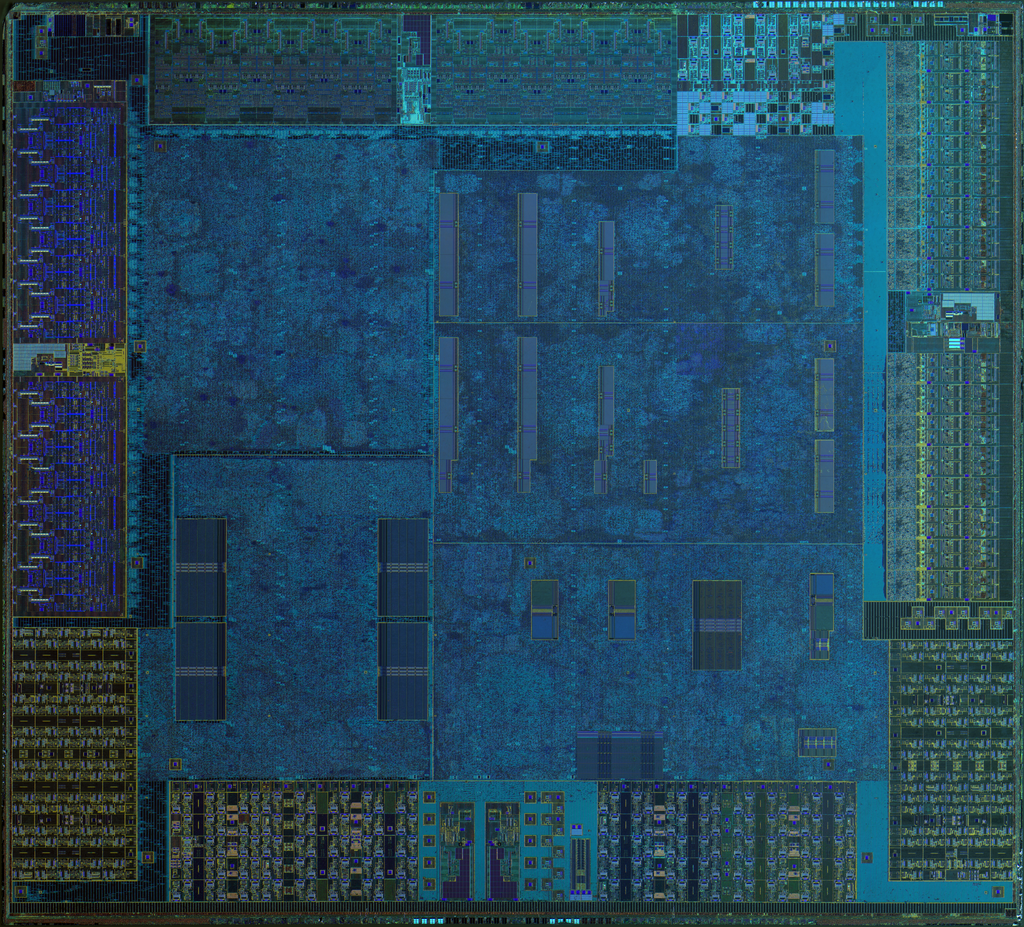
The Central Processing Unit, or CPU, is the electronic circuitry that executes instructions comprising a computer program.
The CPU is the brain of the computer. Its job is to fetch instructions from memory and execute them. Think of it like a chef in a kitchen. The recipe (program) is stored in a cookbook (memory), and the chef (CPU) reads one instruction at a time, grabs the ingredients (data), and performs the required action.
The CPU itself has two key parts:
- Arithmetic Logic Unit (ALU): This is the calculator of the CPU. It performs all the math (like addition and subtraction) and logical operations (like AND, OR, and NOT).
- Control Unit (CU): This is the traffic cop. It directs the flow of operations, telling the memory, ALU, and input/output devices how to respond to a program's instructions.
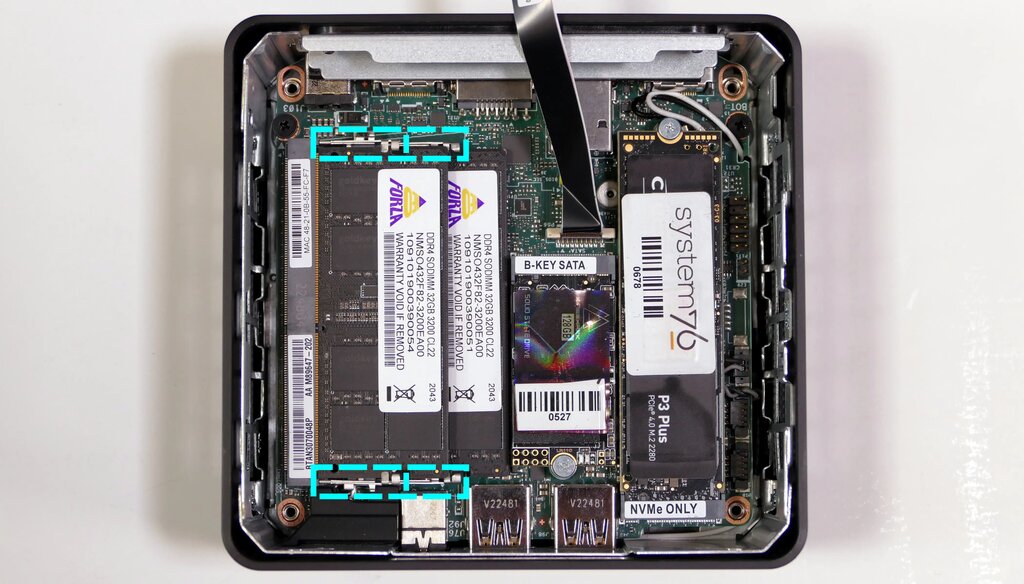
Next up is memory, often called RAM (Random Access Memory). This is the computer's short-term workspace. When you open an application, it gets loaded from your long-term storage (like a hard drive) into memory, along with any data it needs. The CPU can then access this information extremely quickly.
It's important to remember that this main memory is volatile. That means when you turn the power off, everything in it disappears. It's like a workbench: you put your tools and materials on it while you're working, but you clear it off when you're done.
Finally, we have input and output (I/O) devices. These are how the computer interacts with the outside world.
- Input devices bring data into the system. Your keyboard, mouse, microphone, and camera are all input devices.
- Output devices send data out of the system. Your monitor, speakers, and printer are common output devices.
Putting It All Together
So how do these parts work in harmony? It happens in a constant loop called the fetch-decode-execute cycle.
- Fetch: The CPU's Control Unit fetches the next instruction from memory.
- Decode: The Control Unit decodes the instruction to understand what needs to be done.
- Execute: The instruction is carried out. This might involve the ALU performing a calculation, data being moved in memory, or an action being sent to an I/O device.
This cycle repeats billions of times per second, allowing your computer to do everything from displaying a webpage to running a complex video game. Every single action your computer takes is a result of the CPU processing a long series of simple instructions stored in memory.
This fundamental architecture is the bedrock of modern computing. While today's systems are vastly more complex, they still operate on these core principles of a central processor working with a unified memory space and interacting with the world through input and output.
Ready to test your knowledge? Let's see what you've learned about the basic components of a computer.
What is the defining characteristic of the von Neumann architecture?
Which component of the CPU is responsible for performing mathematical operations like addition and subtraction?