Computer Architecture Essentials
Introduction to Computer Architecture
The Blueprint of a Computer
Computer architecture is like a blueprint for a building. It's not about the brand of the computer or how it looks on the outside. Instead, it's the fundamental design that dictates how all the internal parts work together. This blueprint determines the computer's capabilities, its speed, and its efficiency. It's the master plan that connects the hardware you can touch with the software you use every day.
A good architecture ensures that all components communicate smoothly. Think of it as a well-organized kitchen. If the stove, sink, and refrigerator are placed logically, cooking is fast and easy. If they're scattered randomly, you'll waste a lot of time and effort. Similarly, computer architecture organizes the core components to process information as quickly as possible.
The Brain of the Operation
At the heart of every computer is the Central Processing Unit, or CPU. It's the engine that runs the show, executing the instructions that make your software work. From opening a web browser to calculating numbers in a spreadsheet, the CPU is doing the heavy lifting.
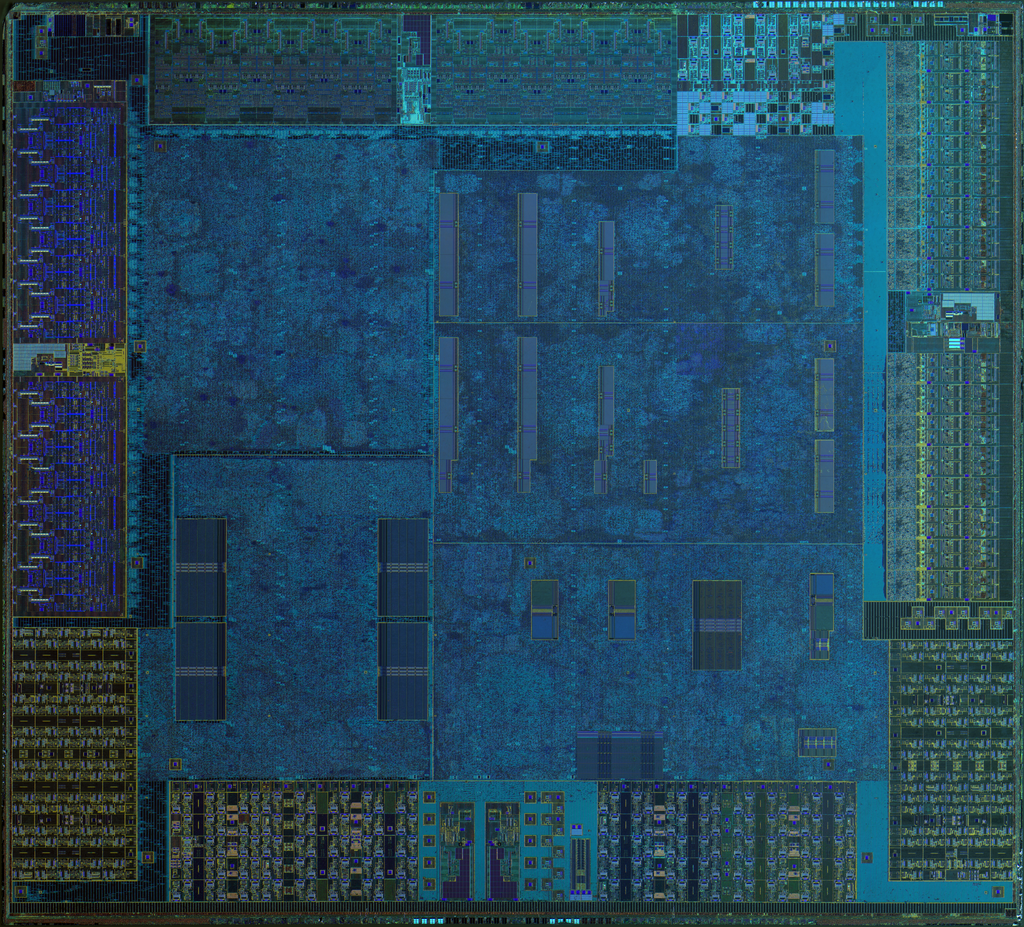
The CPU has two main parts that work in tandem.
The Arithmetic Logic Unit (ALU) is the mathematician. It handles all the calculations, like addition and subtraction, and makes logical comparisons, like determining if one number is greater than another.
The Control Unit (CU) is the traffic cop. It doesn't do any calculations itself. Instead, it directs the flow of data, telling the memory, the ALU, and the input/output devices how to respond to a program's instructions.
The CPU also uses tiny, super-fast storage areas called registers. These hold the specific pieces of data the ALU and CU are working on at any given moment, ensuring they have immediate access to what they need.
Memory and Storage
A CPU is fast, but it needs a place to store the programs and data it works with. This is where memory comes in. Computer memory isn't a single thing; it's a hierarchy of different types, each trading speed for size.
| Memory Type | Analogy | Speed | Size |
|---|---|---|---|
| Cache | A sticky note on your monitor | Fastest | Smallest |
| RAM | Your desk space | Fast | Medium |
| Storage | A filing cabinet | Slower | Largest |
Cache is the fastest and smallest type of memory, located right next to or inside the CPU. It holds the data and instructions the CPU is likely to need again very soon. This proximity eliminates the delay of fetching information from farther away.
RAM (Random Access Memory) is the computer's main workspace. When you open an application, it gets loaded from storage into RAM. It's much larger than cache but also slower. RAM is volatile, meaning it forgets everything when the computer is turned off.
Storage (like a Solid-State Drive or Hard Disk Drive) is where your files and applications are kept permanently. It's the slowest of the three but has the largest capacity. When you turn off your computer, everything in storage stays right where it is.
Getting Information In and Out
A computer wouldn't be very useful if you couldn't interact with it. Input/Output, or I/O, mechanisms are how the computer communicates with the outside world. They allow you to give it information and see the results.
Input devices bring data into the computer. Your keyboard, mouse, microphone, and webcam are all input devices. They convert your physical actions or sound into digital signals the CPU can understand.
Output devices take data from the computer and present it to you. Your monitor displays images, speakers produce sound, and a printer creates physical documents. These devices translate the computer's digital signals back into a form humans can perceive.
This whole system, from CPU to memory to I/O, is orchestrated by the computer's architecture. Software gives the commands, but it's the architecture that defines how the hardware carries them out. A program might tell the CPU to open a photo, and the architecture dictates the precise steps: the CPU's Control Unit requests the photo from storage, loads it into RAM, processes the image data, and finally sends it to the monitor for you to see.
Which of the following best describes computer architecture?
Which list correctly orders computer memory types from fastest to slowest?
Understanding these basic building blocks is the first step to seeing how computers really work. It's all a beautifully organized dance between different components, each playing a critical role.