CompTIA Security+ Mastery
Security Controls
A Framework of Controls
Security controls are the specific safeguards or countermeasures you implement to protect information and systems. They're the practical tools and procedures used to enforce your security policies. Think of them not as a simple checklist, but as a dynamic, layered system of defense.
One of the most important things to understand is that controls aren't mutually exclusive. A single safeguard can often be classified in multiple ways depending on the lens you're using. We can group them by their nature—how they're implemented—or by their function—what they're designed to do.
| Control Family | Primary Function | Example |
|---|---|---|
| Managerial | Guides people | Security awareness training, risk assessment policy |
| Operational | Implemented by people | Backups, incident response plans, user account reviews |
| Technical | Implemented by technology | Firewalls, antivirus software, encryption |
These three families—Managerial, Operational, and Technical—describe how a control is put into practice. Let's look at each.
Managerial controls are about governance and risk management. They are high-level and strategic, setting the direction for security. They include policies, standards, and guidelines that inform people how to operate securely. A policy that requires all employees to complete annual security training is a managerial control.
Operational controls are the human-driven procedures that uphold security policy. They are less about the broad strategy and more about the day-to-day execution. Think of things like reviewing access logs, performing data backups, or conducting disaster recovery drills. These are actions performed by people to maintain security.
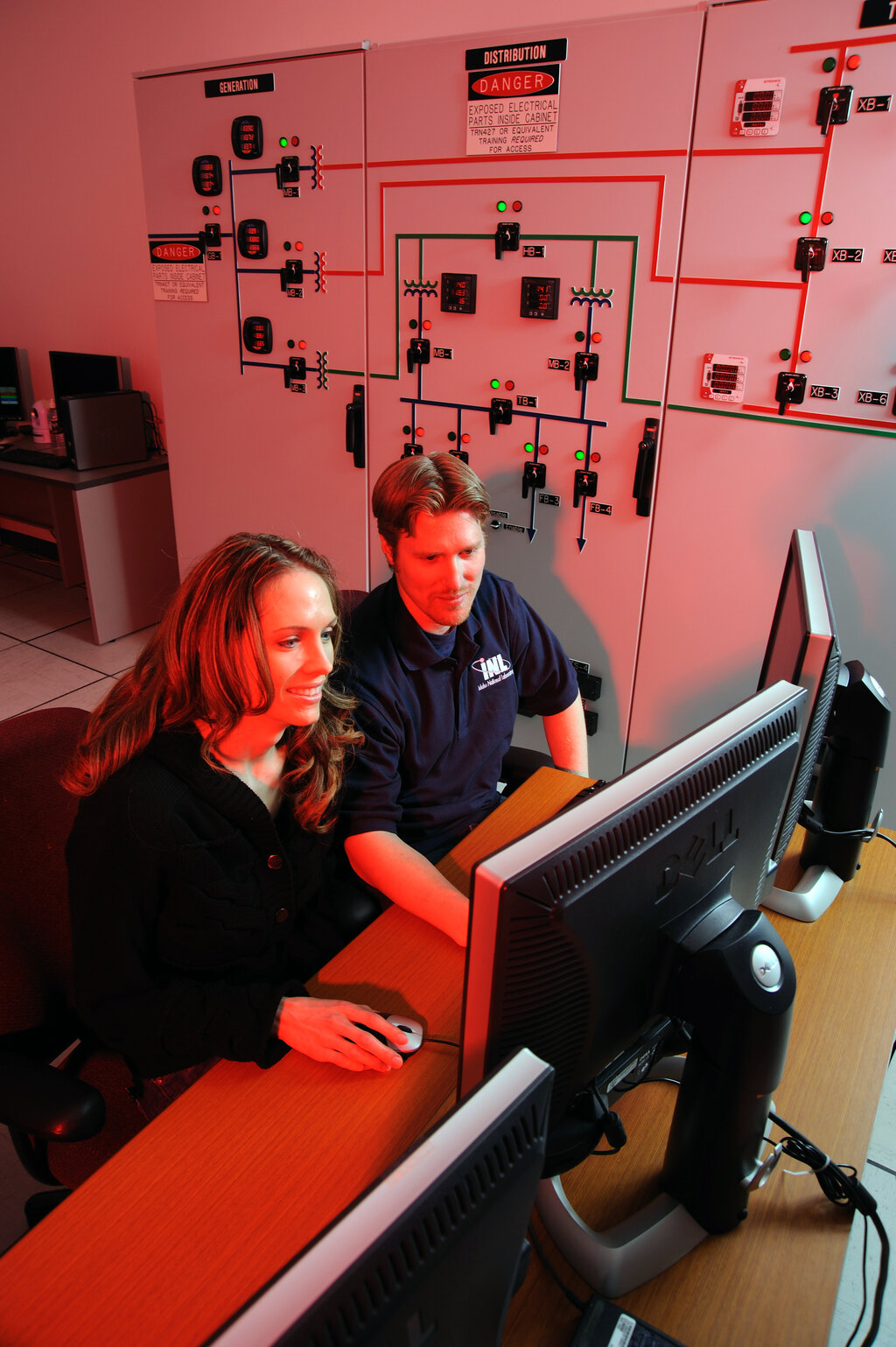
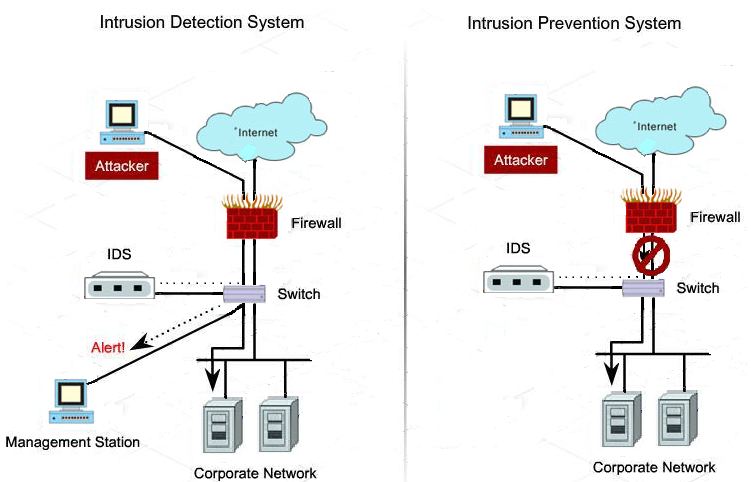
Technical controls, also known as logical controls, use technology to enforce security. This is often what people first think of when they hear "cybersecurity." Firewalls, intrusion detection systems (IDS), access control lists (ACLs), and encryption are all examples. They are systems and software working automatically to protect assets.
The 'What' Controls
While the first classification tells us how a control is implemented, the next tells us what it does. This functional view is critical for building a defense-in-depth strategy, ensuring you have measures in place before, during, and after a potential security incident.
Preventive controls aim to stop an incident from happening in the first place. Their goal is to prevent unauthorized actions. A firewall blocking malicious traffic, a locked door, or a security policy that forbids the use of USB drives are all preventive. They are the first line of defense.
Detective controls are designed to identify and report that an incident has occurred or is in progress. They don't stop the threat, but they provide crucial visibility. Think of a security camera, a system log that records login attempts, or an intrusion detection system that sends an alert. Their job is to sound the alarm.
Corrective controls come into play after an incident is detected. Their purpose is to limit the damage and restore systems to normal operation. An antivirus program that quarantines a virus is a corrective control. So is a disaster recovery plan that brings a critical server back online from backups. They fix the problem.
Putting It All Together
The real power comes from seeing how these categories overlap. A single control can have multiple classifications. For instance, an antivirus software is:
- Technical: It's a software system.
- Preventive: It can block known malware from executing.
- Detective: It logs and alerts on detected threats.
- Corrective: It can remove malware it finds.
Here are a few other functional categories that add more nuance to your security framework:
| Functional Category | Goal | Example |
|---|---|---|
| Deterrent | To discourage an attacker from even trying. | A "Beware of Dog" sign, or a banner on a login screen warning of monitoring. |
| Compensating | To provide an alternative when a primary control is not feasible. | If data encryption isn't possible, implementing strict access control and logging can compensate. |
| Directive | To mandate or guide behavior through policy. | An Acceptable Use Policy (AUP) that all employees must sign. |
| Physical | To protect physical access to facilities and equipment. | Locks, fences, security guards, and server cages. |
Effective security architecture layers these controls. A fence (physical, preventive, deterrent) keeps people out. A security guard (operational, physical, detective) monitors the perimeter. A locked server room door (physical, preventive) protects the hardware. A firewall (technical, preventive) protects the network. And an incident response plan (managerial, corrective) prepares the team for when something inevitably goes wrong.
Ready to test your understanding of these control types?
What is the primary purpose of a detective security control?
An IT administrator regularly reviews server access logs to look for unauthorized login attempts. How would this control be classified by its nature?
By understanding and applying this framework of controls, you can build a resilient and comprehensive security posture that addresses risks from multiple angles.