CompTIA A+ Core 1 Exam Prep
Mobile Devices
Beyond the Desktop
In the world of IT, mobility is king. Laptops, tablets, and smartphones have become essential tools, moving computing from a fixed desk to wherever we are. Unlike desktops, these devices pack everything they need into a single, portable package, but they all approach this goal in slightly different ways.
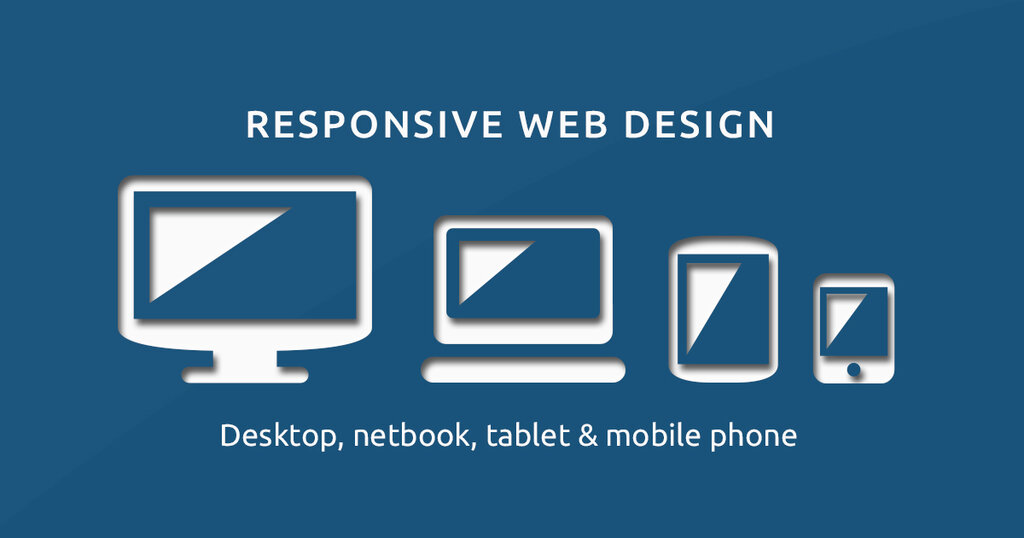
Understanding the hardware, operating systems, and security features specific to these devices is crucial. Let's start by looking inside the most familiar mobile workhorse: the laptop.
Inside Your Laptop
A laptop is a marvel of compression, squeezing the core components of a desktop computer into a portable form factor. While the parts are smaller, they serve the same fundamental purposes. Everything is connected to a main circuit board, much like in a desktop, but here it's custom-fit to the laptop's chassis.
The most important component is the battery. It’s what makes a laptop truly mobile, allowing it to run for hours without being plugged in. Modern laptops use lithium-ion batteries that are lightweight and can be recharged hundreds of times.
| Component | Function |
|---|---|
| CPU (Central Processing Unit) | The "brain" that performs calculations and runs programs. |
| RAM (Random Access Memory) | Short-term memory for active tasks. More RAM means better multitasking. |
| Storage (SSD/HDD) | Long-term memory. Solid-State Drives (SSDs) are faster and more durable. |
| Integrated Components | The built-in screen, keyboard, trackpad, and speakers. |
Managing these components involves balancing performance with battery life. For example, dimming the screen or closing unused applications can significantly extend the time you can work untethered.
Tablets and Smartphones
Tablets and smartphones take portability a step further. They ditch the physical keyboard and trackpad for a touchscreen interface and integrate components even more tightly. This is often achieved with a System on a Chip, or SoC.
SoC
noun
An integrated circuit that combines many components of a computer—like the CPU, graphics processor, and memory—into a single chip. This makes devices smaller and more power-efficient.
These devices are also packed with sensors that laptops typically lack. An accelerometer detects orientation, a GPS provides location data, and advanced cameras capture high-quality photos and videos. This hardware is tightly coupled with the operating system, creating a seamless user experience.
Think about it: when you turn your phone sideways to watch a video, the accelerometer tells the operating system to change the screen orientation. That's hardware and software working together instantly.
Operating Systems and Connectivity
The operating system (OS) is the software that manages all the hardware and provides a platform for apps to run. In the mobile world, the landscape is dominated by a few key players.
For smartphones and tablets, Google's Android and Apple's iOS are the two giants. Android is known for its open-source nature and broad use across many manufacturers, while iOS is exclusive to Apple devices and prized for its user-friendly design and robust security.
Laptops typically run on Microsoft Windows, Apple's macOS, or Google's ChromeOS. Each has its own strengths in terms of software compatibility, user interface, and system requirements.
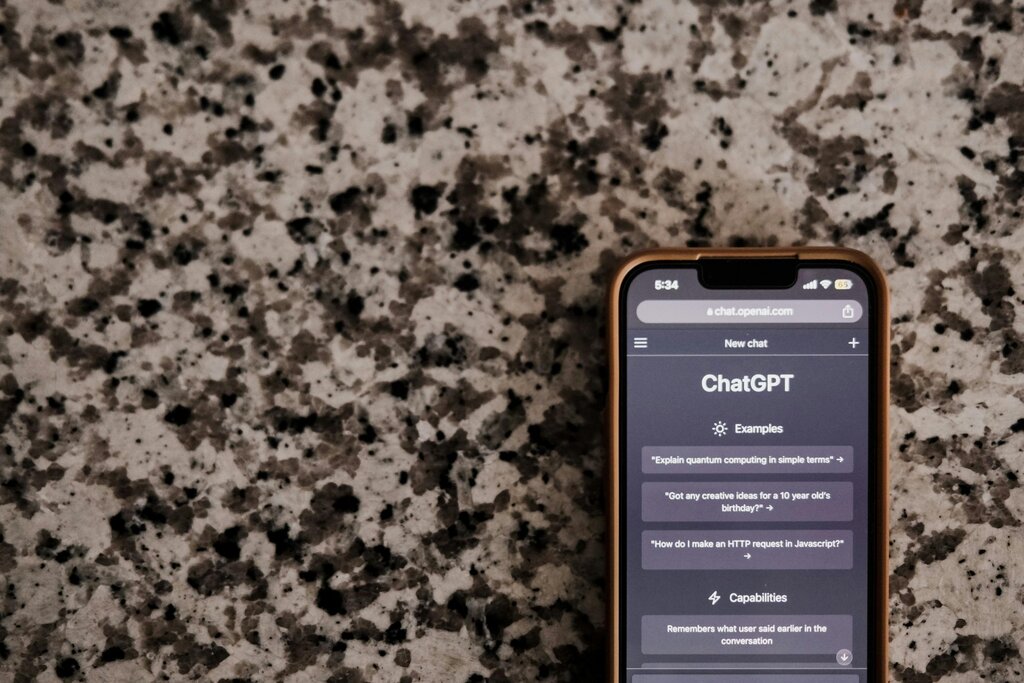
Of course, a mobile device isn't very useful without a connection. These devices rely on wireless technologies to connect to networks and the internet.
| Technology | Description |
|---|---|
| Wi-Fi | Uses radio waves to provide high-speed network access over short distances. |
| Bluetooth | A short-range wireless technology for connecting peripherals like headphones. |
| Cellular | Connects to mobile carrier networks (e.g., 4G LTE, 5G) for data access anywhere. |
| NFC | Near Field Communication allows for data exchange over extremely short distances. |
Configuring these connections is a daily task for IT support, from connecting to a new Wi-Fi network to pairing a Bluetooth keyboard.
Keeping Mobile Devices Secure
Because they travel with us, mobile devices face unique security risks. They can be lost or stolen, and public Wi-Fi networks can be insecure. Both the devices and their operating systems have built-in features to mitigate these risks.
Mobile devices are computers with software that needs to be kept up‐to‐date (just like your PC, laptop or tablet). Security protections are built in and updated on a regular basis.
Key security features include:
- Screen Locks: Using a PIN, password, pattern, or biometrics (fingerprint or face recognition) is the first line of defense.
- Encryption: This scrambles the data on your device, making it unreadable without the correct key. Modern mobile operating systems encrypt data by default.
- Remote Wipe: If a device is lost or stolen, this feature allows the owner or an IT administrator to remotely erase all its data.
- App Permissions: Mobile OSs require apps to ask for permission before accessing sensitive data like your location, contacts, or microphone. Always be cautious about what permissions you grant.
Ready to test your knowledge?
What component is most essential for a laptop's mobility, allowing it to function without being plugged into a power source?
Which mobile operating system is known for its open-source nature, allowing it to be used by many different hardware manufacturers?
Properly managing a device's hardware, software, and security settings ensures it remains a powerful and safe tool for work and communication.