Collaborative Mastery with Claude
Claude Projects Fundamentals
Projects as a Shared Brain
Individual chats with an AI are powerful but fleeting. They're like conversations with a brilliant colleague who has short-term memory; the context is lost once the chat is closed. Claude Projects change this by creating a persistent, shared workspace for your team and the AI.
Think of a Project as a shared brain. It's a centralized hub where all project-related documents, goals, and conversational history live. This structure ensures that every team member, and Claude itself, is always working from the same source of truth, eliminating the need to re-explain context in every new conversation.
Setting Up for Success
Initializing a Project properly is the most critical step. It begins not with code or files, but with clarity. Before you create the Project, define its scope and goals in a clear document. What problem is this project solving? What are the key deliverables? Who are the stakeholders? Having these answers ready will guide how you structure the project's knowledge base.
With a clear scope, you can start building the Project's memory using the sidebar. This is where you upload foundational documents: technical specifications, user research, brand guidelines, or key code files. This content isn't just for a single session; it becomes part of the project's permanent context, accessible in every chat within that Project. Be mindful of the file limits—you can upload up to 5 files, each with a maximum size of 10MB.
Your first task should always be populating the Project Knowledge sidebar. A project with a weak knowledge base is like a team with no onboarding.
Next, you establish the project's personality and rules of engagement through Project-specific custom instructions. This is where you tell Claude how to behave within this project. For example, you might instruct it to always respond in a certain format, adopt the persona of a senior developer, or avoid using specific terminology. These instructions apply to every team member's interaction within the project, ensuring a uniform and predictable output.
Managing Context and Access
The key technical advantage of Projects is how they manage the context window. In a standard chat, the context is built from the ongoing conversation. In a Project, the context window is pre-loaded with the information from Project Knowledge and the before your first prompt is even entered. This foundational context is always active, providing a stable base for every conversation.
This architecture means the AI's 200k token context window is used more efficiently. Instead of consuming tokens to re-establish context repeatedly, the team's conversations can focus on specific tasks, building upon the shared foundation. It’s the difference between re-reading the textbook for every problem versus having the key formulas already memorized.
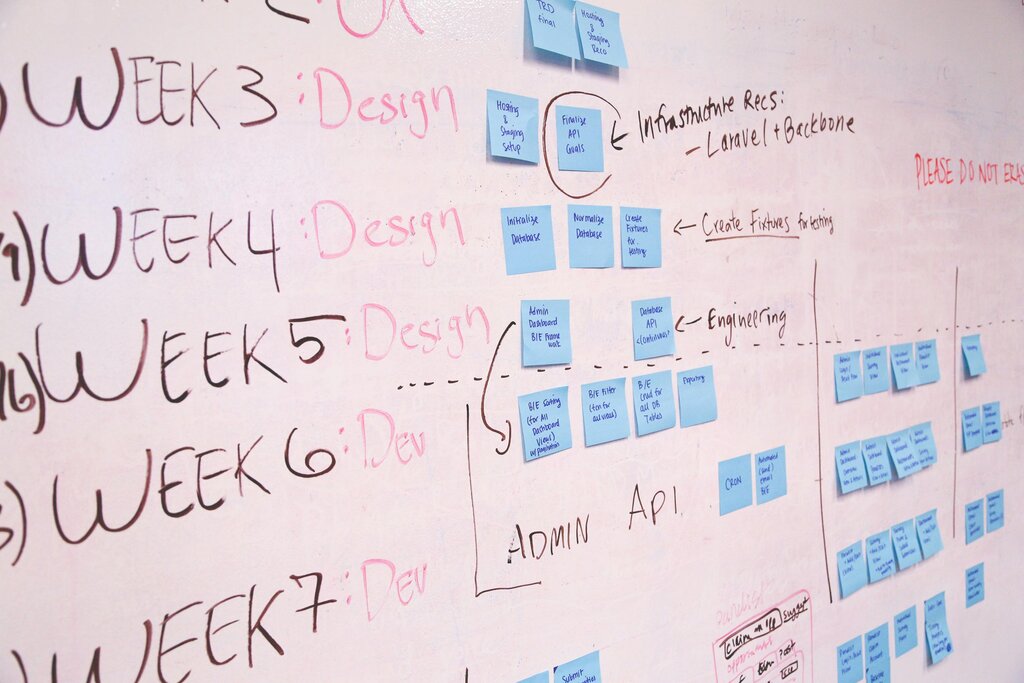
Finally, managing who has access to this shared brain is straightforward. Project visibility can be set to be open to your entire organization or restricted to specific team members. This allows you to create both broad, company-wide resources and confidential, team-specific workspaces. For sensitive projects, always start with the most restrictive settings and invite members individually.
Time to test what you've learned about setting up and managing Claude Projects.
What is the primary problem that Claude Projects are designed to solve?
According to the text, what is the most critical first step when initiating a new Claude Project?