Collaborating with Claude for Code Success
Introduction to Claude AI
Meet Claude AI
Claude AI is a powerful language model created by Anthropic, a company with a strong focus on AI safety. Like other AI chatbots you might have heard of, Claude is designed for natural, helpful conversations. You can ask it to summarize articles, brainstorm ideas, or explain complex topics in simple terms.
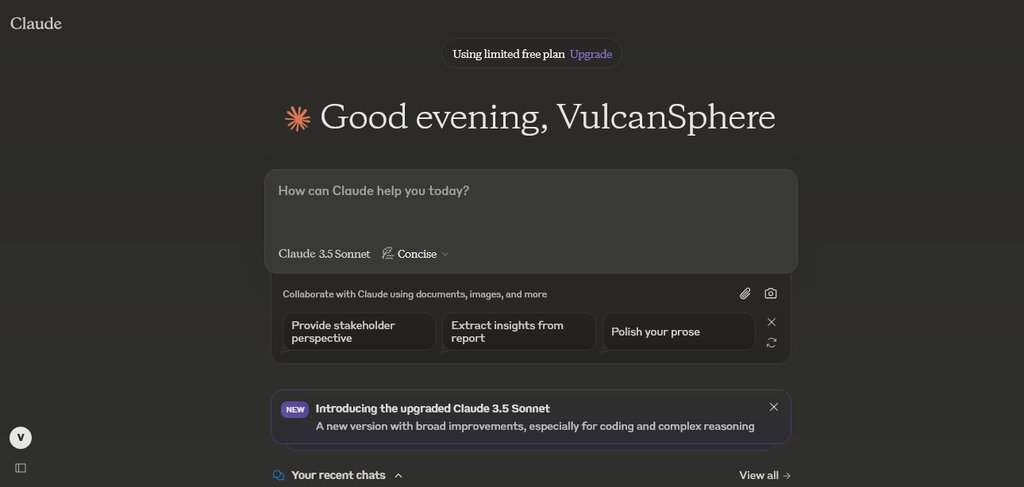
But where Claude really shines for many developers is in its ability to understand and work with code. It's more than just a chatbot; it's a capable partner for a wide range of programming tasks.
Your AI Coding Partner
One of the most direct ways to use Claude is for code generation. Instead of writing a function from scratch, you can describe what you want in plain English, and Claude will generate the code for you. This is incredibly useful for saving time on common tasks or for getting a starting point when you're unsure how to begin.
For example, you could ask: "Write a Python function that takes a number and returns its factorial."
def factorial(n):
    """Calculates the factorial of a non-negative integer."""
    if n < 0:
        return "Factorial is not defined for negative numbers"
    elif n == 0:
        return 1
    else:
        result = 1
        for i in range(1, n + 1):
            result *= i
        return result

# Example usage:
print(factorial(5)) # Output: 120
Claude can also help you debug existing code. We all spend time hunting for bugs, from simple typos to tricky logical errors. You can paste a block of buggy code into Claude, explain the problem, and ask it to find the mistake. It's like having a fresh pair of eyes that can spot issues you might have overlooked.
Developers leverage Claude to generate, debug, and optimize code across various languages.
Imagine you have this code that is supposed to list numbers from 1 to 5, but it's not working correctly:
# Buggy code
for i in range(5):
  print(i)
This code prints 0 to 4. If you ask Claude to fix it so it prints 1 to 5, it will quickly identify the off-by-one error and provide the corrected version:
# Corrected code
for i in range(1, 6):
  print(i)
Claude in Your Workflow
The real power of AI assistants comes from integrating them into your daily workflow. Claude isn't just a tool you use in a separate browser tab. It can be connected to the tools you already use, like your code editor or command-line interface (CLI).
Tools like Claude Code bring the AI's power directly into your terminal. This allows Claude to understand your entire project, make changes across multiple files, and even run commands to test its own work. This deeper integration means it can help with more complex tasks, like refactoring a large piece of code or adding a new feature that touches different parts of the application. It can even interact with version control systems like Git to help you manage your code changes.
Which company, known for its focus on AI safety, is the creator of the Claude AI model?
A developer has a block of code that is supposed to list numbers from 1 to 5 but instead lists 0 to 4. What is this common type of mistake called?
By understanding these capabilities, you can start to see how an AI assistant like Claude can become a valuable part of any software development team.