Coding Fundamentals
Introduction to Programming Languages
Talking to Computers
Computers are powerful, but they're also very literal. They don't guess what you mean. To get a computer to perform a task, you must give it a set of precise instructions in a language it understands. This is where programming languages come in.
A programming language is a formal language that provides a structured way for humans to communicate with computers. Think of it like a recipe. Each step must be clear and in the correct order for the final dish to turn out right. Similarly, a computer follows the instructions in your code, line by line, to produce a result.
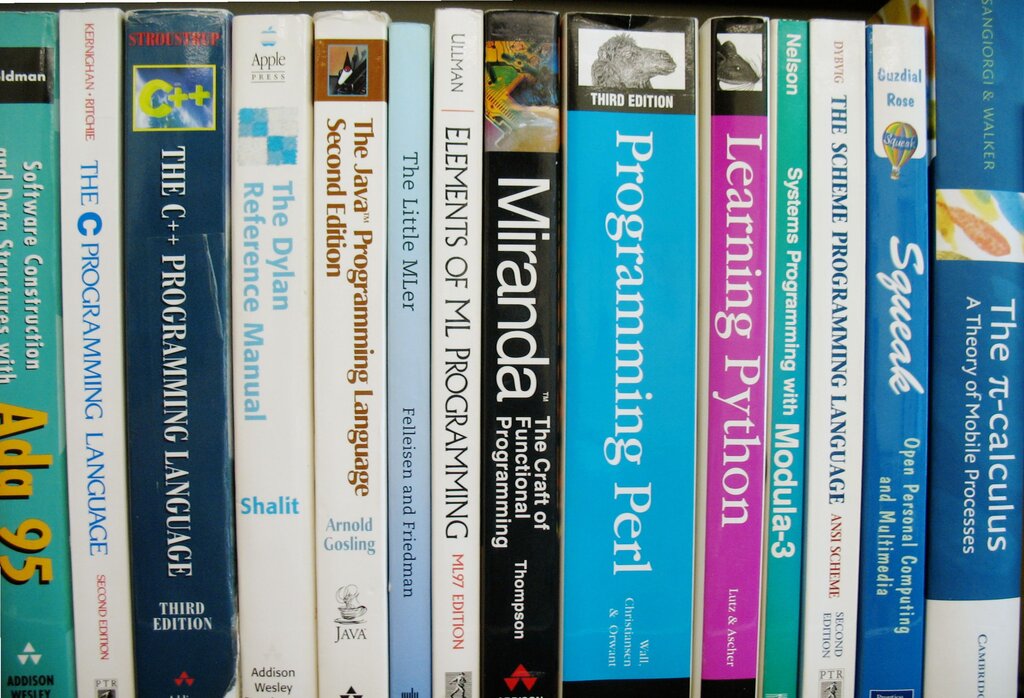
Just like human languages have grammar rules, programming languages have rules called syntax. Syntax defines how words and symbols must be arranged to form valid statements. For example, in English, we say "The cat sat on the mat," not "Sat the cat mat on the." The order and structure give the sentence meaning.
In programming, syntax is even more strict. A misplaced comma or a forgotten parenthesis can stop a program from working entirely. The computer won't try to figure out what you intended; it will simply report an error because the instructions don't follow the rules of the language.
Following the syntax isn't a suggestion—it's the law of the language. It ensures your instructions are perfectly clear to the computer.
Your Coding Toolkit
While you could write code in a basic text editor, most programmers use a tool called an Integrated Development Environment, or IDE. An IDE is a software application that combines common developer tools into a single package, making the process of writing code much smoother.
Think of an IDE as a workshop designed specifically for a programmer. It has everything you need in one place. Instead of just a blank page, an IDE provides helpful features that make coding easier and more efficient.
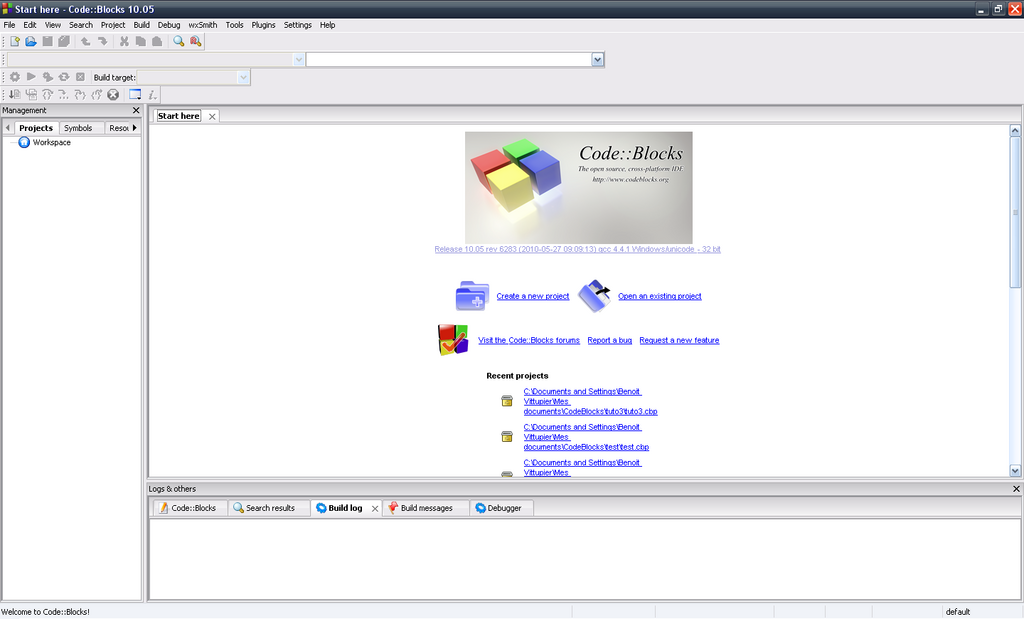
For beginners, some of the most useful features are built right in. IDEs often use color to highlight different parts of your code, making it easier to read and understand at a glance. This is called syntax highlighting.
They also provide real-time feedback. If you make a syntax mistake, like forgetting a semicolon, the IDE will often underline it in red before you even try to run the program. Many also offer auto-completion, suggesting code as you type, which saves time and helps prevent typos. These features let you focus more on the logic of your program and less on tiny syntax errors.
Now, let's check your understanding of these foundational concepts.
What is the primary purpose of a programming language?
The rules for structuring statements in a programming language, similar to grammar in a human language, are called:
Understanding these core ideas—what a language is, why its rules matter, and the tools that help you write it—is the first step on your programming journey.