Cloud Storage Cost Optimization
Cloud Storage Basics
What Is Cloud Storage?
Cloud storage is a way to save data and files on the internet instead of on your computer's hard drive. Think of it like a digital self-storage unit. Instead of renting a physical space to store your belongings, you rent digital space from a company that owns and manages massive data centers full of servers.

You can access your files from any device with an internet connection. This service is provided by companies like Amazon, Google, and Microsoft, who are responsible for keeping the servers running and the data safe and accessible.
Key Benefits
Why do so many individuals and businesses use cloud storage? A few key advantages stand out.
Accessibility: Your data isn't tied to a single physical location. You can access your files from a laptop, smartphone, or tablet, whether you're at home, in the office, or traveling. This makes collaboration with others much simpler.
Scalability: You can easily increase or decrease your storage space as your needs change. If your business grows and you need to store more data, you can expand your capacity with just a few clicks. This flexibility means you only pay for what you use.
Scalability
noun
The ability of a system to handle a growing amount of work by adding resources. In cloud storage, it means you can easily increase storage capacity without buying new hardware.
Durability and Security: Cloud providers invest heavily in security measures to protect your data from unauthorized access. They also create multiple copies of your data and store them in different locations. This redundancy means that if one server fails, your data is still safe and accessible from another.
Cloud computing allows businesses to leverage computing resources over the internet, providing scalable and on-demand access to IT infrastructure, applications, and storage without needing to manage or own physical hardware.
Three Types of Storage
Cloud storage isn't a one-size-fits-all solution. There are three main types, each suited for different kinds of data and applications. Let's think of them in terms of organizing a warehouse.
1. File Storage This is the most familiar type. It organizes data in a hierarchy of files and folders, just like the file system on your computer. It’s intuitive and great for shared file servers where many users need to access the same files.
Warehouse analogy: This is like a perfectly organized stockroom with shelves, aisles, and clearly labeled boxes inside of other boxes.
Common use: Storing user documents, company file shares, and web content.
2. Block Storage Block storage breaks data into fixed-size chunks called blocks. Each block has a unique address but no other information—it doesn't know what kind of data it holds. This makes it extremely fast and efficient. It's often used for applications that need high performance, like databases.
Warehouse analogy: Imagine your goods aren't in labeled boxes but are broken down into identical, interchangeable pallets. The warehouse manager knows exactly where each pallet is, allowing for incredibly fast retrieval and assembly.
Common use: Databases, transaction processing systems, and virtual machine file systems.
3. Object Storage Object storage treats data as discrete units, or objects. Each object includes the data itself, detailed metadata (information about the data), and a globally unique identifier. Instead of a folder hierarchy, it uses a flat address space. This makes it incredibly scalable, perfect for storing massive amounts of unstructured data.
Warehouse analogy: This is a giant, open warehouse floor. Each item has a detailed tag attached with its contents, origin, and unique tracking number. You can find any item instantly using its number, no matter where it is.
Common use: Storing photos and videos (like on social media), backups, archives, and data for analytics.
| Storage Type | Structure | Best For | Analogy |
|---|---|---|---|
| File Storage | Hierarchical (folders) | Shared documents, web content | Labeled shelves |
| Block Storage | Fixed-size blocks | Databases, high-performance apps | Uniform pallets |
| Object Storage | Flat (objects with metadata) | Photos, videos, backups | Tagged items |
Major Cloud Providers
Several major tech companies dominate the cloud storage market. While their core offerings are similar, they each have their own strengths and ecosystems.
-
Amazon Web Services (AWS): The oldest and largest provider. Its primary storage services are Amazon S3 (Simple Storage Service) for object storage, Amazon EBS (Elastic Block Store) for block storage, and Amazon EFS (Elastic File System) for file storage.
-
Google Cloud: Known for its strengths in data analytics and machine learning. Its services include Google Cloud Storage (object), Persistent Disk (block), and Filestore (file).
-
Microsoft Azure: A popular choice for large enterprises, especially those already using Microsoft products. It offers Azure Blob Storage (object), Azure Disk Storage (block), and Azure Files.
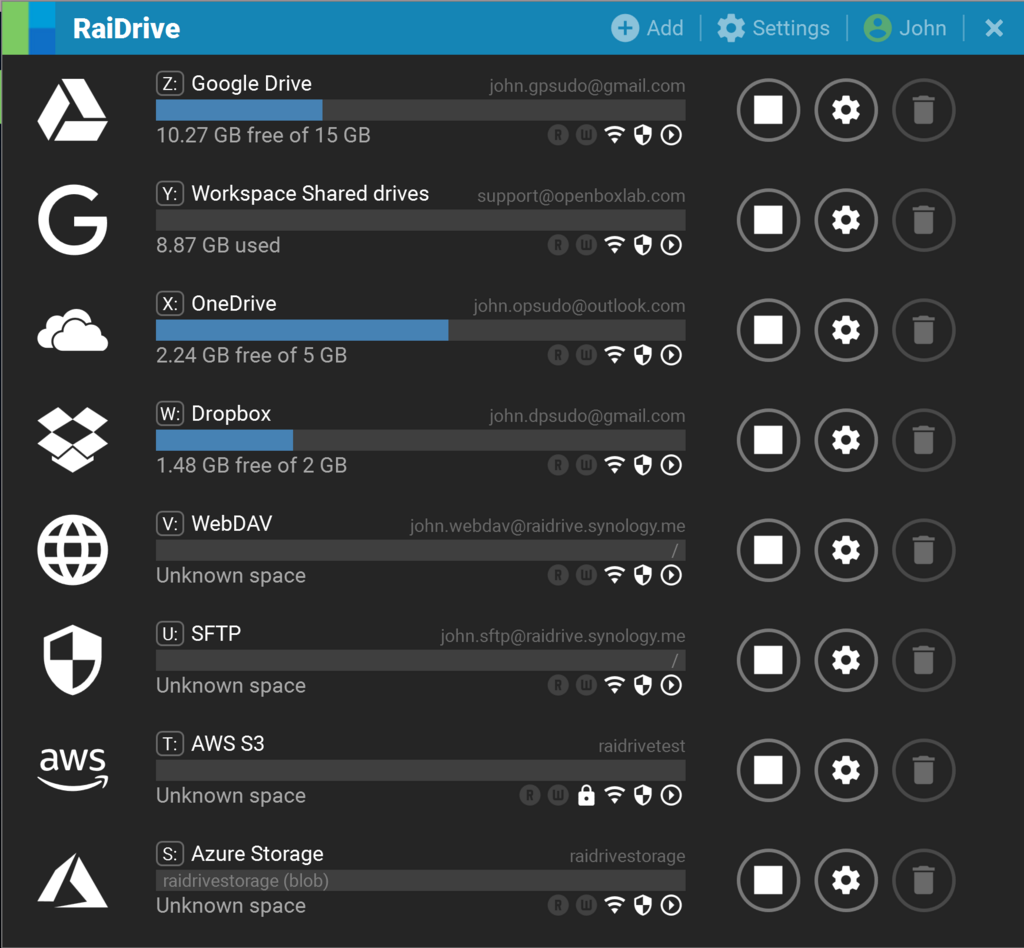
Other notable players include IBM Cloud, Oracle Cloud, and Alibaba Cloud. Each provides a suite of storage options designed to meet different technical and business needs.
Ready to check your understanding?
What is the main advantage of storing files in the cloud compared to a local hard drive?
A company needs to store massive amounts of unstructured data, like images and videos. Each file needs detailed descriptive information and a unique ID for easy retrieval. Which cloud storage type is best suited for this?
Understanding these fundamentals—what cloud storage is, its benefits, and the different types—is the first step to leveraging its power for any project, big or small.