Cloud Storage Cost Optimization
Cloud Storage Basics
What Is Cloud Storage?
At its core, cloud storage is a way to save digital data in an online space. Instead of keeping files on your computer's hard drive or an external drive, you upload them over the internet to a remote system. Think of it as a massive, secure, digital locker that you can access from anywhere.
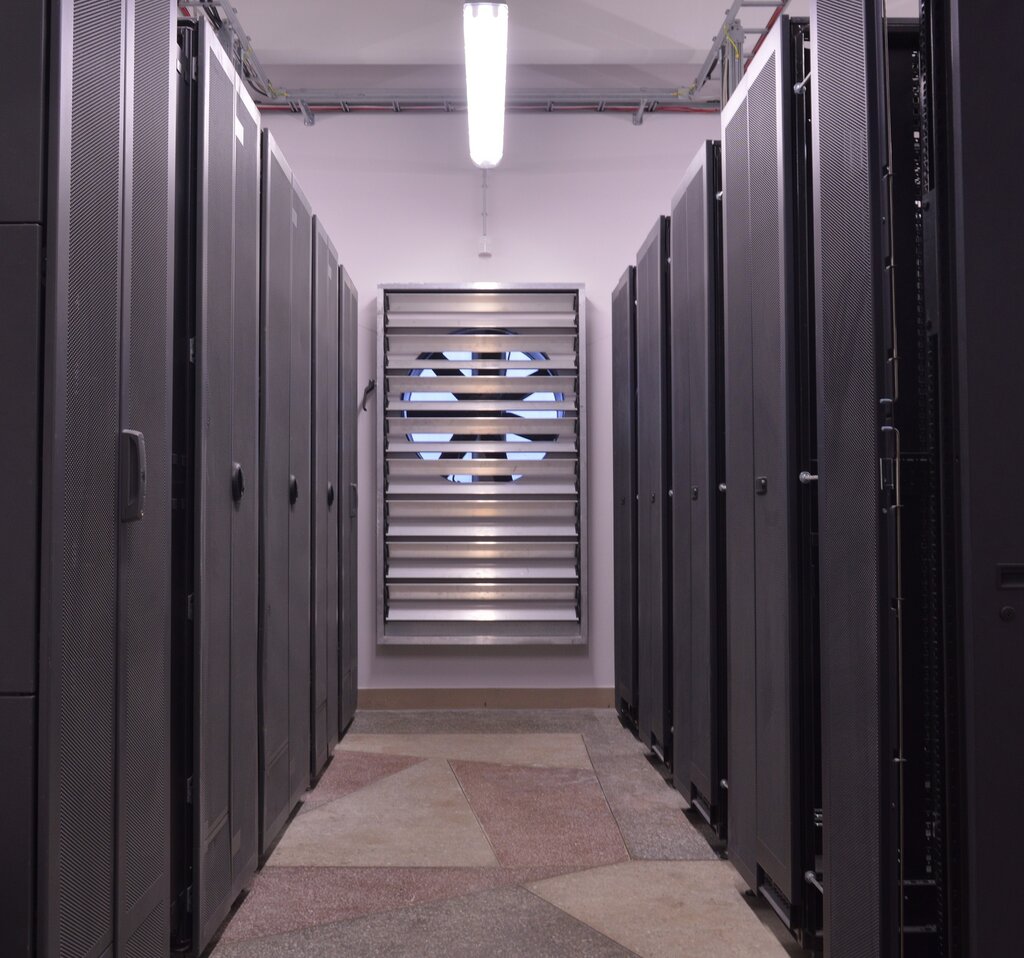
This "cloud" isn't a literal cloud in the sky. It's a vast network of powerful computers, called servers, housed in large buildings known as data centers. Companies like Amazon, Google, and Microsoft own and operate these data centers, renting out space on their servers for others to use.
Cloud computing allows businesses to leverage computing resources over the internet, providing scalable and on-demand access to IT infrastructure, applications, and storage without needing to manage or own physical hardware.
When you save a photo to a service like Google Photos or a document to Dropbox, you're using cloud storage. Your file travels through the internet and is stored on one of these servers. When you need it again, you just log into your account and download it.
Key Benefits
Moving from traditional, on-site storage to the cloud offers several key advantages.
- Accessibility: You can access your files from any device with an internet connection, whether it's a laptop, tablet, or smartphone. This makes collaboration and remote work much easier.
- Scalability: Cloud storage is incredibly flexible. If you need more space, you can get it instantly without buying new hardware. If you need less, you can scale down just as easily. You only pay for what you use.
- Durability and Reliability: Your data is much safer in the cloud. Providers often replicate your data across multiple servers and even different geographic locations. If one server fails, your data is still safe on another. This built-in redundancy is something most individuals and small businesses can't afford to implement on their own.
- Cost-Effectiveness: By using cloud storage, you avoid the high upfront costs of purchasing and maintaining your own storage hardware. You also save on the associated costs of power, cooling, and physical space for that equipment.
Types of Cloud Storage
Cloud storage isn't a one-size-fits-all solution. There are three main deployment models, each with its own characteristics.
-
Public Cloud: This is the most common model. Storage services are provided by a third-party company (like AWS or Azure) and are available to anyone over the internet. You share the physical hardware with other users or "tenants," but your data is kept separate and secure.
-
Private Cloud: In this model, the cloud infrastructure is operated solely for a single organization. It can be managed internally or by a third party and hosted either on-premises or in a data center. This offers more control and is often used by organizations with strict security or regulatory requirements.
-
Hybrid Cloud: This approach combines both public and private clouds. It allows an organization to keep sensitive data on a private cloud while leveraging the scalability of the public cloud for less critical workloads. Data and applications can be moved between the two environments.
Core Components
While cloud storage systems are complex, they are built on a few fundamental components. At the most basic level, you have the physical servers where data is stored. These are organized into vast clusters within data centers.
To manage all this, there's a software layer called a control plane. This is the brain of the operation. It handles tasks like storing data efficiently, making sure it's replicated for safety, managing user access, and processing requests to retrieve files. When you upload a file, the control plane decides which physical server to put it on. When you ask for it back, it finds it and sends it to you.
Finally, there's the user-facing part, often an Application Programming Interface (API) or a web-based dashboard. This is how you and your applications interact with the storage system to upload, download, and manage your data.
What does the term 'cloud' in cloud storage primarily refer to?
A rapidly growing e-commerce company experiences unpredictable traffic spikes, requiring its storage capacity to expand and shrink on demand. Which key advantage of cloud storage is most beneficial for this company?
With these basics in mind, you're ready to explore how different cloud storage services are priced and how to choose the right one for your needs.