Claude Workflows for Beginners
Introduction to Claude
Meet Claude
Claude is an AI assistant created by a company called Anthropic. Think of it as a versatile partner that can help you with a wide range of tasks, from drafting emails to brainstorming creative ideas. It's designed to be a conversational tool that you can interact with using everyday language.
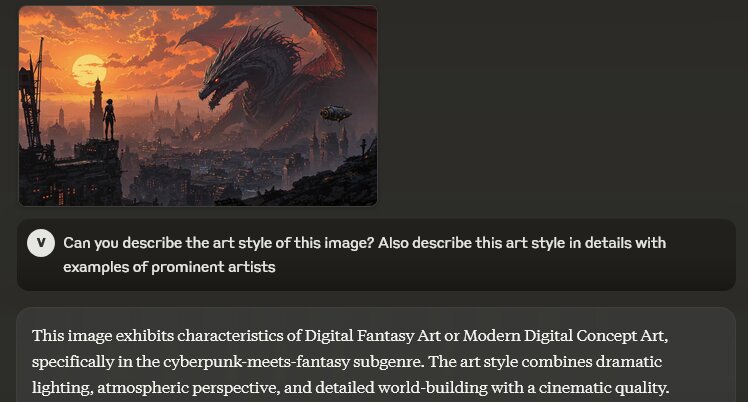
Unlike a simple search engine that just finds information, Claude can process, understand, and generate text in a way that feels more like talking to a person. This makes it useful for more than just finding facts; it can also help you create new content, analyze existing text, and even write code.
What Can It Do?
Claude's abilities are broad. At its core, it excels at understanding and generating human-like text. This opens up a lot of possibilities.
For example, you could ask it to summarize a long report, write a poem about the ocean, answer complex questions based on a document you provide, or even help you debug a piece of code.
Here’s a breakdown of its main capabilities:
- Conversation and Q&A: You can chat with Claude to explore topics or get answers to your questions.
- Text Processing: It can summarize, rephrase, and analyze documents, articles, or any other text you give it.
- Creative Writing: Claude can help write stories, marketing copy, emails, and other creative or professional content.
- Coding: It can write code snippets, explain programming concepts, and help you find errors in your own code.
Helpful, Honest, and Harmless
Anthropic designed Claude with a specific set of principles in mind. The goal is for the AI to be helpful, honest, and harmless. This is often referred to as "Constitutional AI."
Claude is built with Constitutional AI principles, ensuring ethical guidelines are embedded directly into the AI’s design.
This means Claude is trained to avoid generating harmful, unethical, or dangerous content. When it doesn't know something, it's encouraged to say so rather than making up an answer. This focus on safety and reliability is a key part of what makes Claude different.
How to Access Claude
Getting started with Claude is straightforward. You can access it on several platforms, making it available wherever you are.

You can typically use Claude through:
- Web Browsers: The most common way is by visiting its official website.
- Desktop Applications: Some services offer dedicated desktop apps for a more integrated experience.
- Mobile Devices: You can often find Claude available as an app for your smartphone, allowing you to use it on the go.
It is also integrated into other software products, like search engines and productivity apps.
What is the most accurate description of Claude?
The design principle that guides Claude to be helpful, honest, and harmless is known as:
Now that you've got the basics down, you're ready to start exploring what Claude can do.