Claude Code Analysis in VS Code
Introduction to Claude Code
Your AI Coding Partner
Imagine having an expert programmer sitting next to you, ready to help you write code, find bugs, and understand complex projects. That's the idea behind Claude Code, an AI-powered coding assistant from Anthropic. It's designed to work directly inside your code editor, acting as an intelligent partner that understands your project's context.
Unlike a standard chatbot, Claude Code is built specifically for software development. It integrates into tools like Visual Studio Code (VS Code), giving it the ability to read your files, understand how they connect, and offer relevant suggestions. This tight integration means you can get help without ever leaving your editor, keeping you focused on your work.
By simplifying the code writing process, Claude reduces the time spent on basic coding tasks and allows developers to focus on more complex, creative aspects of their projects.
What It Can Do
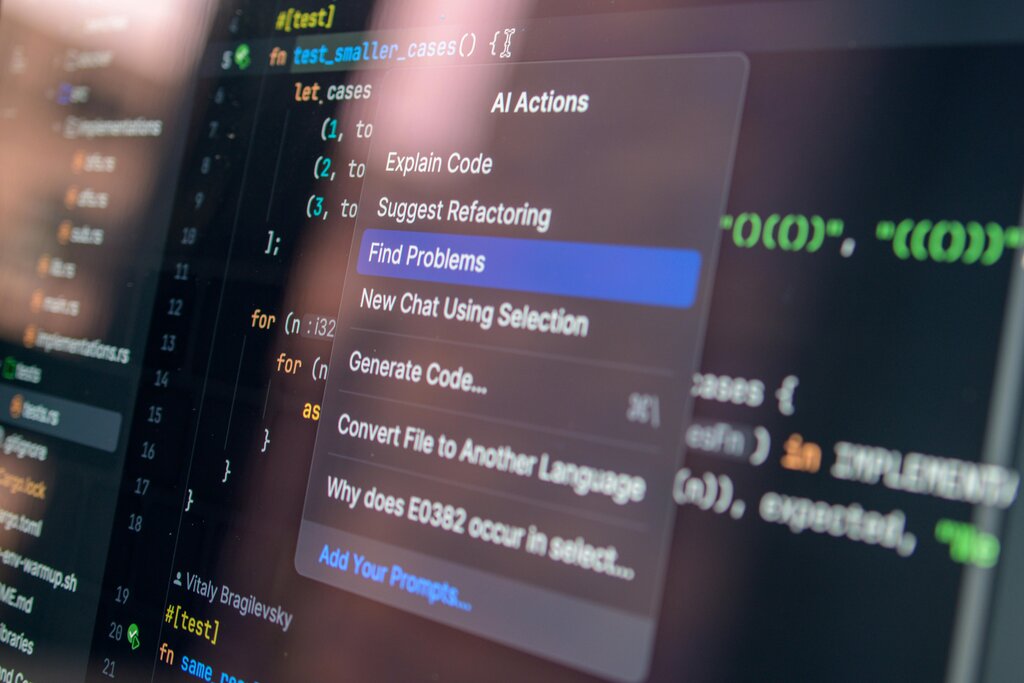
Claude Code isn't just about writing new code from a prompt. Its capabilities cover the entire development workflow. You can ask it to analyze a confusing block of code and explain it in simple terms, making it easier to work with unfamiliar codebases. It can also suggest ways to improve your existing code.
This process, called refactoring, helps make your code more efficient, readable, and easier to maintain.
Debugging is another key strength. Instead of spending hours searching for the cause of a cryptic error message, you can ask Claude to analyze the error and the related code. It can often pinpoint the problem and suggest a fix, turning a major headache into a quick solution.
Use Cases in Development
The practical applications for an AI assistant like Claude Code are vast. It can accelerate everyday tasks and help you push through creative blocks.
| Task | How Claude Code Helps |
|---|---|
| Learning a New Framework | Generates boilerplate code and explains core concepts. |
| Writing Unit Tests | Creates test cases to ensure your functions work correctly. |
| Documenting Code | Writes clear comments and documentation for your functions. |
| Prototyping an Idea | Quickly scaffolds a new feature based on a natural language description. |
| Optimizing Performance | Analyzes code to find bottlenecks and suggests more efficient alternatives. |
Integrating Claude Code directly into VS Code creates a seamless experience. The AI has the full context of your open files and project structure, so its suggestions are tailored to your specific needs. This context-awareness is what makes it so much more powerful than a generic AI tool in a separate browser tab. It streamlines your workflow and helps you produce better code, faster.
Time to review what you've learned about Claude Code.
What is the primary role of Claude Code?
What is the main advantage of Claude Code's integration into an editor like VS Code?
By handling routine coding tasks, Claude Code frees you up to focus on problem-solving and building great software.