Cisco Switch Fundamentals
Introduction to Cisco Switches
The Network's Traffic Cop
Imagine a small office with several computers, a printer, and a server. For these devices to talk to each other, they need to be connected. This collection of connected devices in a single physical location, like an office building or a home, is called a Local Area Network, or LAN. The device at the center of it all is the network switch.

A switch acts like a smart traffic cop for the network. Its job is to make sure that data sent from one device gets to the correct destination device without bothering other devices on the network. Think of it as a digital mailroom sorter for an office building. When a letter arrives for someone on the 5th floor, it goes directly to the 5th floor, not to every single office in the building.
This targeted delivery is what makes switches efficient. They create direct lines of communication between devices, preventing data collisions and keeping the network running smoothly and quickly. Cisco is one of the most well-known manufacturers of network switches, producing a wide range of devices for everything from small businesses to massive data centers.
How a Switch Works
So, how does a switch know where to send the data? It uses a special kind of address called a Media Access Control (MAC) address. Every network-capable device, from your laptop to your smartphone, has a unique MAC address assigned to it at the factory. It’s like a permanent, physical mailing address for that specific piece of hardware.
A MAC address is a 48-bit address usually written as twelve hexadecimal characters, like
00:1A:2B:3C:4D:5E.
When a switch is first turned on, it doesn't know anything about the devices connected to it. It learns by listening. When a computer sends out a piece of data (called a frame), the switch looks at the frame's source MAC address and makes a note of which physical port the frame came from. It stores this information in a special table called a MAC address table.
Let's walk through an example. Your computer (MAC A) wants to send a file to the printer (MAC B).
- Your computer sends a data frame addressed to
MAC Binto the switch. - The switch sees the frame arrive on, say, Port 1. It records in its table that
MAC Ais on Port 1. - The switch then looks at the destination address,
MAC B. It checks its table. If it knowsMAC Bis on Port 5, it forwards the frame only out of Port 5. - If the switch doesn't know where
MAC Bis, it will send the frame out of all ports except the one it came in on. This is called flooding. When the printer eventually responds, the switch will learn its MAC address and port, adding it to the table for next time.
| Port | MAC Address | Status |
|---|---|---|
| 1 | 00:1A:2B:3C:4D:5E | Learned |
| 2 | (empty) | --- |
| 3 | 11:22:33:44:55:66 | Learned |
| 4 | (empty) | --- |
| 5 | AA:BB:CC:DD:EE:FF | Learned |
Over time, the switch builds a comprehensive MAC address table, allowing it to intelligently and efficiently forward traffic directly between devices on the network.
Types of Cisco Switches
Cisco offers a wide variety of switches designed for different needs and environments. They can generally be grouped into a few main categories based on their features and intended use.
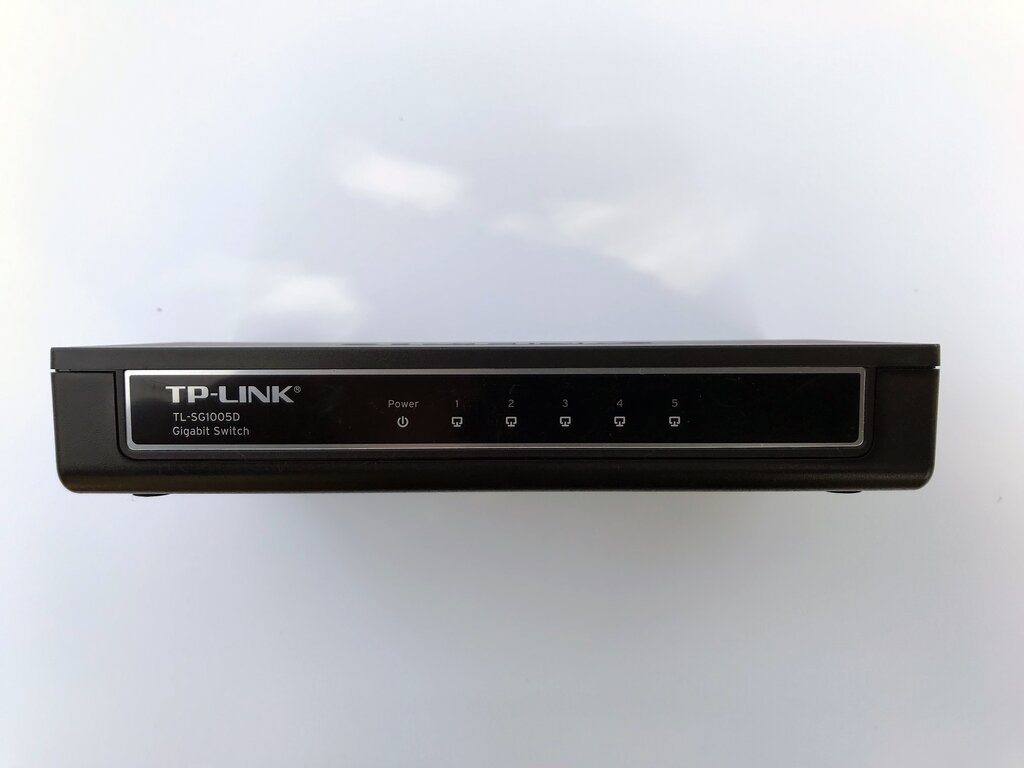
Unmanaged Switch
adjective
A plug-and-play device with no configuration options. It automatically learns MAC addresses and forwards frames. Ideal for home networks or very small offices.
These are the simplest type of switch. You just plug in the power and connect your devices. They are inexpensive and easy to use, but they offer no flexibility or advanced features.
Managed Switch
adjective
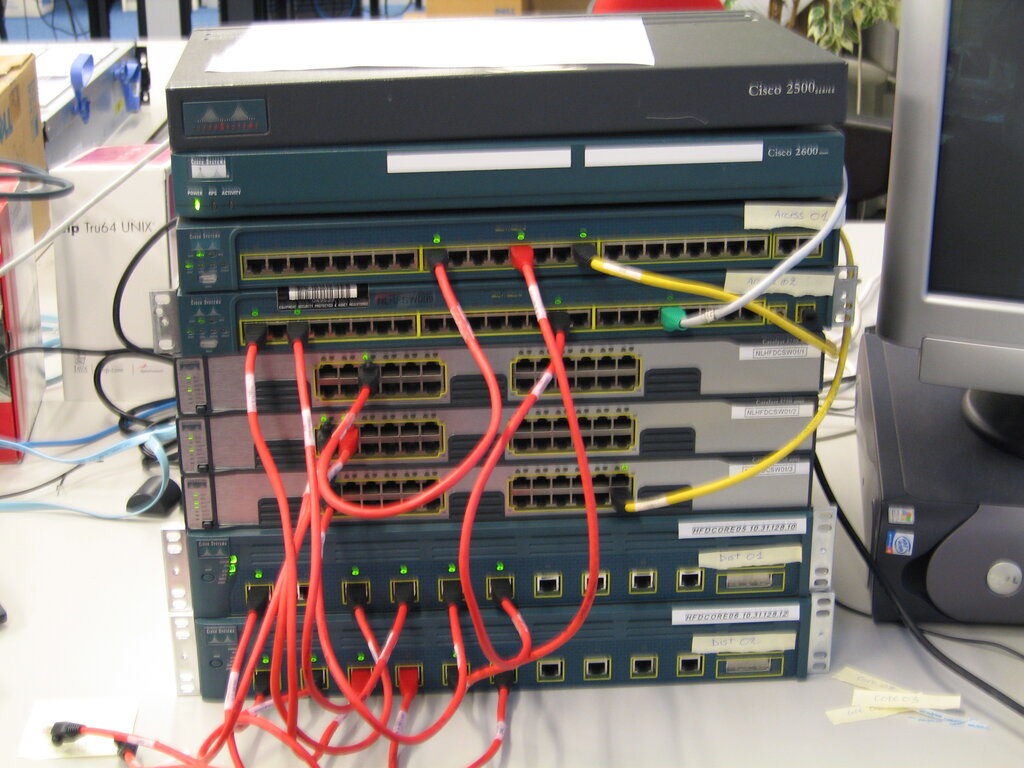
A switch that offers a wide range of configurable features for network optimization, security, and monitoring. Suited for business and enterprise networks.
Managed switches are the workhorses of business networks. They give administrators granular control over network traffic. For instance, they can be configured to create Virtual LANs (VLANs), which segment a physical network into multiple logical networks. This improves security and performance by isolating traffic. Cisco's Catalyst series is a famous line of managed switches used in companies worldwide.
Beyond these basic categories, Cisco also produces specialized switches. Data center switches, like the Nexus series, are built for the massive scale and high performance required by data centers. Industrial Ethernet switches are ruggedized to withstand harsh environments like factory floors or outdoor installations.
Choosing the right switch depends entirely on the needs of the network, from the simple connectivity of a home office to the complex, high-stakes environment of a global enterprise.
What is the primary function of a network switch in a Local Area Network (LAN)?
How does a switch learn where to send data?