Cisco Meraki Network Infrastructure
Introduction to Cisco Meraki
Networking from the Cloud
Imagine setting up a complex office network not by fiddling with wires and command lines in a server closet, but through a simple, web-based interface you can access from anywhere. That's the core idea behind Cisco Meraki.
Meraki provides networking hardware—like routers, switches, and Wi-Fi access points—that is managed entirely from the cloud. Instead of configuring each device one by one, you log into a central dashboard online and manage your entire network from a single screen. This shifts network management from a hands-on, device-by-device task to a streamlined, software-driven process.
Think of it like managing apps on your smartphone. You don't plug your phone into a computer to install a new app; you do it wirelessly through an app store. Meraki brings that same simplicity to professional networking.
Why Manage a Network This Way?
The benefits of cloud management are significant, especially for organizations with multiple locations or limited IT staff.
First is simplified deployment. A new Meraki device can be shipped to a remote office, plugged in, and it will automatically download its configuration from the cloud. This process, often called "zero-touch provisioning," means a device can be up and running in minutes without needing a technical expert on-site.
Next is centralized control. From the Meraki dashboard, an administrator can see every device on the network, monitor its health, see who is connected, and make changes. Whether you're managing the network for one small office or a hundred retail stores, it's all done from the same place. This unified view is incredibly powerful for troubleshooting and maintenance.
Finally, there's scalability. Adding a new access point to expand Wi-Fi coverage or adding an entire new office to the network is straightforward. The new hardware simply connects to the cloud and pulls down the right settings, seamlessly integrating into the existing infrastructure.
The Meraki Product Family
Meraki offers a full suite of networking products that work together. While there are many specialized devices, the core portfolio is built on three main components:
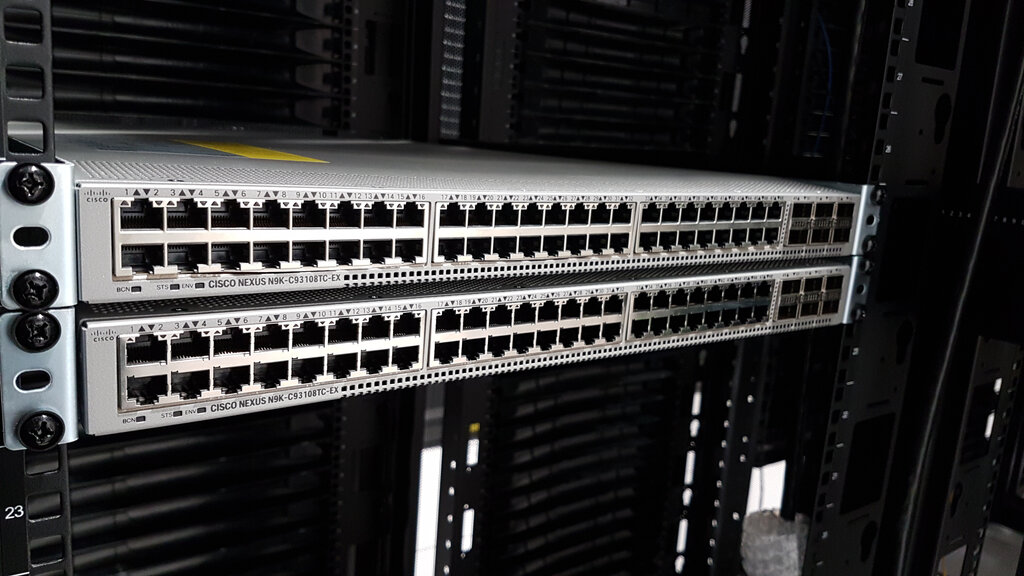
- Security Appliances (MX): These are the routers and firewalls that act as the secure gateway between an organization's internal network and the internet.
- Switches (MS): These form the backbone of the wired network inside a building, connecting computers, printers, servers, and other devices together.
- Access Points (MR): These devices provide Wi-Fi access, allowing laptops, phones, and other wireless devices to connect to the network.
Because they are all designed to be managed from the same dashboard, these devices can be integrated in powerful ways. An administrator can easily create a secure guest Wi-Fi network that is isolated from the main corporate network, or prioritize traffic for critical applications across both wired and wireless connections.
A Single Pane of Glass
The heart of the Meraki experience is the dashboard. This web-based portal provides what's often called a "single pane of glass" for network management. Instead of logging into different systems to manage your switches, routers, and Wi-Fi, you see everything in one unified interface.
The dashboard provides real-time visibility into network traffic, device status, and connected users. You can run reports, analyze usage patterns, and receive alerts if a device goes offline. This centralization not only saves time but also makes it easier to maintain a secure, high-performing network without deep technical expertise.
This approach represents a major shift in how networks are built and maintained, emphasizing simplicity, visibility, and scalability for organizations of all sizes.
What is the primary management model for Cisco Meraki devices?
An IT administrator needs to deploy a new access point at a remote branch office with no technical staff. Which Meraki feature simplifies this process?