ChatGPT to Google Docs Integration
Introduction to ChatGPT
What Is ChatGPT?
ChatGPT is an AI chatbot created by a company called OpenAI. You can have a conversation with it by typing questions or requests, and it will respond with remarkably human-like text. It can write an email, explain a complex topic, or even generate computer code.
ChatGPT is an artificial intelligence (AI) chatbot built on top of OpenAI's foundational large language models (LLMs) like GPT-4 and its predecessors.
It feels like magic, but it’s the result of a field of AI called Natural Language Processing, or NLP. This technology gives computers the ability to understand and generate human language. At the heart of ChatGPT is a Large Language Model (LLM), which is a powerful AI that has been trained on a vast amount of text and code from the internet. Think of it like a student who has read nearly every book in a giant library. This training allows it to recognize patterns, context, and nuances in language, enabling it to generate coherent and relevant responses.
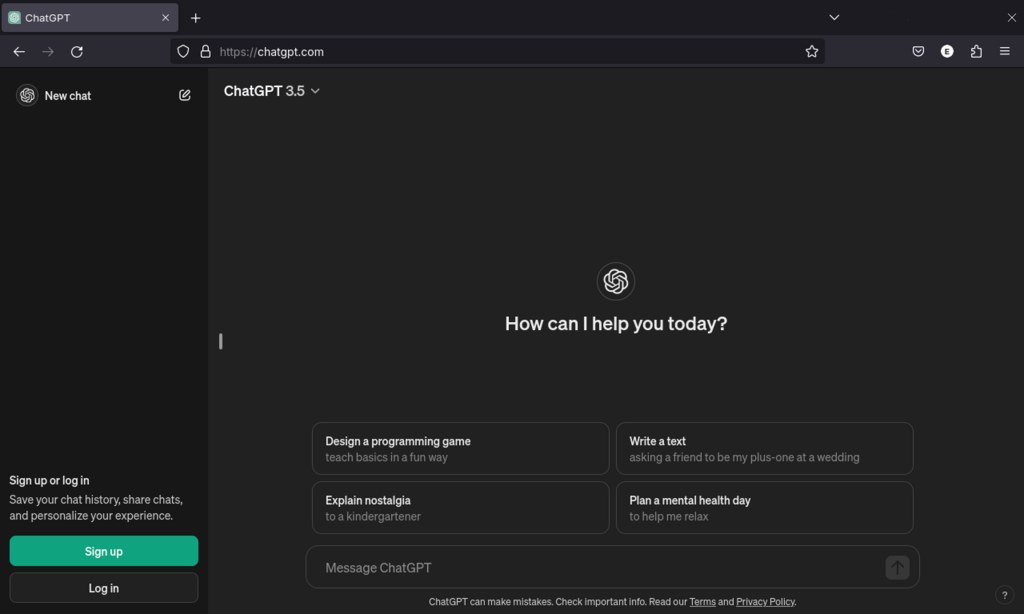
When you give ChatGPT a prompt, it doesn't 'think' like a human. Instead, it uses its training to predict the most likely sequence of words that should come next to form a helpful answer. It's a sophisticated pattern-matching machine.
Capabilities and Limitations
ChatGPT is incredibly versatile. It can brainstorm ideas, summarize long articles, translate languages, and debug code. Its ability to adapt its tone and style makes it useful for everything from drafting professional emails to writing creative stories.
For example, you could ask it to 'Explain black holes to a five-year-old' or 'Write a Python script to sort a list of names.' In both cases, it will generate a tailored response.
However, it's crucial to understand its limitations. ChatGPT is not a source of truth. Its knowledge is based on the data it was trained on, which has a cutoff date. This means it isn't aware of events that happened after its last training cycle. More importantly, it can make mistakes or generate plausible-sounding but incorrect information. This is often called an AI 'hallucination'. Always verify critical information from reliable sources.
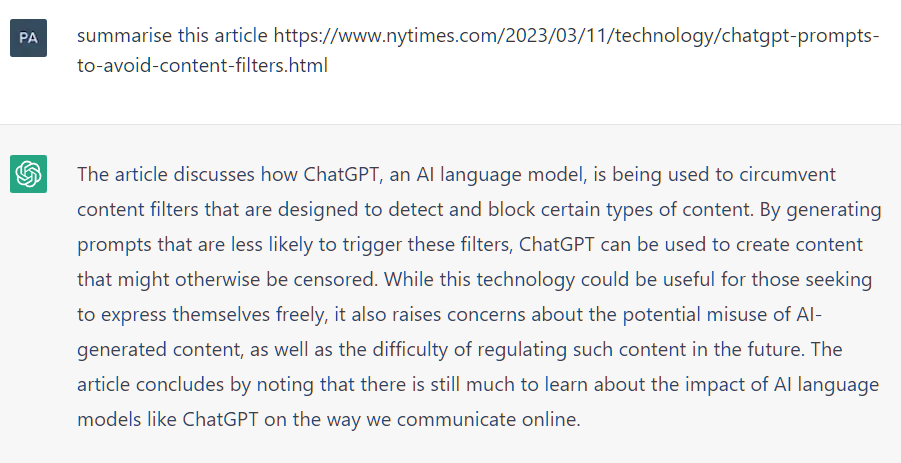
The model also doesn't have personal beliefs, emotions, or consciousness. Its responses are a reflection of the patterns in its training data, which can sometimes include biases present in the source material.
Common Use Cases
People use ChatGPT in countless ways, both personally and professionally. Here are a few common applications:
| Use Case | Description |
|---|---|
| Content Creation | Drafting blog posts, social media updates, marketing copy, and emails. |
| Learning & Education | Explaining complex subjects, summarizing textbooks, and creating study guides. |
| Programming Help | Writing code snippets, debugging errors, and explaining programming concepts. |
| Creative Work | Brainstorming story ideas, writing poems, and generating dialogue for scripts. |
| Personal Productivity | Planning trips, creating meal plans, and organizing to-do lists. |
The key to using ChatGPT effectively is learning how to ask the right questions. The clearer and more specific your prompt, the better the result will be. Think of it as a collaborative partner. You provide the direction, and it provides the raw material.
Ready to check your understanding?
What is the core technology behind ChatGPT's ability to understand and generate human language?
The text describes ChatGPT's process of generating answers as being most similar to:
By understanding both what ChatGPT can do and what it can't, you can use it as a powerful tool to enhance your work and creativity.