CCNA Networking Fundamentals
Networking Fundamentals
Models for Communication
Networks can feel abstract. To make sense of how they work, experts created conceptual models. These aren't physical blueprints, but rather frameworks that divide the complex job of network communication into smaller, manageable layers. Each layer has a specific task and only needs to know how to interact with the layers directly above and below it.
This separation of concerns is powerful. It means a developer working on a web browser (at the top layer) doesn't need to know if the connection is over Wi-Fi or a wired cable (at the bottom layer). The two most important models to know are the OSI model and the TCP/IP model.
The Open Systems Interconnection (OSI) model is a 7-layer framework that provides a detailed, universal standard for network protocols. The TCP/IP model, with its 4 layers, is a more practical model that reflects the architecture of the actual internet.
While the OSI model is great for teaching and troubleshooting, the TCP/IP model is what the modern internet is built on. You can see how its layers map to the OSI model. The Application layer in TCP/IP handles the jobs of three separate OSI layers.
The Network's Cast of Characters
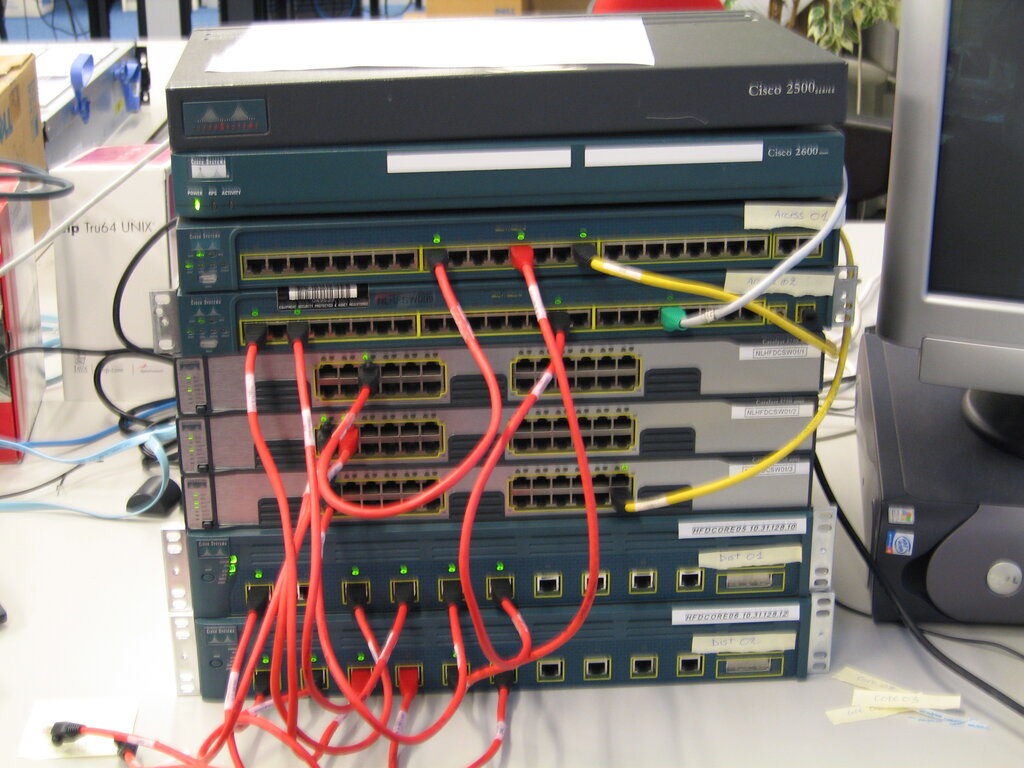
Models help us understand the rules, but physical devices do the actual work. Several key components work together to move data from point A to point B.
Switch
noun
A device that connects other devices within the same local network, using hardware addresses to forward data only to the intended recipient.
Think of a switch as the mailroom supervisor for a single office building. It knows which desk belongs to each employee and ensures that a letter for Jane in accounting goes directly to her, not to Mark in sales. This is much more efficient than the older technology, hubs, which would shout the message to everyone in the building and let them decide if it was for them.
Router
noun
A device that connects different networks together and forwards data packets between them based on their destination addresses.
If a switch manages traffic within one building, a router is like the city's postal service, directing mail between different buildings and even different cities. Your home router's job is to connect all your devices (your local network) to the vast network of the internet.
A firewall acts as a security guard. It stands between your trusted internal network and the untrusted outside world, like the internet. It inspects incoming and outgoing traffic and decides what to let through based on a set of security rules.
Arranging the Network
How you connect these components is called the network topology. It’s the layout or structure of the network. We can think about this layout in two ways: physically and logically.
The physical topology is how the cables are actually run and how the devices are plugged into each other. It’s the tangible map of the network.
The logical topology is how the data actually flows through the network, which might be different from the physical layout. For example, modern switched networks physically look like a star but logically operate as if each device has a dedicated point-to-point connection with any other device it's communicating with.
Physical topology is how it looks. Logical topology is how it works.
There are several common topologies:
- Star: All devices connect to a central hub or switch. This is the most common topology for local area networks (LANs) today. If one cable fails, only that one device is affected.
- Mesh: Devices are interconnected with many redundant connections. In a full mesh, every device is connected to every other device. This is highly reliable but expensive and complex to set up. The internet itself is a massive partial mesh network.
- Hybrid: This is a combination of two or more different topologies. For example, you might have several star networks in different departments that are all connected together via a central "backbone" cable, creating a star-bus hybrid.
Understanding these foundational models, components, and layouts is the first step in mastering how networks are built and managed. They provide the vocabulary and concepts needed to tackle more complex topics.