CAT6A Shielded Cable Showdown
Network Cable Basics
The Wires That Connect Us
While we often think of the internet as wireless, the backbone of any network is physical. Data travels as electrical signals or light pulses through cables, forming the highways of our digital world. The most common type of network cable you'll encounter is the Ethernet cable.
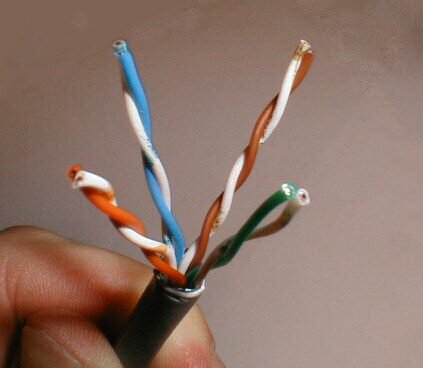
These cables plug into your computer, router, and other network devices, creating a stable, wired connection. Inside the plastic sheath of an Ethernet cable are twisted pairs of copper wires. This twisting is intentional—it helps to cancel out electromagnetic interference from other wires and devices, ensuring your data arrives intact.
Decoding the Categories
Not all Ethernet cables are created equal. They are sorted into categories, or "Cat," based on their performance capabilities. Think of it like different grades of fuel for a car. While they all work, some provide better performance.
Higher category numbers generally mean faster speeds and higher frequencies, which translates to more data moving more quickly.
Let's look at the most common categories you'll see today.
Category 5e (Cat5e) This has been the standard for a long time. Cat5e cables can handle speeds up to 1 Gigabit per second (Gbps) and frequencies up to 100 MHz. They are perfectly fine for most home internet connections and basic office networking. They are affordable and get the job done for everyday tasks like streaming video and browsing the web.
Category 6 (Cat6) Cat6 is a step up. It supports speeds up to 10 Gbps, but only over shorter distances (up to 55 meters). For longer runs, it reliably delivers 1 Gbps. With a higher frequency of 250 MHz, it has more bandwidth than Cat5e and is built with stricter standards to reduce interference. This makes it a great choice for environments with more network traffic or for future-proofing a home network.
Category 6a (Cat6a) The "a" stands for augmented. Cat6a cables support 10 Gbps speeds over the full 100-meter distance. They operate at frequencies up to 500 MHz, double that of Cat6. This robust performance makes Cat6a the standard for demanding applications and new installations in data centers and businesses that need top-tier network speed.
| Category | Max Speed (up to 100m) | Max Frequency |
|---|---|---|
| Cat5e | 1 Gbps | 100 MHz |
| Cat6 | 1 Gbps (10 Gbps <55m) | 250 MHz |
| Cat6a | 10 Gbps | 500 MHz |
Choosing the Right Cable
So, which one do you need? For most home users with a standard internet plan, Cat5e is sufficient. However, Cat6 offers better performance for a small increase in cost, making it a smart upgrade for anyone with gigabit internet or who transfers large files locally.
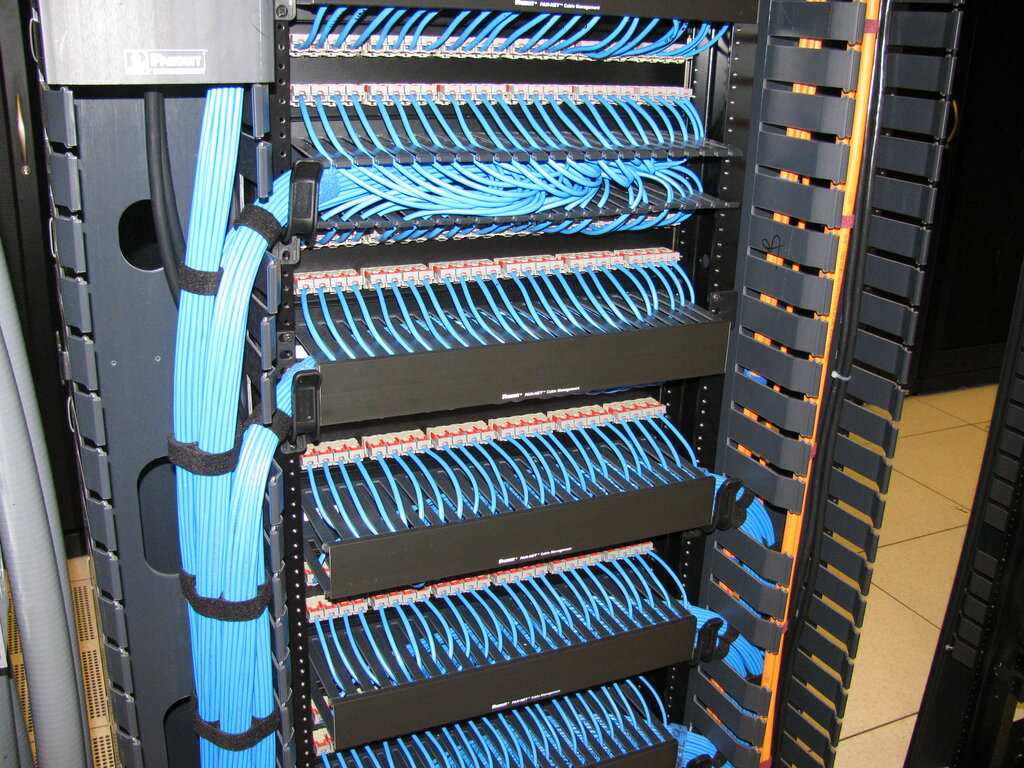
Cat6a is overkill for most homes but is the right choice for businesses, data centers, or anyone who wants to ensure their network wiring can handle future speed increases without needing to be replaced.
Now, let's test what you've learned about these essential network components.
Why are the copper wires inside an Ethernet cable twisted into pairs?
A small business is setting up a new office and wants to ensure their network can handle high-speed data transfers for years to come. Which cable category is the most appropriate choice for this new installation?
Understanding these physical connections is the first step in seeing how the vast, complex digital world is built from the ground up.