C Programming Fundamentals
Introduction to C Programming
Why C? An Origin Story
Back in the early 1970s, at Bell Labs, a programmer named Dennis Ritchie created C. He and his colleague Ken Thompson needed a better way to build their new operating system, Unix. The languages they had were either too slow or too high-level, disconnected from the computer's hardware. C was their solution: a language that was fast, powerful, and close to the machine, but still readable by humans.
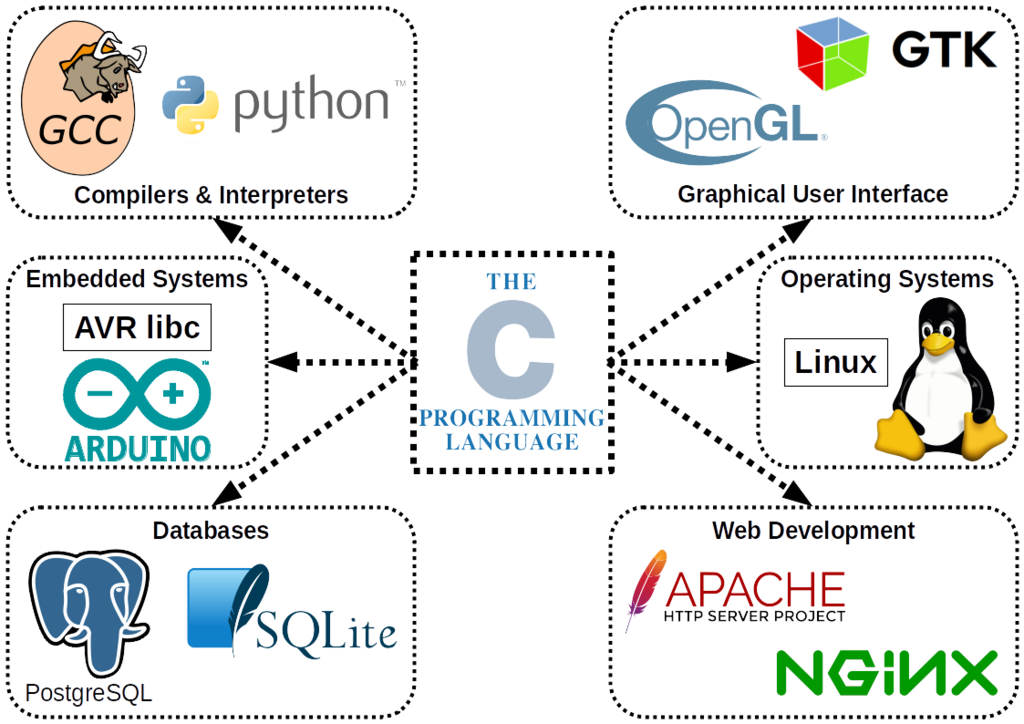
That combination was a game-changer. Because Unix was written in C, it could be moved to different types of computers with relative ease. This portability helped both Unix and C spread across the world. C became the foundation for countless other languages, including C++, Java, and Python. Even today, it's used for operating systems, embedded devices, and performance-critical software. Learning C is like learning the blueprint for modern programming.
Setting Up Your Workspace
To start writing C, you need two key tools: a compiler and an editor. A compiler is a program that translates the C code you write into machine code, the 1s and 0s that a computer's processor can actually execute. Think of it as a translator converting your human-readable instructions into the computer's native language.
An editor is where you'll write your code. While you could use a simple text editor, most programmers use an Integrated Development Environment (IDE). An IDE is a souped-up editor that bundles a compiler, a debugger (for finding mistakes), and other helpful features into one application. It makes the whole process of writing, compiling, and running code much smoother.
For beginners, IDEs like VS Code (with a C/C++ extension) or Code::Blocks are great choices. They are free and available for Windows, macOS, and Linux. Getting one set up is your first step into the world of C programming.
Your First C Program
It's a tradition for a programmer's first program to simply display the phrase "Hello, World!" on the screen. Let's write one in C. Open your IDE, create a new file, and save it as hello.c. The .c extension is important; it tells the compiler that this is a C source code file. Now, type the following code into your editor.
#include <stdio.h>

int main() {
    // Print a message to the screen
    printf("Hello, World!\n");

    return 0;
}
Once you've typed it in, you'll need to compile and run it. Most IDEs have a "Build & Run" button (often a gear or play icon) that handles this in one step. When you click it, the IDE will first invoke the compiler to create an executable file. Then, it will run that executable, and you should see a terminal window pop up with the output:
Hello, World!
Congratulations, you're officially a C programmer!
Anatomy of a Program
That small program might look a bit cryptic, but every piece has a purpose. Let's break it down line by line.
#include <stdio.h>
This is a preprocessor directive. It tells the compiler to include the contents of a file called stdio.h before compiling. This file is a header from the C Standard Library that contains definitions for standard input and output functions, including printf, which we use to print text.
int main() { ... }
This is the main function. Every C program must have a main function; it's the starting point of execution. When you run your program, the computer looks for main and starts running the code inside its curly braces {}. The int before main indicates that the function will return an integer value when it finishes.
printf("Hello, World!\n");
This line calls the printf function. It prints the text inside the double quotes to the console. The \n is a special escape sequence that represents a newline character, moving the cursor to the next line after the text is printed. Every statement in C must end with a semicolon ;. It tells the compiler where one instruction ends and the next begins.
return 0;
This line ends the main function. It returns a value of 0 to the operating system. By convention, returning 0 means the program executed successfully. A non-zero value would signal that an error occurred.
To recap, a basic C program needs to include necessary headers, have a
mainfunction as its entry point, and use semicolons to end statements.
Now that you've written your first program and understand its components, let's test your knowledge.
What was the original reason for the creation of the C programming language?
A program that translates the C code you write into the machine code that a computer can execute is called a __________.
That covers the essential first steps. You now know where C came from, what tools you need, and how to write, run, and understand a basic program.