C Programming Fundamentals
Introduction to Programming and C
What is Programming?
Programming is simply the act of giving a computer a set of instructions to perform a task. Think of it like writing a recipe. A recipe lists ingredients and step-by-step directions for a chef to follow. In the same way, a program lists commands for a computer's processor to follow.
These instructions, written in a language the computer can understand, are called code. The person who writes this code is a programmer. The resulting set of instructions is a program or software. Everything from the operating system on your phone to the web browser you're using right now is a program built from millions of lines of code.
The C Language
There are many programming languages, each with its own strengths. One of the oldest and most influential is C. Developed in the early 1970s, C is still widely used today for everything from operating systems (like parts of Windows, macOS, and Linux) to the tiny embedded systems in your microwave or car.
Learning C is like learning the Latin of programming languages. It's a powerful, efficient language that gives you a deep understanding of how computers work at a fundamental level. Many other popular languages, such as C++, Java, and Python, have borrowed concepts and syntax from C.
Setting Up Your Workspace
To start writing C programs, you need two basic tools: a text editor and a compiler. The text editor is where you'll write your human-readable C code. The compiler is a special program that translates your C code into machine code—the raw binary instructions that a computer's processor can actually execute.
Compiler
noun
A program that translates source code written in a high-level programming language (like C) into a low-level language (like machine code) that the CPU can understand and execute.
Often, these tools are bundled together in an Integrated Development Environment, or IDE. An IDE is an application that provides a text editor, compiler, and other helpful features in one place. For beginners, using an online C compiler is the easiest way to get started without installing any software.
Your First C Program
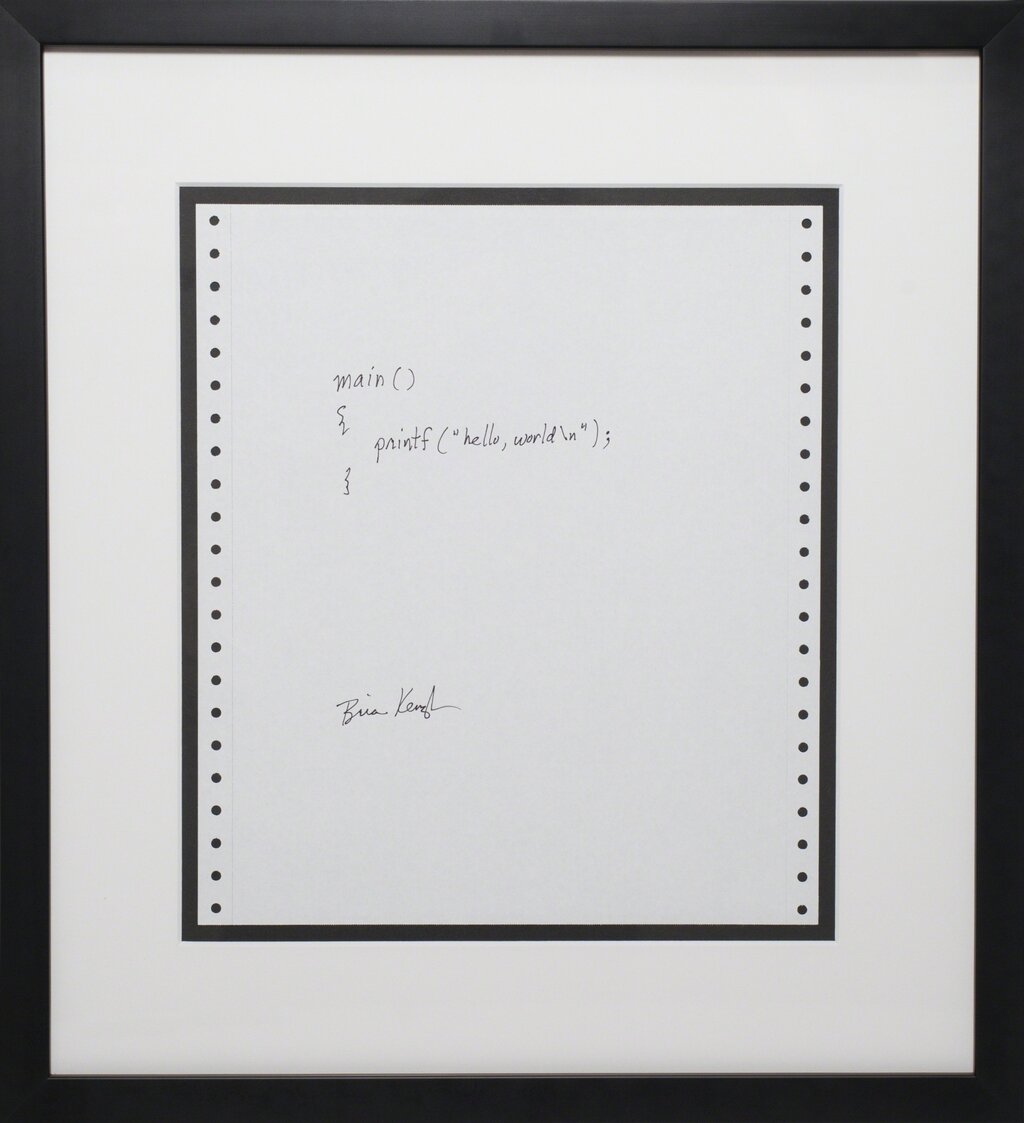
It's a tradition in programming to make your first program print the phrase "Hello, World!" to the screen. It’s a simple way to confirm that your compiler and setup are working correctly. Here is the code to do just that.
// This line includes the Standard Input/Output library.
#include <stdio.h>

// The main function is the entry point of every C program.
int main() {
    // This function prints text to the console.
    printf("Hello, World!\n");

    // This line indicates that the program finished successfully.
    return 0;
}
Let's break that down, piece by piece.
#include <stdio.h>: This is a preprocessor directive. It tells the compiler to include the contents of the "Standard Input/Output" library file. This file contains the code that allows us to use functions likeprintf().int main(): This is the main function. Every C program must have amainfunction, as it's the starting point for execution. The code inside its curly braces{}is what the program will run.printf("Hello, World!\n");: This is a function call. It calls theprintffunction (which stands for "print formatted") and tells it to display the text inside the quotation marks. The\nis a special character that means "new line".return 0;: This line ends themainfunction. It sends a value of 0 back to the operating system, which is a standard way of saying "the program ran without any errors."
After typing this code into your editor and saving it as a file (e.g.,
hello.c), you use the compiler to turn it into an executable program, which you can then run.
In programming, what is the role of a compiler?
What is the primary purpose of the int main() function in a C program?
Congratulations, you've just taken your first step into the world of programming! It may seem like a lot at first, but with practice, these concepts will become second nature.