C++ Mastery
Introduction to C++
Getting Started with C++
C++ is a powerful, high-performance programming language that has been a cornerstone of software development for decades. It was created by Bjarne Stroustrup at Bell Labs in 1979 as an extension of the C programming language. The main idea was to add features like classes and objects to C, making it more flexible for building large, complex applications.
Because of its speed and ability to work closely with computer hardware, C++ is used to build operating systems, web browsers, game engines, and high-frequency trading systems. It's a language that gives you a lot of control, which makes it both powerful and a great tool for understanding how computers really work.
Setting Up Your Workspace
To start writing C++ code, you need two main tools: a text editor to write your code and a compiler to translate it into instructions the computer can understand. While you can use any basic text editor, most developers use an Integrated Development Environment (IDE). An IDE bundles a text editor, compiler, and other helpful tools into a single application.
For beginners, an IDE simplifies the process of writing, compiling, and running code. Here are a few popular choices:
- Code::Blocks: A free, open-source IDE that works on Windows, macOS, and Linux.
- Visual Studio: A feature-rich IDE from Microsoft, with a free Community edition for individual developers (Windows only).
- Xcode: The standard development environment for macOS, which includes the necessary tools for C++ development.
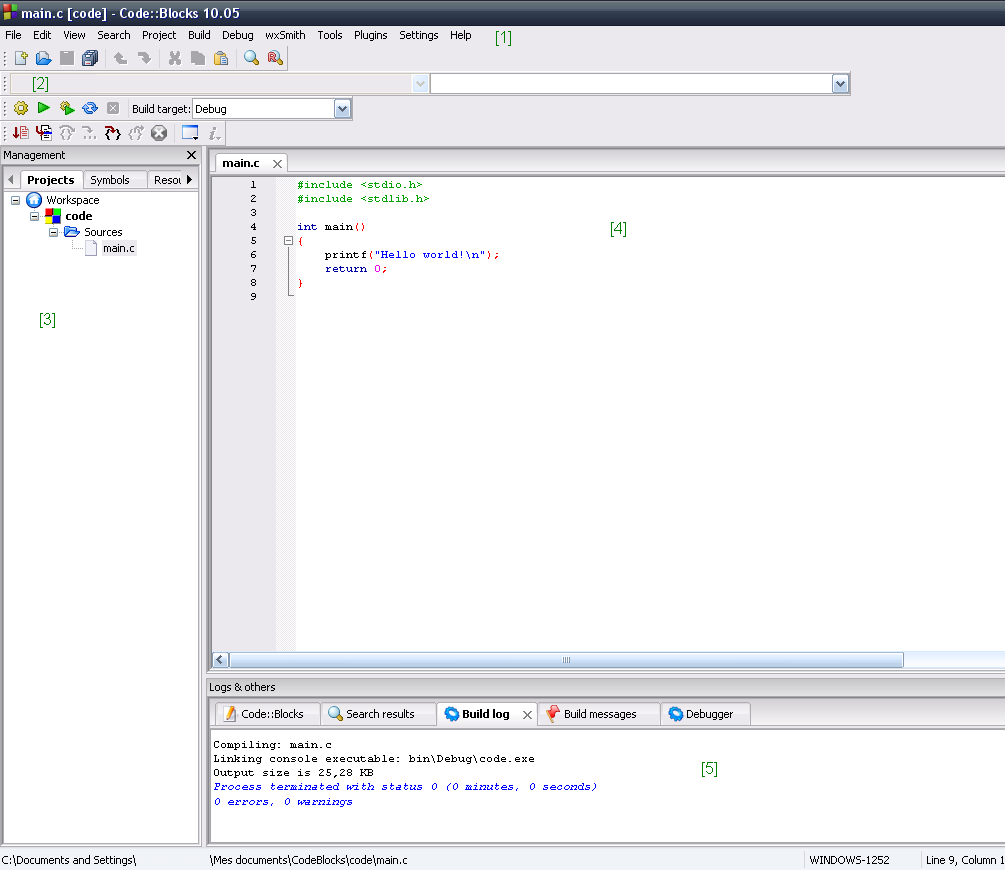
Choose one, download it, and follow the installation instructions. Once it's set up, you'll be ready to write your first program.
Your First Program
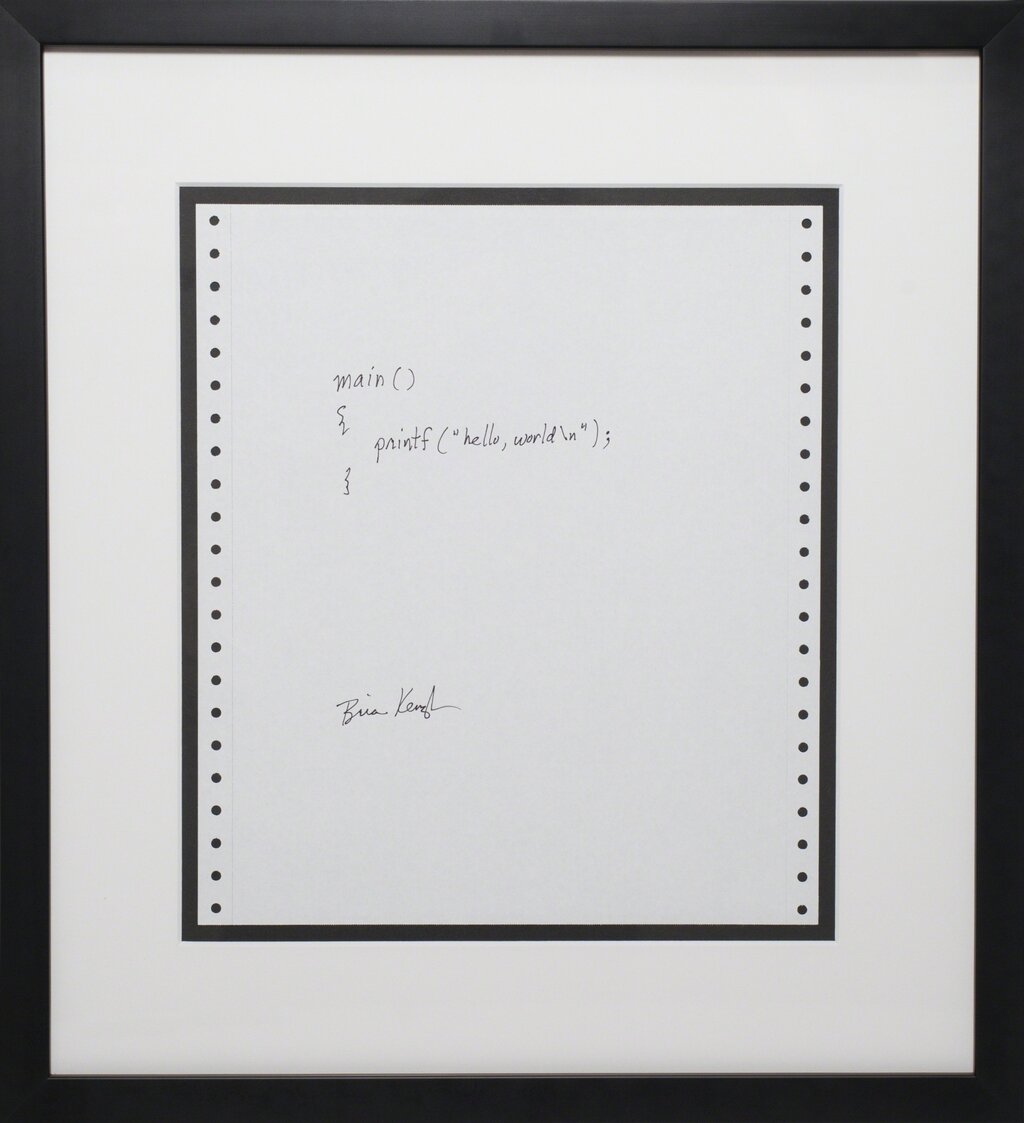
It's a tradition in programming to start with a program that simply prints "Hello, World!" to the screen. It's a simple way to confirm that your setup is working correctly. Let's write one in C++.
// This is a simple C++ program
#include <iostream>

int main() {
    // Print "Hello, World!" to the console
    std::cout << "Hello, World!" << std::endl;
    return 0;
}
Let's break this down line by line:
#include <iostream>: This is a preprocessor directive. It tells the compiler to include the iostream file, which contains the code needed for input and output operations, like printing text to the screen.
int main(): This is the main function. Every C++ program starts execution here. The int means the function will return an integer value when it finishes, and the parentheses () indicate that it's a function.
{ ... }: The curly braces define the beginning and end of the function's code block.
`std::cout <<
In C++, almost every statement must end with a semicolon
;. Think of it as the period at the end of a sentence. It tells the compiler where one instruction ends and the next begins.
Syntax Basics
C++ has a few fundamental syntax rules you'll need to know.
Comments: You can leave notes in your code, called comments, that the compiler will ignore. Single-line comments start with //. Multi-line comments start with /* and end with */. Good comments make your code easier to understand.
Case-Sensitivity: C++ is case-sensitive, which means myVariable and myvariable are treated as two different things.
Whitespace: Spaces, tabs, and new lines are known as whitespace. C++ mostly ignores whitespace, so you can use it to format your code for better readability. For example, the "Hello, World!" program could be written on one line, but it would be much harder to read.
Now, let's test what you've learned.
Who is credited with creating C++ and what language was it originally an extension of?
In C++ development, what is the primary function of a compiler?
With these fundamentals, you're ready to explore more of what C++ has to offer.