C++ Fundamentals Mastery
Introduction to C++
Your First C++ Program
Welcome to C++. You're learning a language that powers everything from the video games you play to the operating system on your computer. It’s known for being fast, powerful, and versatile.
C++ was created in the early 1980s by Bjarne Stroustrup at Bell Labs. His goal was to add features from a language called Simula to the C programming language, which was already very popular. He wanted the speed of C but with better ways to organize large, complex programs. The new language was first called "C with Classes" and later renamed C++.
The "++" in C++ is a playful nod to the C language. In C,
++is the increment operator, which adds one to a variable. So, C++ is literally an increment or an improvement upon C.
Setting Up Your Workspace
To write and run C++ code, you need two main tools: a text editor and a compiler. A text editor is where you'll write your code. A compiler is a program that translates your human-readable C++ code into machine code that a computer's processor can understand.
Many developers use an Integrated Development Environment (IDE), which bundles these tools together. An IDE typically includes a smart text editor that understands C++ syntax, a compiler, and a debugger to help you find and fix errors. Popular choices for beginners include Visual Studio Code, Code::Blocks, and Visual Studio.
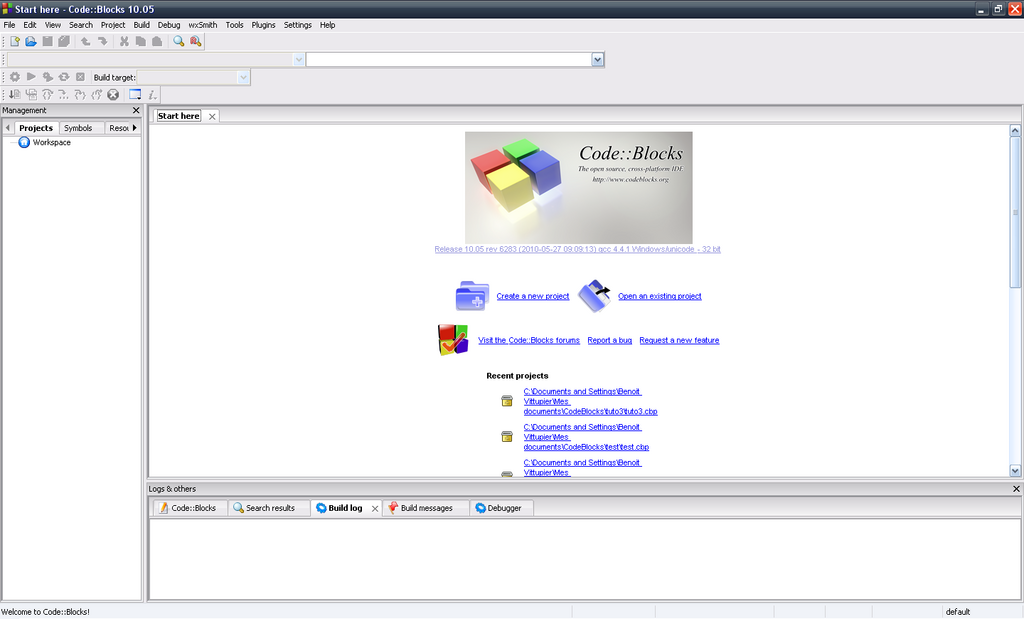
For now, you can also use an online compiler. They are easy to use and require no setup. Just type your code into a web page and click a button to run it.
Hello, World!
Let's write your first program. It’s a tradition in programming to start by making the computer print the phrase "Hello, World!". It's a simple way to confirm that your setup is working correctly.
Here is the code:
#include <iostream>

int main() {
    // Print "Hello, World!" to the console
    std::cout << "Hello, World!";
    return 0;
}
Let’s break this down line by line.
#include <iostream>: This line is a preprocessor directive. It tells the compiler to include the iostream file, which contains code for handling input and output, like printing text to the screen.
int main(): This is the main function. Every C++ program must have a main function. It's the starting point where the program execution begins.
std::cout << "Hello, World!";: This is the statement that does the printing. std::cout is the standard output stream (usually your screen or console), and the << operator sends the text "Hello, World!" to it.
return 0;: This line signals that the program has finished successfully. A return value of 0 means no errors occurred.
Once you have this code in your editor, you'll need to compile it. The compiler will check for errors and create an executable file. If there are no errors, you can run the executable, and you should see Hello, World! printed to your screen.
What is the primary role of a compiler in C++ development?
What is the function of the #include <iostream> directive in a C++ program?