C++ Fundamentals and Object-Oriented Programming
Introduction to C++
What is C++?
C++ is a powerful programming language used to create high-performance applications. Think of it as an extension of an older language, C, but with many more features. It was developed by Bjarne Stroustrup in the early 1980s, who wanted to add modern programming capabilities to the speed and flexibility of C.
So, what makes C++ special? It’s known for a few key things:
- Speed: C++ code can be very fast because it gives the programmer a lot of control over how the computer's memory is used. This is why it's a popular choice for video games, financial trading software, and other applications where every millisecond counts.
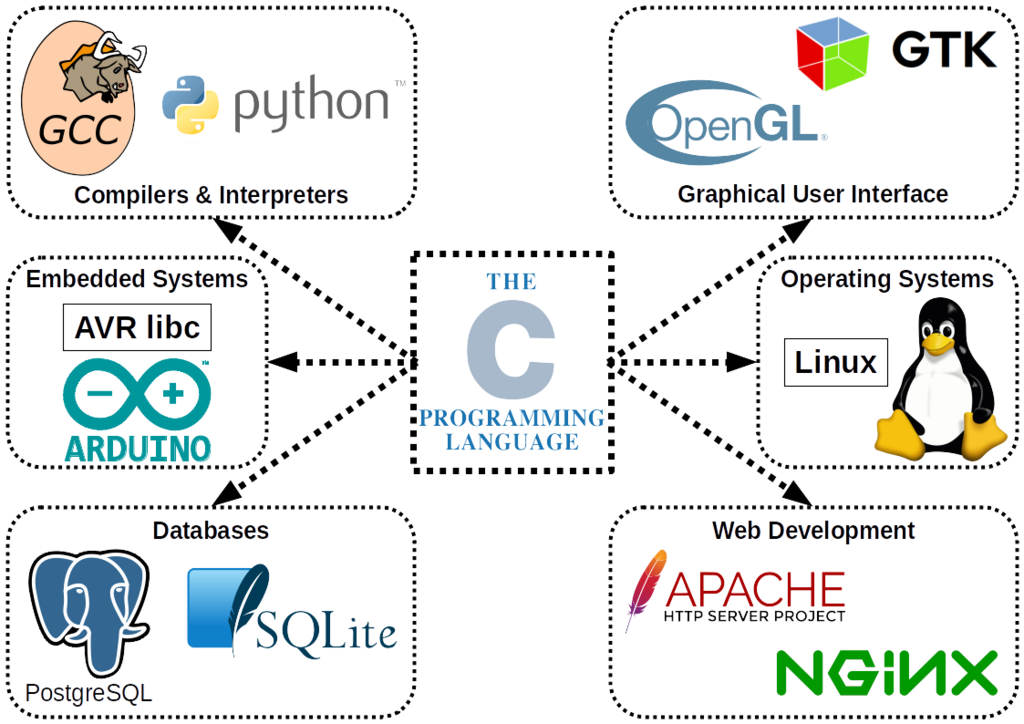
- Versatility: You can find C++ almost everywhere. It’s used to build operating systems, web browsers, databases, and even the software that runs on embedded devices like smartwatches or in-car systems.
- Control: It allows you to interact with computer hardware directly, a feature many higher-level languages don't offer. This is called low-level memory manipulation.
Getting Your Tools Ready
Before you can write and run a C++ program, you need two essential tools: a compiler and a text editor. Often, these are bundled together in an application called an Integrated Development Environment (IDE).
compiler
noun
A special program that translates the human-readable code you write into machine code, which is a set of instructions the computer's processor can execute directly.
Imagine you've written a recipe in English, but your chef only understands French. The compiler is like a translator who converts your English recipe into a French one the chef can follow. The process looks something like this:
An IDE bundles everything you need: a text editor to write your code, the compiler, and a debugger to help find mistakes. Popular IDEs for C++ include Visual Studio, Code::Blocks, and CLion. For now, you can also use a simple online C++ compiler to get started without installing anything.
Your First Program
It's a tradition in programming to start with a program that just prints "Hello, World!" to the screen. It's a simple way to confirm that your tools are working correctly and to see the basic structure of a program. Here is the code.
// This is a comment. The compiler ignores it.

#include <iostream>

int main() {
    std::cout << "Hello, World!" << std::endl;
    return 0;
}
Let's break that down line by line.
#include <iostream>: This line is a preprocessor directive. It tells the compiler to include the code from theiostreamheader file. This file contains the tools for handling input from the user and output to the screen.
int main(): This is the main function. Every C++ program must have amainfunction. It's the starting point of your program; execution always begins here. Theintmeans the function will return an integer value when it's done.
std::cout << "Hello, World!" << std::endl;: This is the line that does the printing.
std::coutis the standard character output stream. You use it to send text to the console.- The
<<is the stream insertion operator. It 'inserts' the text on its right into thecoutstream on its left.std::endlis a special object that inserts a newline character and flushes the stream. It's like hitting the Enter key.- The semicolon
;at the end marks the end of the statement.
return 0;: This line ends themainfunction. Returning a0signals to the operating system that the program ran successfully without any errors.
When you compile and run this code, the only thing you'll see is the text Hello, World! printed to your console.
Ready to check your understanding?
Who is credited with the creation of the C++ programming language?
What is the primary role of a compiler in the C++ development process?
Congratulations on writing your first program! Try changing the text inside the quotation marks and running it again to see what happens.