Bypass Web Restrictions and Unblock Google Search
Filtering Mechanics
How Filters Block Websites
When a website is blocked, it's not just a simple on/off switch. Networks use several different techniques to control what you can access. Think of it like trying to visit a friend's house. A block could be like someone tearing the address out of your address book, putting a roadblock on the street, or having a guard who inspects every car.
Understanding these methods is key to figuring out why you're being blocked and how to get around it. The three main techniques are DNS filtering, IP address blocking, and URL or content filtering. Each works at a different stage of your connection request.
DNS Filtering: The Flawed Phonebook
Every time you type a website address like google.com into your browser, your computer needs to find its numerical IP address, like 142.250.191.78. This lookup is handled by the Domain Name System (DNS), which acts as the internet's phonebook.
DNS filtering is when the network you're on gives you a deliberately wrong or empty answer. Your school or workplace controls the DNS server your device uses by default. When you ask for a blocked site, this server can be configured to lie. It might pretend the address doesn't exist, or it might redirect you to a block page showing the school's logo.
This is one of the simplest forms of filtering. If a block is only DNS-based, you can often bypass it by manually changing your device's DNS settings to a public server like Google's (8.8.8.8) or Cloudflare's (1.1.1.1). Your request then goes to a different phonebook that hasn't torn out the page.
IP Blocking: The Digital Roadblock
Once your device has the correct IP address, it tries to send and receive data from that address. IP address blocking stops this from happening. It's a digital roadblock set up on the network's firewall or router.
The firewall maintains a blacklist of forbidden IP addresses. If it sees any data packets traveling to or from an address on that list, it simply drops them. The connection never goes through.
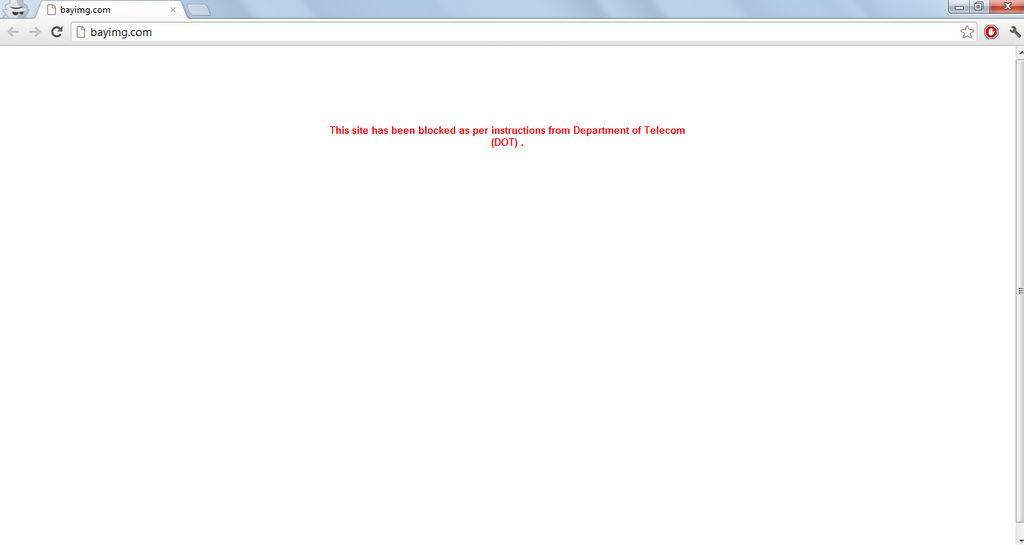
This method is more forceful than DNS filtering. Even if you use a public DNS server to find the correct IP address, the firewall will still prevent your traffic from reaching its destination. This is a common technique used by Internet Service Providers (ISPs) and governments to block access to entire services or websites across a whole region. To get around this kind of block, you need a tool like a proxy or VPN that can route your traffic through an unblocked intermediary server.
Content Filtering: The Deep Inspection
The most sophisticated method is content filtering. This technique doesn't just look at the destination domain or IP address; it inspects the actual data you're requesting.
Networks can filter based on the full URL path. For example, a news website might be allowed, but a specific article about a sensitive topic (news.com/controversial-topic) could be blocked. This is done by a device on the network, often a transparent proxy, that intercepts all web traffic. For unencrypted HTTP traffic, this is easy. For encrypted HTTPS traffic, the filter can still often see the domain name you are requesting via the Server Name Indication (SNI) protocol.
These systems can also perform keyword filtering by scanning the text of a webpage for forbidden words. If a page contains too many blacklisted terms, the connection is dropped. This is why you might find that a search for a legitimate term on Google is blocked, simply because the results page contains links or snippets related to a filtered topic.
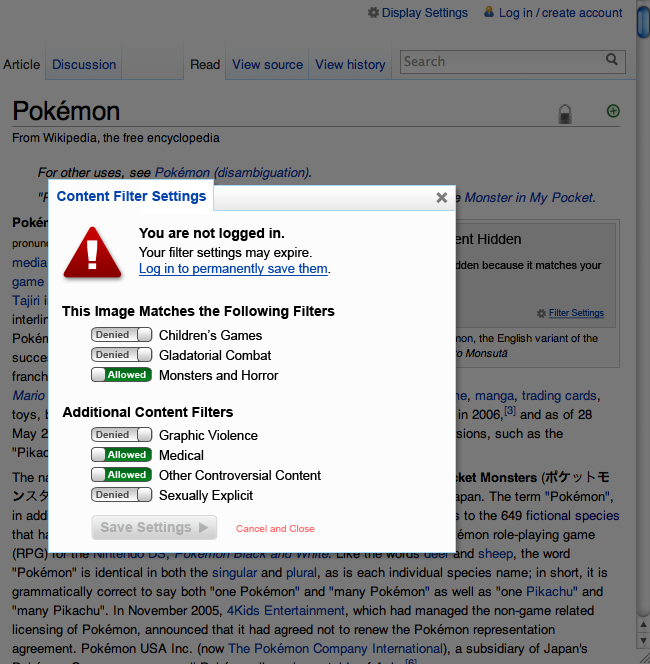
Identifying which type of block you're facing is the first step. If you get a browser error like "DNS_PROBE_FINISHED_NXDOMAIN," it's likely DNS filtering. If you see a branded block page from your school or company, it could be DNS or content filtering. If the connection just times out with no error, it's often a sign of IP blocking at a firewall.
What is the primary role of the Domain Name System (DNS) when you browse the internet?
You try to visit a website, but your browser connection simply times out without any specific error message or block page. Which type of filtering is most likely occurring?