Build Your Personal Portfolio Website
Understanding Web Design
Designing Your Digital Front Door
Think of your personal website as your digital front door. It’s where you invite people in to see your work and learn about who you are. But just like a physical home, the experience matters. Is it easy to navigate? Is it welcoming? This is the essence of web design. It’s not just about making things look good; it's about making them work well for your visitors.
We’ll explore two core ideas that shape this experience: User Experience (UX) and User Interface (UI). They sound similar, but they cover different aspects of how someone interacts with your site. Getting them right is the key to creating a portfolio that truly represents you and your skills.
Thinking About the User (UX)
User Experience, or UX, is all about how a person feels when they use your website. Is it a smooth, enjoyable journey, or a frustrating, confusing one? Imagine a well-organized grocery store where you can find everything easily. The aisles are clear, signs are helpful, and checkout is quick. That’s good UX. A poorly designed site is like a messy store where items are scattered and you can't find the exit.
For your portfolio, the goal is to make it effortless for visitors, like potential employers, to find what they need. This usually means seeing your best work and figuring out how to contact you. A simple, logical path is always best.
Good UX is invisible. Your visitors shouldn't have to think about how to use your website; it should just feel natural.
Designing the Look and Feel (UI)
If UX is the overall journey, User Interface (UI) is the set of tools and signposts you provide along the way. UI is what your visitors actually see and interact with: the buttons, the text, the images, the colors, and the layout. Good UI makes a website intuitive and visually appealing.
A truly effective website blends aesthetics with user experience (UX), responsiveness, speed, and strategic design.
Two principles are key for effective UI: simplicity and consistency.
Simplicity means avoiding clutter. Every element on your page should have a reason for being there. Too much information or too many competing visuals can overwhelm a visitor, causing them to leave.
Consistency means using the same design elements throughout your site. Your buttons, fonts, and color scheme should look and feel the same on every page. This creates a cohesive experience and makes your site feel professional and trustworthy.
Designing for Everyone
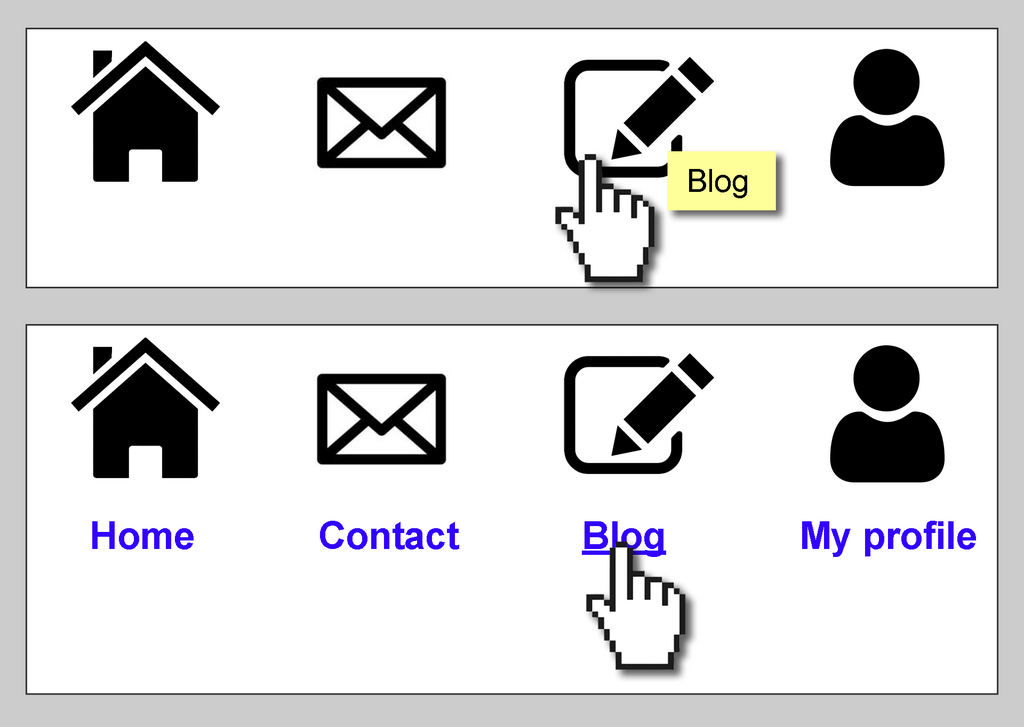
A great website is one that everyone can use, regardless of their abilities. This is the core idea of accessibility. It involves designing your site so that people with disabilities, such as visual or motor impairments, can navigate and understand your content. For example, some people use screen readers that read web pages aloud. Using proper headings and adding descriptive text for images (called alt-text) makes this possible.
Making your site accessible isn't just a kind gesture; it improves the experience for all users. High-contrast text is easier for everyone to read, especially in bright sunlight. Clear navigation helps people who are in a hurry. By designing for accessibility, you often create a better, more user-friendly site for your entire audience.
An accessible website is fundamentally a better website for everyone.
Another crucial part of modern design is making your site work on any device. People will view your portfolio on laptops, tablets, and smartphones. Responsive design is the practice of building a website that automatically adapts its layout to fit the screen it's being viewed on.
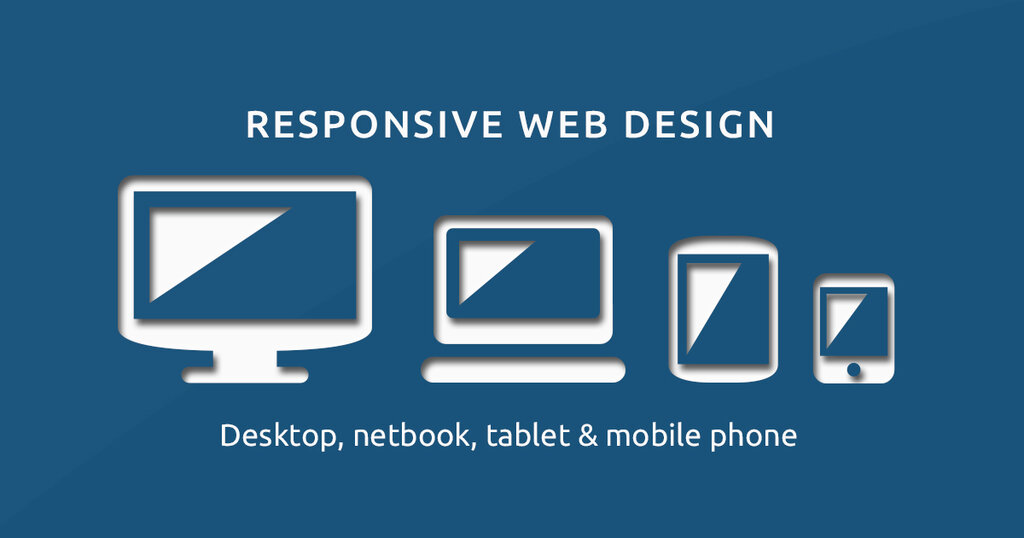
A responsive website might show a multi-column layout on a wide desktop screen but stack that same content into a single, scrollable column on a narrow smartphone screen. This ensures your content is always readable and easy to interact with, no matter how someone is visiting your site.
Ready to test your knowledge?
What is the primary difference between User Experience (UX) and User Interface (UI)?
Using the same button style and color scheme across every page of your portfolio website is a direct application of which design principle?
By keeping these principles in mind—a thoughtful user experience, a clean user interface, and a commitment to accessibility and responsiveness—you can build a portfolio website that is not only beautiful but also powerful and effective.