Build Your First Website
Understanding Websites
What Is a Website?
At its core, a website is a collection of related pages and content, like text, images, and videos, all grouped together under a single address, or domain name. Think of it as a book, where each page is a webpage and the book's title is the website's address, like google.com or wikipedia.org.
Websites serve countless purposes. Some exist to share information, like news sites or encyclopedias. Others are digital storefronts for buying and selling goods. Many are platforms for entertainment, social connection, or education. Every time you search for a recipe, watch a video, or chat with a friend online, you're interacting with a website.
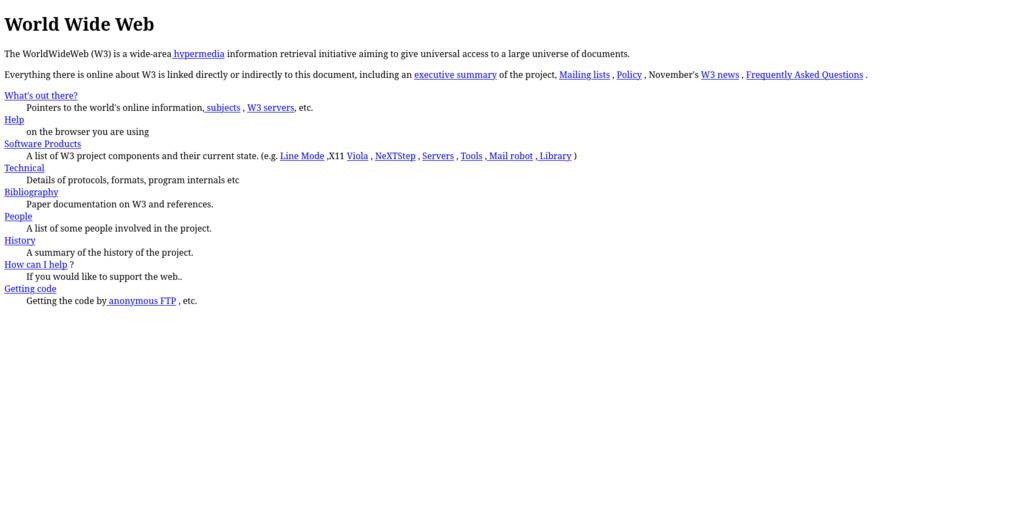
The Building Blocks
Every website you visit, from the simplest to the most complex, is built with three core technologies: HTML, CSS, and JavaScript. A good way to understand their roles is to think of building a house.
- HTML (HyperText Markup Language) is the structure. It's the foundation, walls, and roof. It defines the basic content and skeleton of a webpage.
- CSS (Cascading Style Sheets) is the decoration. It’s the paint, furniture, and landscaping. It controls the visual presentation, like colors, fonts, and layout.
- JavaScript (JS) is the functionality. It’s the electricity, plumbing, and appliances. It makes a website interactive, allowing things to happen when you click a button or fill out a form.
These three languages work together to create everything you see and interact with in your browser.
Let’s look at a simple example. First, we'll create the structure with HTML.
<!-- This is an HTML file -->
<h1>Hello, World!</h1>
<p>This is a simple paragraph.</p>
This code creates a main heading (<h1>) and a paragraph (<p>). By itself, it’s plain and unstyled.
Next, we'll add some CSS to make it look better.
/* This is a CSS file */
h1 {
  color: blue;
}

p {
  font-size: 18px;
}
This CSS code targets our HTML elements. It tells the browser to make the <h1> text blue and set the paragraph's font size to 18 pixels.
Finally, let's add a bit of interactivity with JavaScript.
// This is a JavaScript file
let heading = document.querySelector('h1');

heading.addEventListener('click', () => {
  alert('You clicked the heading!');
});
This script finds the <h1> element and waits for a user to click it. When they do, a pop-up alert appears. This is a basic example, but JavaScript can power much more complex features, like animations, form validations, and loading new data without refreshing the page.
How You See a Website
Accessing a website feels instant, but there’s a quick conversation happening behind the scenes between your computer and another one far away. This process starts the moment you type an address into your web browser and hit Enter.
Web Browser
noun
A software application for accessing information on the World Wide Web. Common examples include Chrome, Safari, and Firefox.
Your browser's job is to be a translator. It takes the website address you provide and sends a request over the internet to a special computer called a web server. This server is where all the website's files, the HTML, CSS, and JavaScript, are stored.
Web Server
noun
A computer system that stores website files and delivers them to users' web browsers upon request.
The web server finds the requested files and sends them back to your browser. Your browser then reads the code in those files and renders it as the visual, interactive webpage you see on your screen. This whole request-and-response cycle happens in a matter of seconds.
The service that provides and maintains these web servers is known as web hosting. Essentially, you pay a hosting company to keep your website's files on their servers, ensuring it's always online and available for anyone to visit.
If a website were a house, what would JavaScript represent?
Which technology is primarily responsible for a website's visual presentation, such as colors, fonts, and layout?
Now you know the fundamental pieces that make a website work. It’s a combination of structured content, visual styling, and interactive elements, all stored on a server and delivered to your browser on demand.