Build Your First PC
Understanding PC Components
The Core Components
Building a PC is like putting together a team of specialists. Each component has a specific job, and they all need to work together. Let's start with the most important player: the processor.
CPU
noun
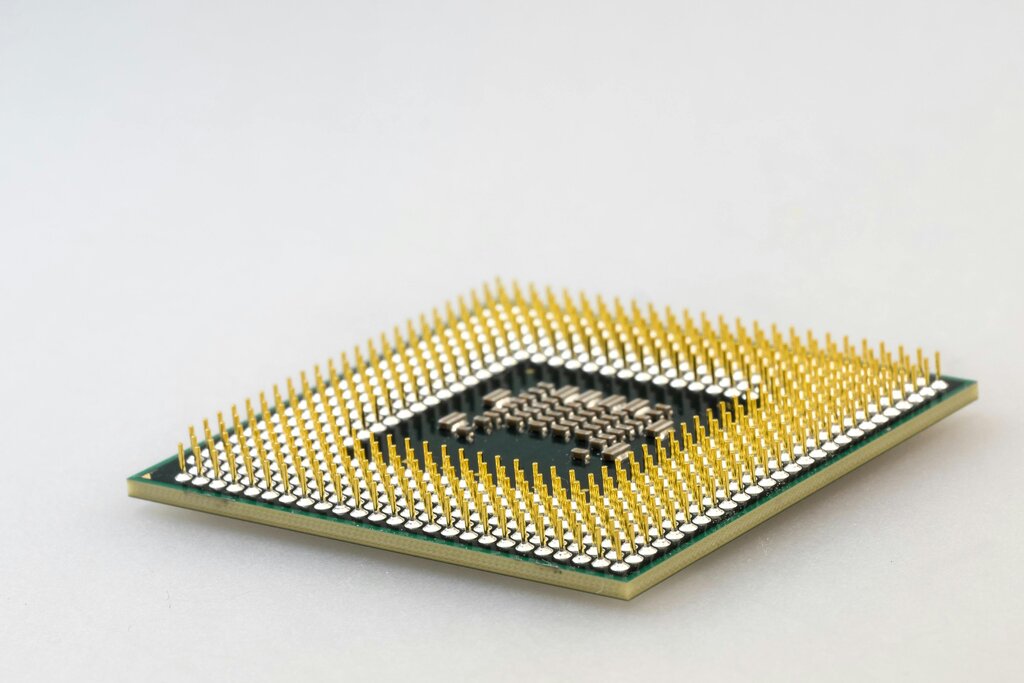
The Central Processing Unit, or CPU, is the primary component that processes instructions from programs. It performs most of the calculations that make a computer work.
Often called the "brain" of the computer, the CPU handles all the basic instructions that drive your machine. Everything you do, from clicking the mouse to running complex software, gets processed by the CPU. Its speed, measured in gigahertz (GHz), determines how many instructions it can handle per second.
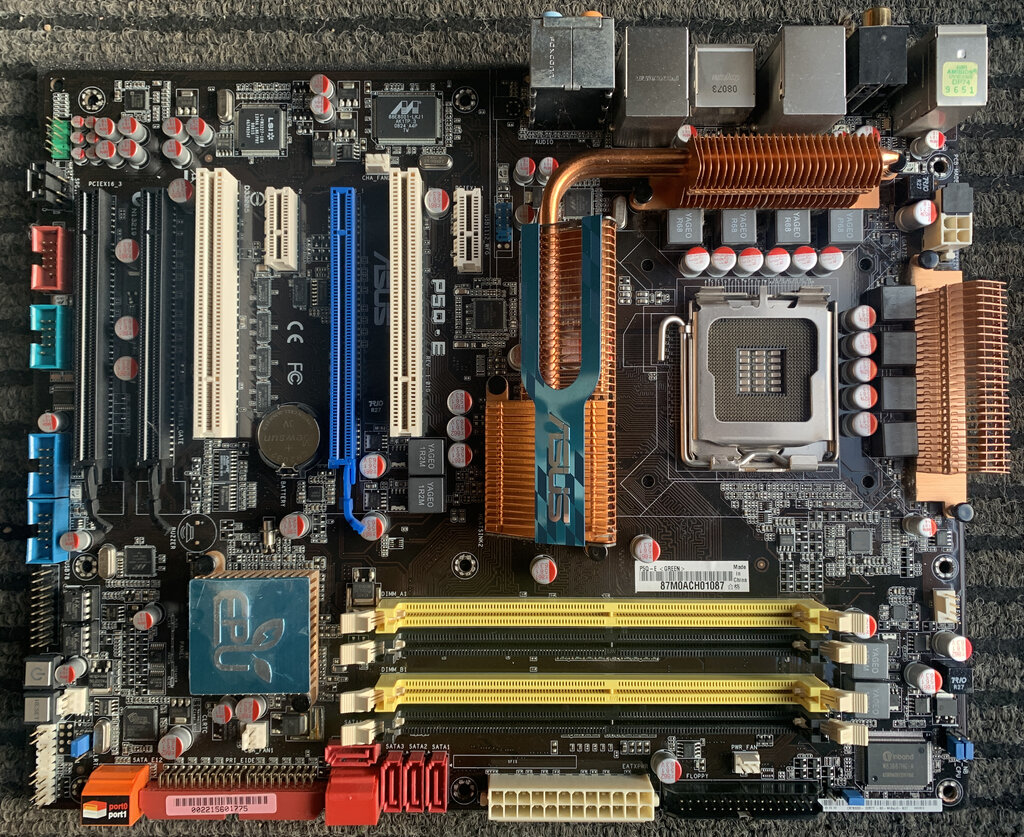
If the CPU is the brain, the motherboard is the central nervous system. It's a large circuit board that connects all the components, allowing them to communicate with each other. The CPU, memory, storage drives, and graphics card all plug directly into the motherboard.
Think of the motherboard as the foundation of your computer. The one you choose determines which other parts you can use.
Memory and Storage
A computer needs two kinds of memory: one for short-term tasks and another for long-term storage.
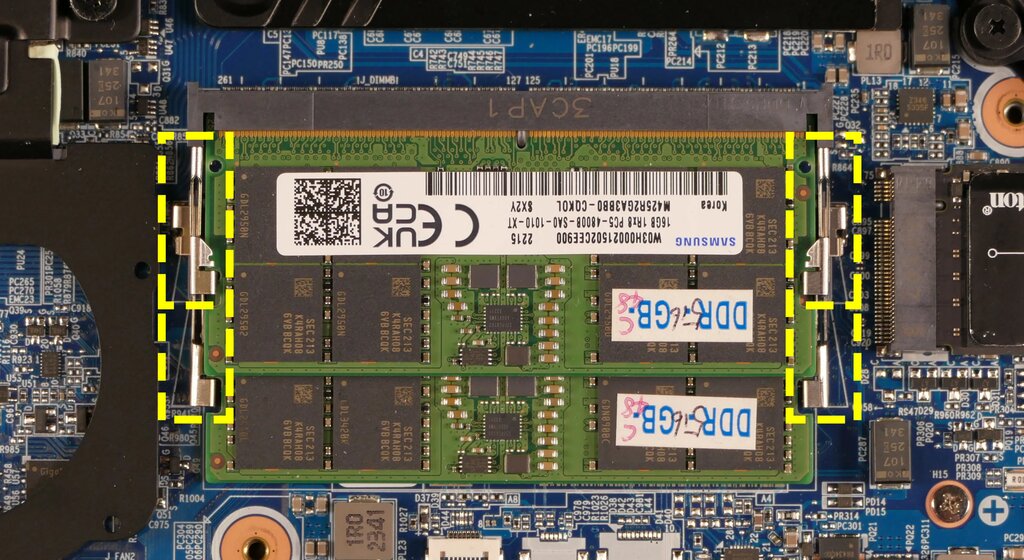
Random Access Memory, or RAM, is the computer's short-term memory. It holds the data for the applications that are currently running. Think of it as your desk space. The more desk space you have, the more projects you can work on at once without everything getting cluttered and slow. When you turn off the computer, everything in RAM is cleared.
For long-term storage, you have drives that hold your operating system, software, and personal files. This is like a filing cabinet; it keeps everything safe even when the power is off. There are two main types of storage drives.
| Feature | Hard Disk Drive (HDD) | Solid-State Drive (SSD) |
|---|---|---|
| Technology | Uses spinning magnetic platters | Uses flash-memory chips |
| Speed | Slower | Much faster |
| Durability | More fragile due to moving parts | More durable, no moving parts |
| Cost | Less expensive per gigabyte | More expensive per gigabyte |
Most modern computers use an SSD for the operating system and key programs to ensure fast boot times and performance, often alongside a larger HDD for storing files like photos and videos.
Power, Graphics, and Housing
All these components need electricity to run. The Power Supply Unit (PSU) takes the high-voltage alternating current (AC) from your wall outlet and converts it into the low-voltage direct current (DC) that computer components need. A good PSU is crucial for system stability and longevity. Skimping on the power supply can put your entire system at risk.
Next up is the Graphics Processing Unit, or GPU. Its main job is to render images, video, and animations and display them on your monitor. GPUs come in two main forms:
Integrated graphics are built into the CPU. They're fine for everyday tasks like browsing the web and word processing.
Dedicated graphics cards are separate, powerful components that plug into the motherboard. They are essential for demanding tasks like gaming, video editing, and 3D modeling.
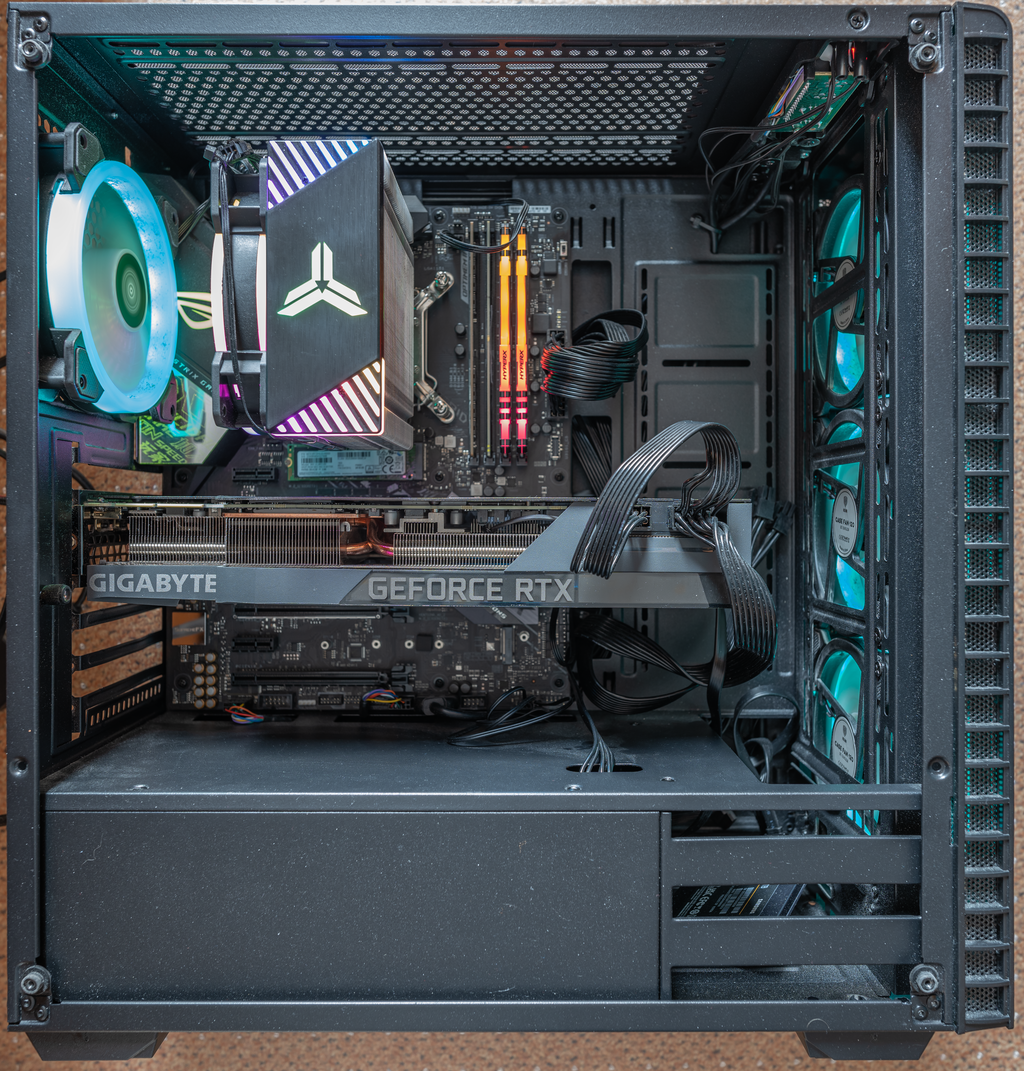
All this hardware needs a home. The computer case, or chassis, is the enclosure that protects all the internal components. Cases come in various shapes and sizes, known as form factors, which determine what size motherboard and how many components can fit inside. A good case also provides airflow to help keep everything cool.
Speaking of cooling, high-performance components generate a lot of heat. If they get too hot, they can slow down or even get damaged. Cooling systems are designed to prevent this. Most PCs use air cooling, which involves heatsinks and fans to draw heat away from components like the CPU. For more demanding systems, liquid cooling offers a more efficient, though more complex, solution by circulating a coolant through tubes to absorb and dissipate heat.
Now that you've met the team, let's see how much you remember about each player's role.
Which component is often called the "brain" of the computer and is responsible for processing most of its instructions?
If the CPU is the brain, the motherboard acts as the computer's...
Understanding these core components is the first and most important step in building or upgrading a PC. Each part plays a vital role in the computer's overall performance, and knowing their functions helps you make informed decisions.