Build Your Course Promotion Website with AI
Website Building Basics
Choosing Your Toolkit
Your course needs a home on the web. This is where you'll promote your material, connect with students, and build a brand. Years ago, this meant hiring a developer or learning to code. Today, website builders let you create a professional-looking site without writing a single line of code.
These platforms provide the templates, tools, and hosting all in one package. You choose a design, drag and drop elements onto the page, and type in your text. It's the fastest way to get your course website up and running.
The Main Contenders
While there are many website builders, three major players are particularly well-suited for creating an online course hub: Squarespace, Wix, and WordPress. Each has its own strengths and is designed for a slightly different type of user.
| Platform | Best For | Ease of Use | Customization |
|---|---|---|---|
| Squarespace | Stunning design, simplicity | Very Easy | Moderate |
| Wix | Total creative freedom | Easy | High |
| WordPress | Scalability, long-term control | Moderate | Very High |
Let's break that down.
Squarespace is famous for its beautiful, modern templates. If you want a visually striking site without much fuss, this is your best bet. It’s incredibly user-friendly, though this simplicity means you have slightly less control over the fine details of the layout.
Wix offers a true drag-and-drop editor. You can move any element anywhere on the page, giving you complete creative freedom. It's a great middle-ground, balancing ease of use with powerful customization options.
WordPress is the most powerful and flexible of the three. It's not a simple website builder but a full content management system (CMS). This power comes with a steeper learning curve. It's the right choice if you envision your site growing significantly over time, perhaps adding a blog, forum, or other complex features. For WordPress, you'll need to arrange your own web hosting and will work with themes and plugins to build your site.
Must-Have Features
No matter which platform you choose, there are a few core features your website must have to effectively promote a course and serve your students.
Creating a user-friendly course site begins with incorporating web design principles.
First, look for high-quality templates and customization. A good template gives you a professional design right out of the box. From there, you should be able to easily change colors, fonts, and layouts to match your personal brand. You aren't just building a page; you're creating a space that reflects the quality of your course.
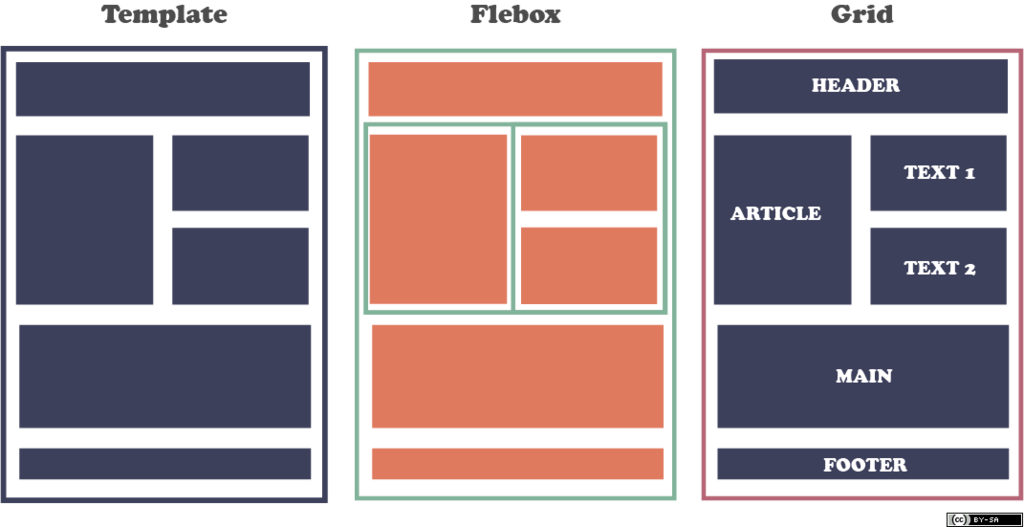
Next is responsive design. This is non-negotiable. A responsive website automatically adjusts its layout to fit any screen size, from a wide desktop monitor to a smartphone. Many of your students will access your site on their phones or tablets. If the site is difficult to navigate on a small screen, you'll lose them.
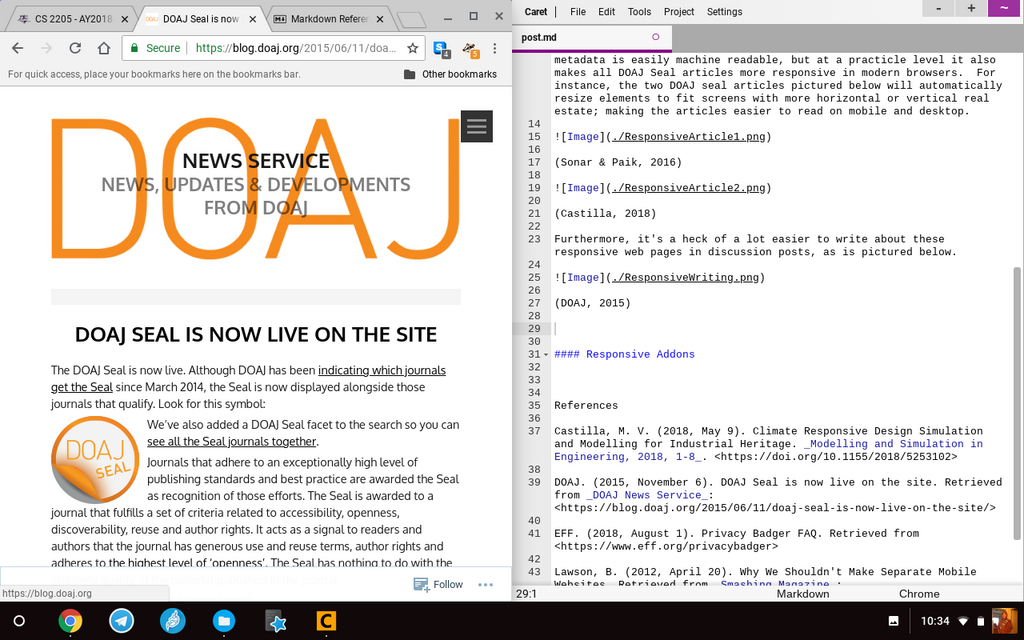
Finally, your site must handle multimedia content effortlessly. Your course will likely involve videos, images, and downloadable PDFs. Your website builder should make it easy to upload and display this content in a clean, organized way. Smooth video playback and fast-loading images are crucial for a good user experience.
Engaging videos and clear visuals aren't just decorations. They are essential teaching tools that make learning more effective and enjoyable.
Now, let's check your understanding of these foundational concepts.
An online instructor prioritizes complete creative freedom, wanting to place any element anywhere on their website. Which platform is best suited for this need?
The feature that ensures a website looks good and is easy to use on desktops, tablets, and smartphones is called...
Choosing the right platform and focusing on these key features will set you up with a strong foundation for your online course.