Build Your Business Website From Scratch
Introduction to Web Development
The Anatomy of a Website
Think of a website as a house. To build one, you need a blueprint for the structure, a plan for the interior design, and a way to make everything work, like plumbing and electricity. Web development uses three core technologies to build the digital equivalent.
Every website you visit, from your favorite news site to a simple blog, is built with these same three tools: HTML, CSS, and JavaScript.
Let's break down each of these components.
HTML Provides the Structure
HTML, which stands for HyperText Markup Language, is the foundation of every webpage. It's not a programming language; it's a markup language, which means it uses tags to define the content and structure of a document. Think of it as the framing of our house. It defines the rooms, doorways, and windows.
<!DOCTYPE html>
<html>
<head>
    <title>My First Page</title>
</head>
<body>
    <h1>This is a heading</h1>
    <p>This is a paragraph.</p>
</body>
</html>
This simple code creates a page with a title, a main heading, and a paragraph. The tags like <h1> (heading 1) and <p> (paragraph) tell the web browser how to display the content. Without HTML, there's no page to see.

CSS Adds the Style
Our house frame is up, but it's just bare bones. This is where CSS, or Cascading Style Sheets, comes in. CSS is the language for describing the presentation of a webpage. It controls the colors, fonts, spacing, and layout. In our house analogy, CSS is the paint, wallpaper, flooring, and furniture arrangement.
CSS works by selecting HTML elements and applying styles to them. You can target all paragraphs, specific headings, or elements with a certain class.
body {
  font-family: sans-serif;
  background-color: #f0f0f0;
}

h1 {
  color: navy;
}

p {
  font-size: 16px;
}
If we applied this CSS to our previous HTML, the page would instantly look different. The heading would be navy, the background a light gray, and the text would have a specific font and size. CSS separates the structure (HTML) from the presentation, making websites easier to maintain.
JavaScript Makes It Interactive
Now our house looks good, but it doesn't do anything. JavaScript (JS) is a true programming language that adds behavior and interactivity to websites. It's the electricity that powers the lights, the plumbing that brings water to the faucets, and the motor that opens the garage door.
JavaScript can change HTML and CSS in real-time. It can respond to user actions like clicks and keyboard presses, fetch new data from a server without reloading the page, create animations, and much more. When you click a "like" button, fill out a form that shows you errors as you type, or watch an image gallery slideshow, you're seeing JavaScript in action.
Setting Up Your Workshop
Getting started with web development is surprisingly simple. You don't need expensive software. You already have the most important tool: a web browser, like Chrome, Firefox, or Safari. Browsers are what read your HTML, CSS, and JavaScript files and render them as a visible webpage.
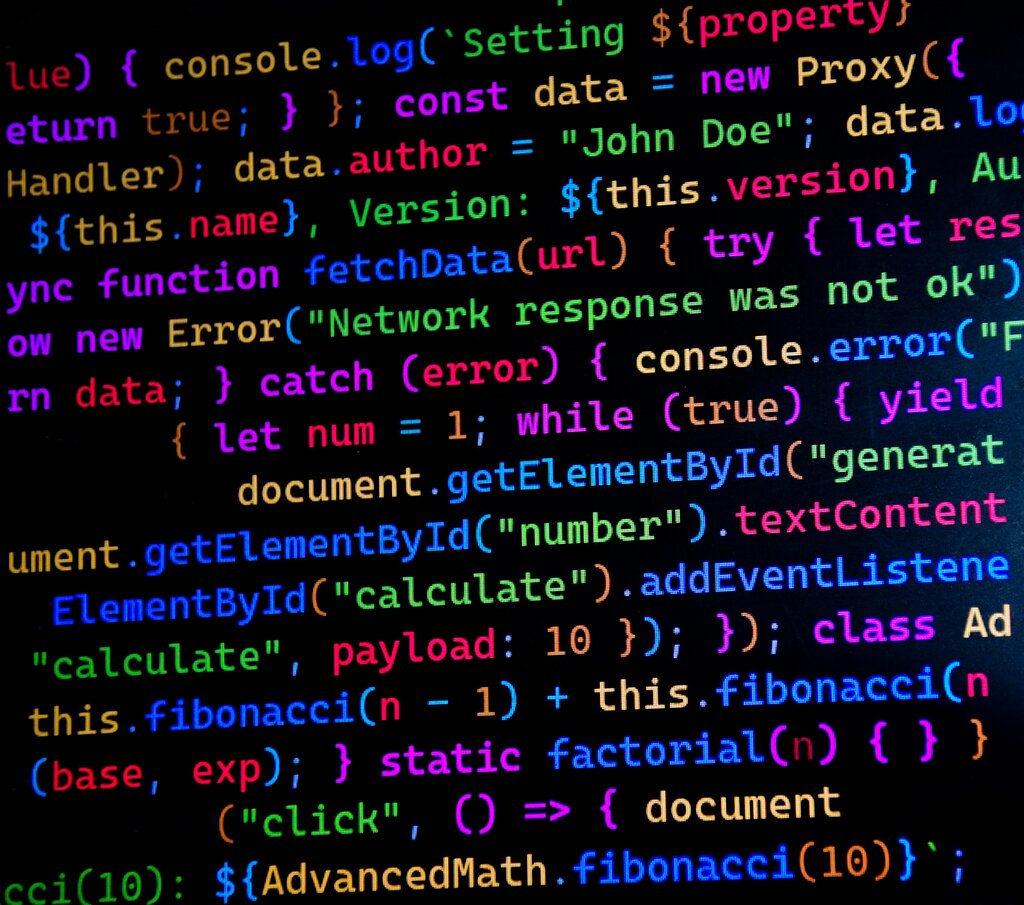
The only other thing you need is a text editor. While you could use a basic program like Notepad (Windows) or TextEdit (Mac), a dedicated code editor is much better. These editors provide features like syntax highlighting (coloring your code to make it readable), auto-completion, and error checking.
Great, free code editors include Visual Studio Code, Sublime Text, and Atom. Pick one and install it on your computer to get started.
With a browser and a code editor, you have everything you need to start building. You can create an index.html file, write some HTML, and open it directly in your browser to see your first webpage come to life.
In the analogy of building a house, what does HTML represent?
Which technology would you use to make a button change color when a user clicks on it?
Together, these three technologies form the foundation of the modern web. Mastering them is the first step on the path to becoming a web developer.