Build LLM Apps with Docker MCP
Introduction to Docker
What is a Container?
Before we talk about Docker, let's talk about a common problem in software development. A developer builds an application on their laptop. It works perfectly. But when they move it to another computer for testing or to a server for users, it breaks. This is often called the "it works on my machine" problem.
The cause is usually a difference in environments. Maybe the new computer has a different operating system version, a missing software library, or conflicting settings. It's a frustrating and time-consuming issue.
Containers solve this by bundling an application with all of its dependencies—code, libraries, settings, and tools—into a single, isolated package.
Think of a real-world shipping container. It can hold anything from furniture to electronics. No matter what's inside, the container itself is a standard size and shape, so it can be loaded onto any ship, train, or truck. Software containers work the same way. Once you package your application into a container, it will run consistently on any machine that can run containers, regardless of the underlying environment.
This concept is called containerization. It makes applications portable, efficient, and easy to manage.
The Docker Platform
Docker is an open-source platform that makes creating and using containers easy. It provides the tools you need to package your software into a container and run it anywhere.
At its core, Docker is a platform designed to automate the deployment, scaling, and management of applications in lightweight, portable containers.
The Docker ecosystem has a few key parts you'll hear about often:
-
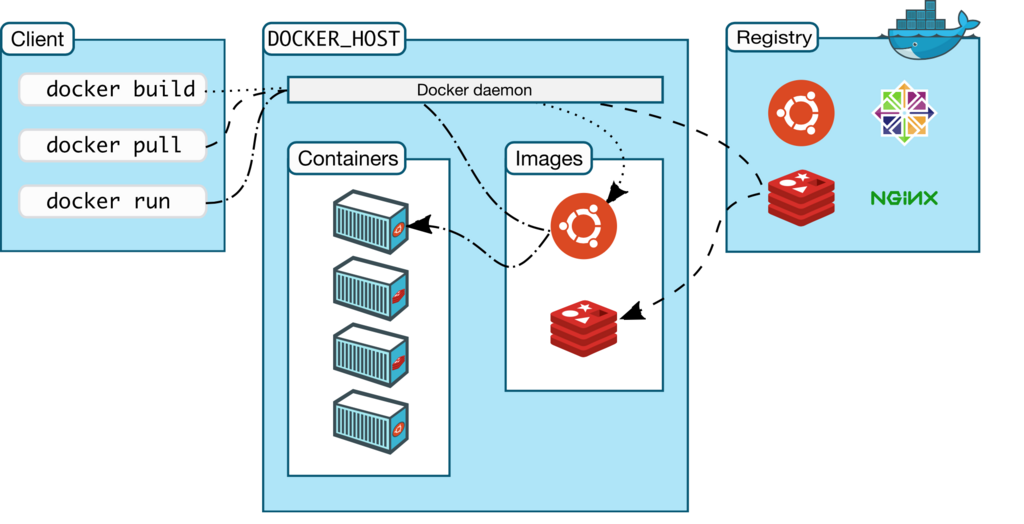
Dockerfile: This is a simple text file that contains instructions for building a Docker image. Think of it as a recipe. It lists all the steps needed, like copying your application's code and installing dependencies.
-
Image: An image is a read-only template created from a Dockerfile. It's a snapshot of an application and its environment. You can share images with other developers or store them for later use.
-
Container: A container is a runnable instance of an image. You can create, start, stop, move, or delete containers. It's the live, running version of your packaged application.
Get Started with Docker
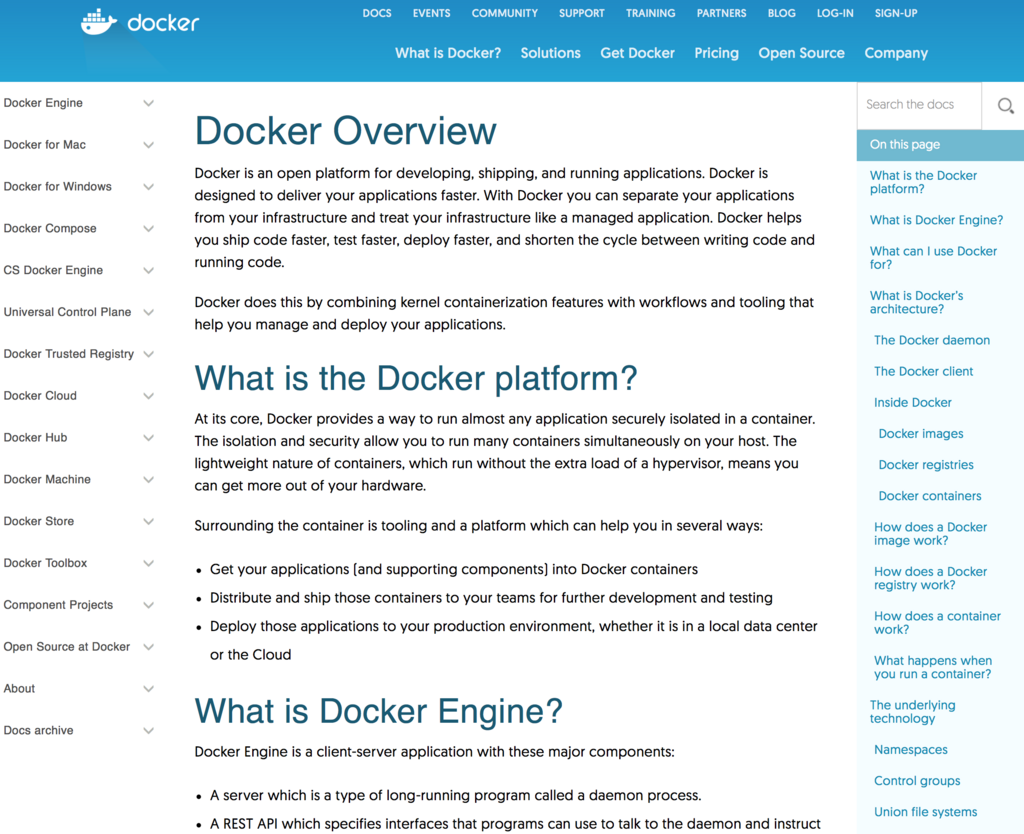
The best way to understand Docker is to use it. The first step is to install Docker Desktop, which is an easy-to-install application for your Mac or Windows computer that includes everything you need to build and run containerized applications.
You can download it from the official Docker website. The installation process is straightforward and well-documented. Just follow the instructions for your specific operating system.
Once Docker Desktop is installed and running, you can test it by running your first container. Open your terminal or command prompt and type the following command:
docker run hello-world
When you run this command, Docker checks if you have the hello-world image on your computer. If not, it automatically downloads it from Docker Hub, a public registry of Docker images. Then, it creates and starts a new container from that image.
The container runs, prints a confirmation message to your terminal, and then exits. The message explains what just happened and confirms that your Docker installation is working correctly. Congratulations, you've just run your first container!
What is the most common cause of the "it works on my machine" problem in software development?
The concept of containerization, where an application is packaged with its dependencies to run anywhere, is most analogous to what?
That simple command demonstrates the power of Docker. Without any complex setup, you were able to download and run a pre-packaged application in an isolated environment.