Build AI Agents with Microsoft Copilot Studio
Introduction to Microsoft Copilot Studio
What is Copilot Studio?
Microsoft Copilot Studio is a platform where you can build your own AI assistants, or “copilots.” Think of it as a workshop for creating specialized AI helpers. Instead of a general-purpose AI, you can design one that knows the ins and outs of your specific business, whether it's answering customer questions, helping employees with internal procedures, or automating simple tasks.
The key idea is that you don't need to be a professional programmer to do it. You can build these copilots by describing what you want in plain English or by using a visual, drag-and-drop interface. It’s an end-to-end tool, meaning you can design, test, and publish your AI agent all in one place.
Copilot Studio has evolved into a powerhouse for building custom AI agents with low-code/no-code flexibility.
Core Capabilities
Copilot Studio is built around a straightforward workflow: you design a conversation, test it to see how it works, and then publish it for others to use. This cycle lets you build and refine your AI agent quickly.
| Capability | Description |
|---|---|
| Design | Create conversational flows using a visual canvas or natural language. You map out how the AI should respond to different user questions or commands. |
| Test | Chat with your copilot in a built-in test window as you build. This lets you immediately see how your changes affect the conversation. |
| Publish | Deploy your finished copilot to various platforms, such as a public website, an internal employee portal, or Microsoft Teams. |
This integrated approach means you can go from an idea to a functioning AI assistant without juggling multiple complex tools.
A Tour of the Interface
When you first open Copilot Studio, the layout is designed to be clear and accessible. You'll spend most of your time working with a few key areas.
- Navigation Pane: On the left, this is where you move between different sections. You can select the copilot you're working on, manage conversational 'Topics,' view analytics, and publish your agent.
- Authoring Canvas: This is the main workspace where you'll build your copilot’s logic. You'll create flows that define how conversations start, what questions the AI asks, and how it responds.
- Test Pane: A chat window where you can interact with your copilot in real-time. As you make changes on the canvas, you can immediately test them here to ensure everything works as expected.
What Are AI Agents?
In the context of Copilot Studio, an agent (or copilot) is an AI program designed to perform specific tasks through conversation. Unlike a simple chatbot that follows a rigid script, these agents can understand user intent and carry out actions.
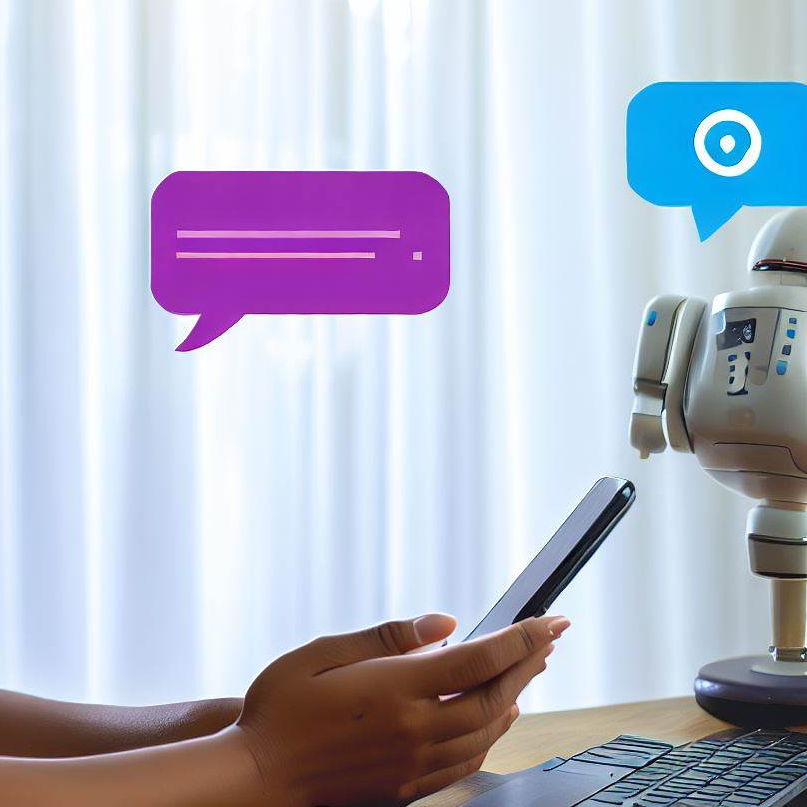
For example, you could build an agent for an online store. A customer could type, "I want to know my order status." The agent would understand the request, ask for the order number, and then provide the shipping details. In an office setting, an agent could help an employee book a meeting room or submit an IT support ticket.
The goal is to automate routine processes and provide instant, helpful responses, freeing up human team members for more complex work.
Now that you're familiar with the basics, you're ready to start exploring how to build your first AI agent.